
All Games
The Outer Worlds System Requirements
October 25, 2019Obsidian Entertainment86/100
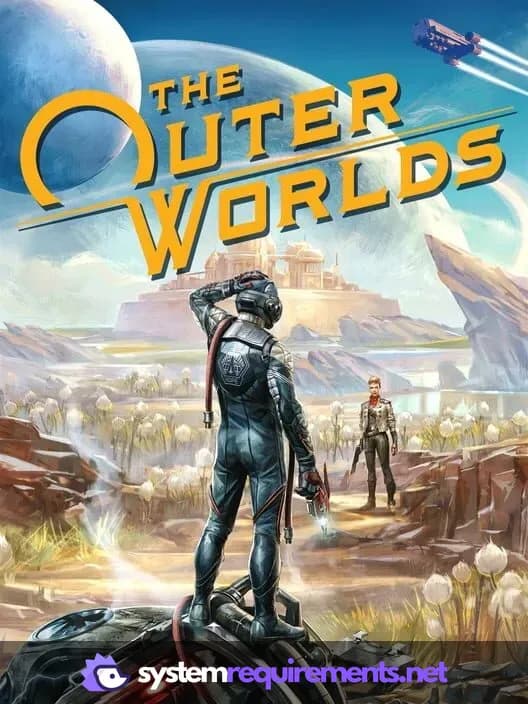
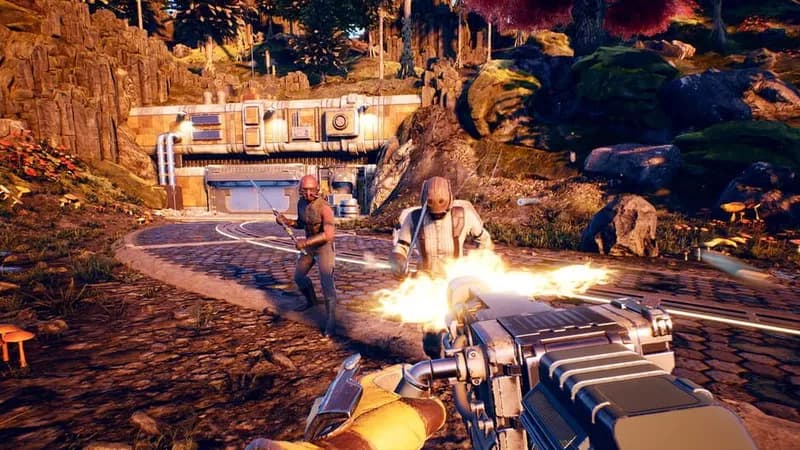
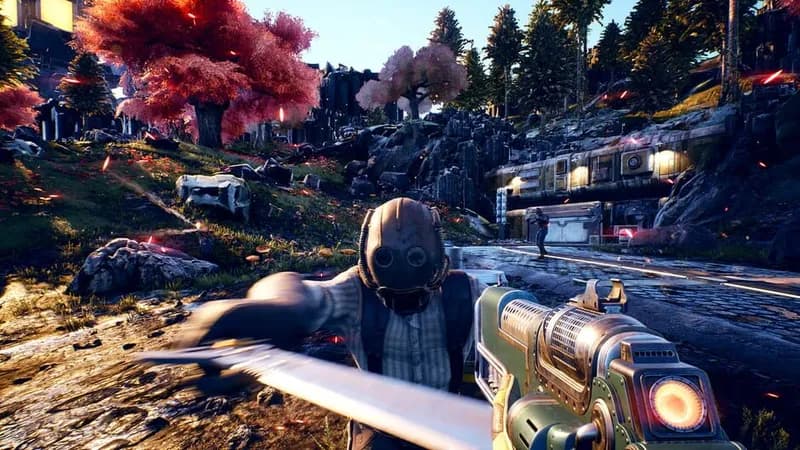
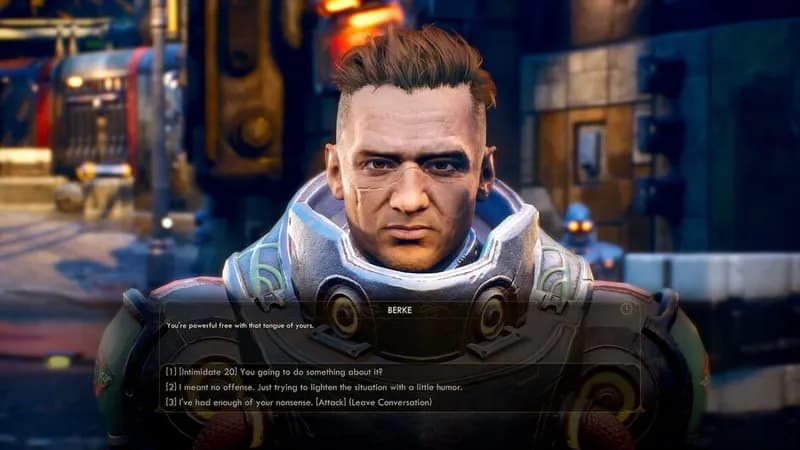
Navigate a corporate-controlled Halcyon colony in this single-player RPG from Obsidian. Your choices and character build will directly influence the fate of the struggling factions inhabiting this distant star system.
The Outer Worlds Minimum & Recommended Specs
Minimum: Intel Core i3-3220, Nvidia GTX 650, 4 GB RAM. Recommended: 8 GB RAM RAM.
Minimum System Requirements
Recommended System Requirements
E3 2019 Trailer
Quick Performance Tips for The Outer Worlds
#1
Lower shadow quality for a significant FPS boost.
#2
Reduce draw distance to improve performance.
#3
Close unnecessary background applications.
#4
Update your graphics drivers for optimal performance.
The Outer Worlds System Requirements FAQ
Can I run The Outer Worlds on a low-end PC?
If your PC meets the minimum requirements (Intel Core i3-3220 or AMD Phenom II X6 1100T, Nvidia GTX 650 Ti or AMD HD 7850, and 4 GB RAM), you should be able to run The Outer Worlds at low settings with acceptable performance. However, expect lower frame rates and graphical fidelity.
What GPU do I need for The Outer Worlds?
For minimum settings, an Nvidia GTX 650 Ti or AMD HD 7850 is required. For recommended settings and a smoother experience, an Nvidia GeForce GTX 1060 6GB or AMD Radeon RX 470 is recommended.
How much RAM does The Outer Worlds need?
The Outer Worlds requires a minimum of 4 GB of RAM. However, 8 GB of RAM is recommended for optimal performance and to avoid stuttering, especially at higher settings.
Will The Outer Worlds run on integrated graphics?
While it's technically possible, The Outer Worlds is unlikely to run well on integrated graphics. The game requires a dedicated graphics card to achieve playable frame rates, even at the lowest settings. Performance will likely be very poor.
What is the best graphics settings for The Outer Worlds?
The best graphics settings depend on your hardware. If you meet the recommended specs, you can likely run the game on medium to high settings. If you meet the minimum specs, start with low settings and gradually increase them until you find a balance between visual quality and performance. Experiment with shadow quality and draw distance, as these can heavily impact frame rates.
The Outer Worlds Game Info
Developer
Obsidian Entertainment
Publisher
Private Division
Release Date
October 25, 2019
Platforms
Xbox Series X|S, PlayStation 4, PC (Microsoft Windows), Xbox One, Nintendo Switch
Genres
ShooterRole-playing (RPG)Adventure
Game Modes
- Single player
The Outer Worlds Screenshots
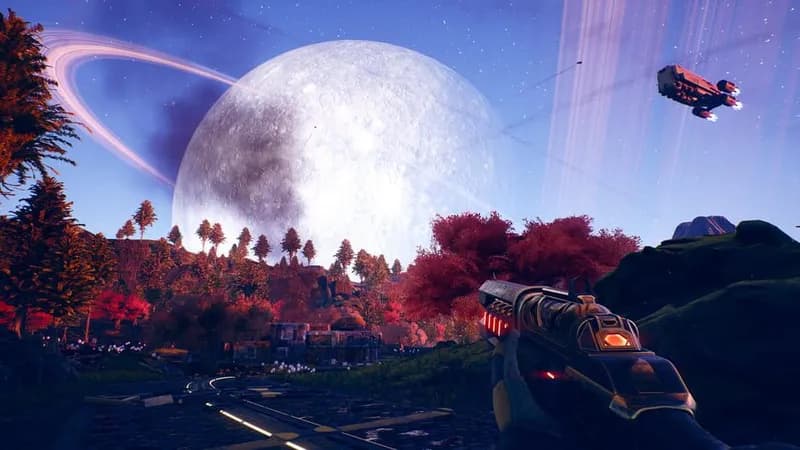




Optimize Your PC for The Outer Worlds
Use our free tools to analyze and improve your gaming performance