All Games

Titan Quest Anniversary Edition System Requirements

August 31, 2016Iron Lore Entertainment

Celebrate a decade of slaying monsters with Titan Quest Anniversary Edition. This compilation unites the original game and Immortal Throne expansion, refined with extensive updates for enhanced performance and gameplay.

Titan Quest Anniversary Edition Minimum & Recommended Specs

Minimum: 2.0 GHz CPU, NVIDIA GeForce 6800, 1 GB RAM. Recommended: 2 GB RAM RAM.

Minimum System Requirements

OS
Windows XP / Windows Vista / Windows 7 / Windows 8 / Windows 10 32 or 64 bit
Processor
2.0 GHz CPUCPU Deals
RAM
1 GB RAMRAM Deals
Graphics Card
NVIDIA GeForce 6800 series or ATI Radeon X800 series or betterGPU Deals
DirectX
9.0c
Storage
5 GB available spaceSSD Deals

Recommended System Requirements

OS
Windows XP / Windows Vista / Windows 7 / Windows 8 / Windows 10 32 or 64 bit
Processor
3.0 GHz CPU Dual Core or betterCPU Deals
RAM
2 GB RAMRAM Deals
Graphics Card
NVIDIA GeForce 8800 series or ATI Radeon HD 4800 series or betterGPU Deals
DirectX
9.0c
Storage
5 GB available spaceSSD Deals

Trailer

Quick Performance Tips for Titan Quest Anniversary Edition

#1

Lower shadow quality for a significant performance boost.

#2

Disable anti-aliasing if you're experiencing frame rate issues.

#3

Close unnecessary background applications to free up RAM.

#4

Run the game in fullscreen mode for optimal performance.

Titan Quest Anniversary Edition System Requirements FAQ

Can I run Titan Quest Anniversary Edition on a low-end PC?
Yes, Titan Quest Anniversary Edition is designed to run on older hardware. As long as you meet the minimum requirements (2.0 GHz CPU, GeForce 6800/Radeon X800, 1GB RAM), you should be able to play, though you may need to lower the graphics settings for optimal performance.
What GPU do I need for Titan Quest Anniversary Edition?
At a minimum, you'll need an NVIDIA GeForce 6800 series or an ATI Radeon X800 series or better. For a smoother experience, especially at higher resolutions or settings, an NVIDIA GeForce 8800 series or an ATI Radeon HD 4800 series or better is recommended.
How much RAM does Titan Quest Anniversary Edition need?
The game requires a minimum of 1 GB of RAM. However, 2 GB of RAM is recommended for a smoother and more stable experience, especially when playing with higher graphics settings or in multiplayer.
Will Titan Quest Anniversary Edition run on integrated graphics?
While it's *possible* the game might run on some newer integrated graphics solutions, it's not officially supported. Performance will likely be poor, even at the lowest settings. A dedicated graphics card is highly recommended for a playable experience.
What is the best graphics settings for Titan Quest Anniversary Edition?
The best settings depend on your hardware. Start with the 'Medium' preset and adjust from there. If you experience lag, lower settings like shadows, texture quality, and anti-aliasing. Experiment to find the best balance between visual quality and performance.
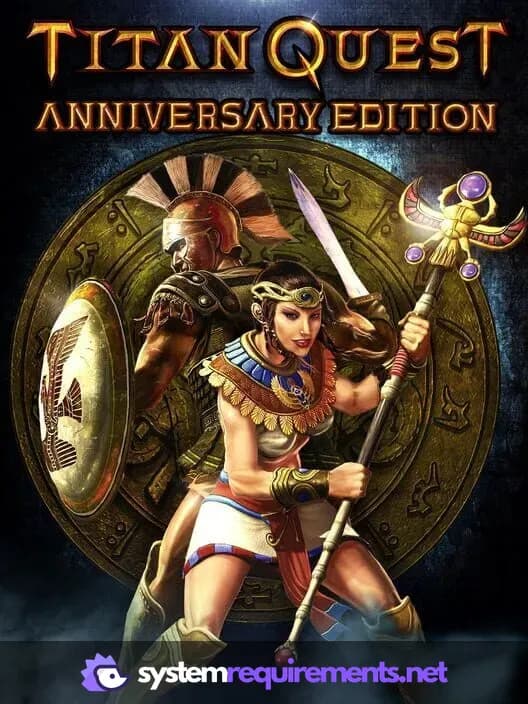
Titan Quest Anniversary Edition PC game cover art

Titan Quest Anniversary Edition Game Info

Developer

Iron Lore Entertainment

Publisher

THQ Nordic

Release Date

August 31, 2016

Platforms

PlayStation 4, PC (Microsoft Windows), Xbox One, Nintendo Switch

Genres

Role-playing (RPG)Hack and slash/Beat 'em up

Game Modes

  • Single player
  • Multiplayer
  • Co-operative

Titan Quest Anniversary Edition Screenshots
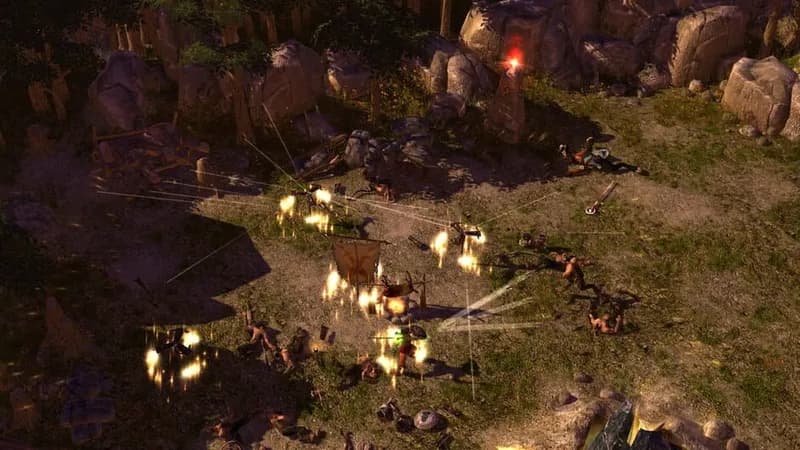
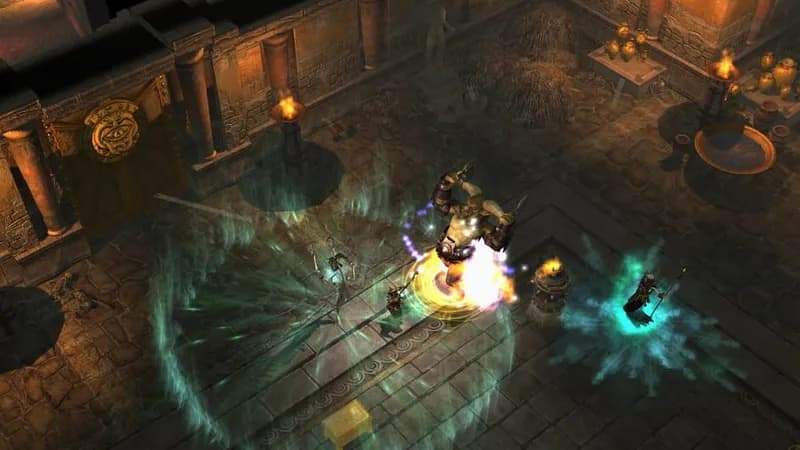
Titan Quest Anniversary Edition gameplay screenshot 1
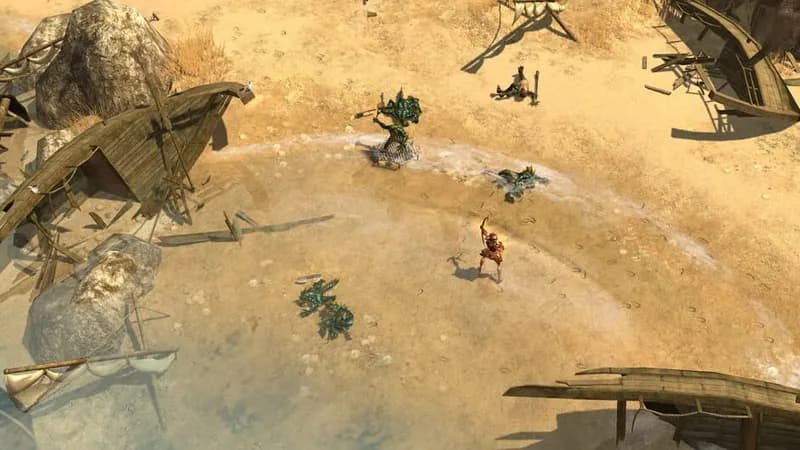
Titan Quest Anniversary Edition gameplay screenshot 2
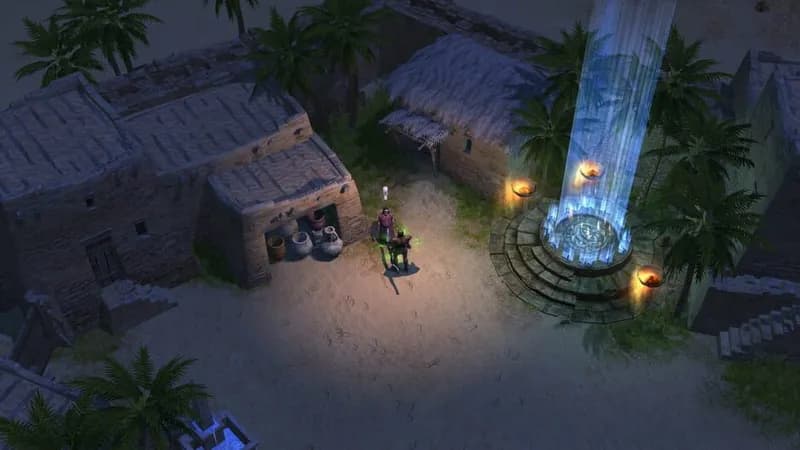
Titan Quest Anniversary Edition gameplay screenshot 3
Titan Quest Anniversary Edition gameplay screenshot 4
Titan Quest Anniversary Edition System Requirements - Can Your PC Run It?