
All Games
Typing Break System Requirements
January 27, 2026Tholus Games
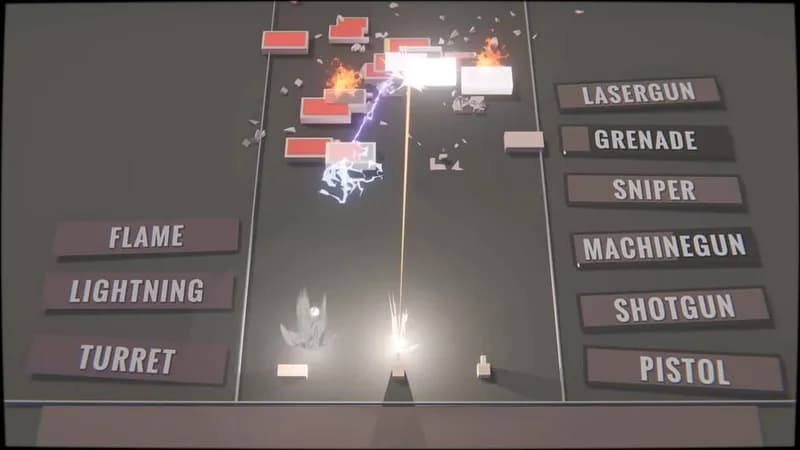
Accuracy at the keyboard translates to firepower on screen. Obliterate targets with rapid-fire typing skills in this unique test of dexterity.
Typing Break Minimum & Recommended Specs
Minimum: 1 GHz, Not available, 1 GB RAM. Recommended: 2 GB RAM RAM.
Minimum System Requirements
Recommended System Requirements
Upgrade Your Hardware
Trailer
Quick Performance Tips for Typing Break
#1
Close unnecessary background programs.
#2
Ensure your drivers are up to date.
#3
Restart your computer periodically.
#4
Lower the game resolution if needed.
Typing Break System Requirements FAQ
Can I run Typing Break on a low-end PC?
Typing Break has very modest requirements. If your PC has a 1 GHz processor and 1 GB of RAM, you should be able to run it, though performance may be better with a 2 GHz processor and 2 GB of RAM.
What GPU do I need for Typing Break?
Typing Break's GPU requirements are minimal. A dedicated graphics card is not specified, implying integrated graphics should be sufficient.
How much RAM does Typing Break need?
Typing Break requires a minimum of 1 GB of RAM. For a smoother experience, 2 GB of RAM is recommended.
Will Typing Break run on integrated graphics?
Yes, Typing Break should run on integrated graphics, as a dedicated GPU is not listed as a minimum requirement.
What is the best graphics settings for Typing Break?
Typing Break is not graphically demanding, so you likely won't need to adjust graphics settings. If you experience any slowdown, try closing other applications running in the background.
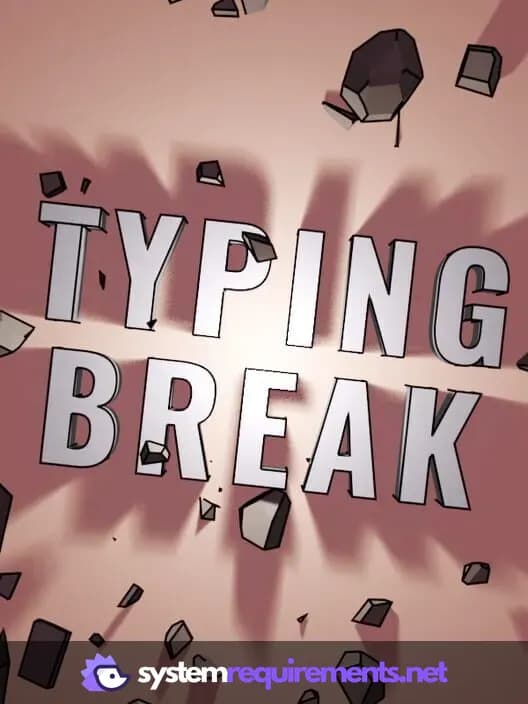
Typing Break Game Info
Developer
Tholus Games
Publisher
Tholus Games
Release Date
January 27, 2026
Platforms
PC (Microsoft Windows)
Genres
Indie
Game Modes
- Single player
Typing Break Screenshots
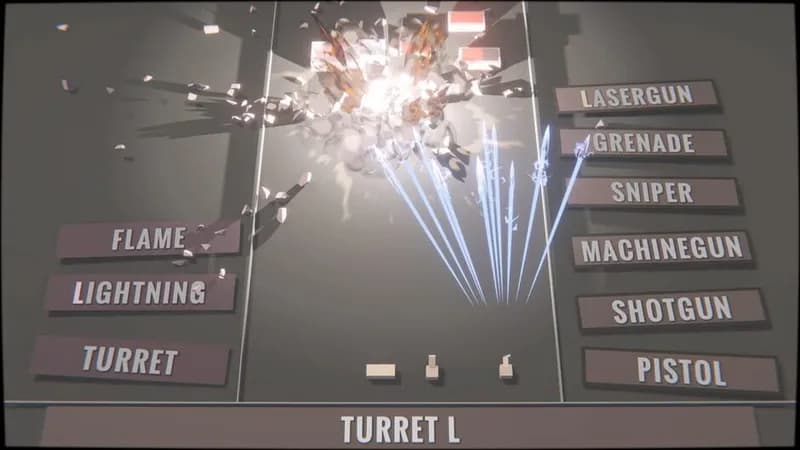
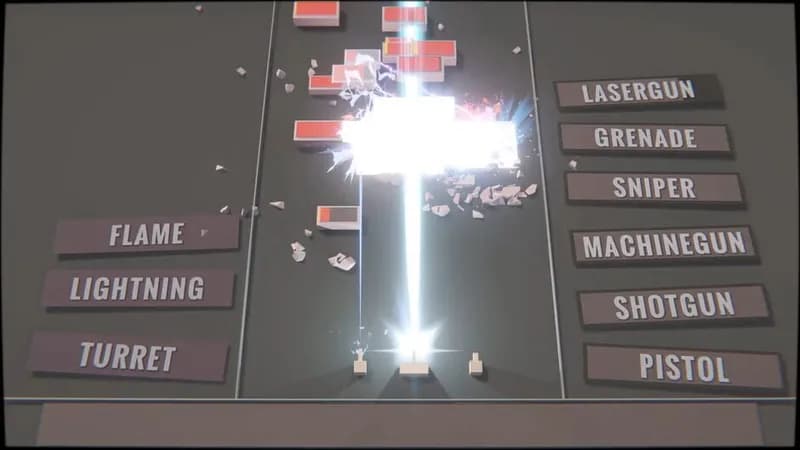
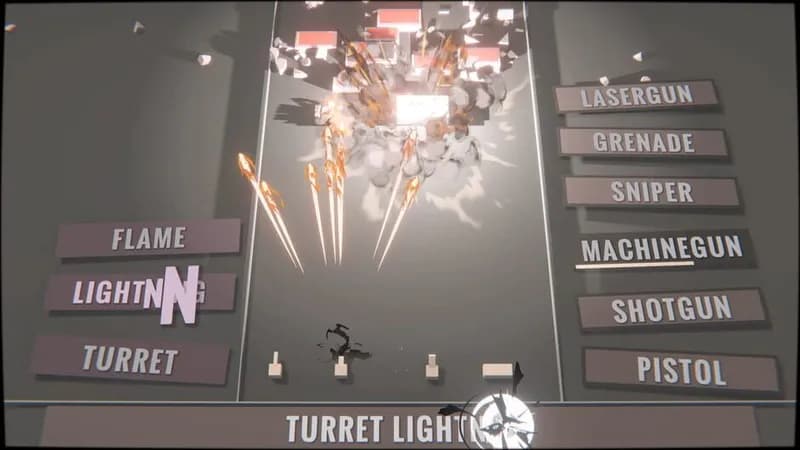




Optimize Your PC for Typing Break
Use our free tools to analyze and improve your gaming performance