
All Games
Ultimate Epic Battle Simulator 2 System Requirements
May 12, 2022
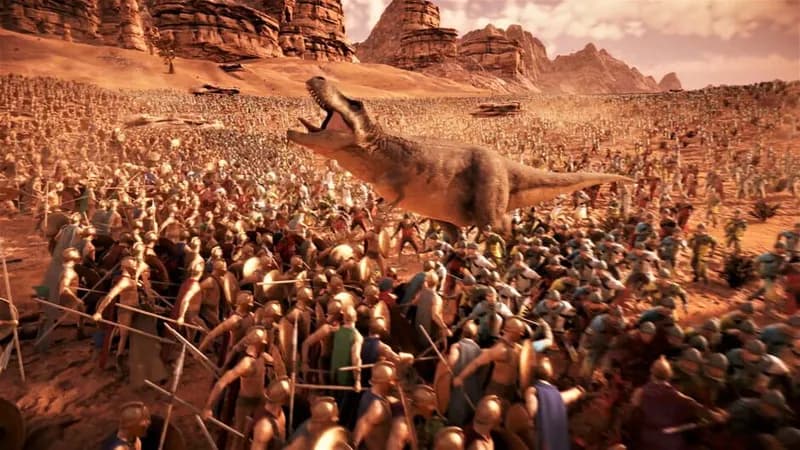
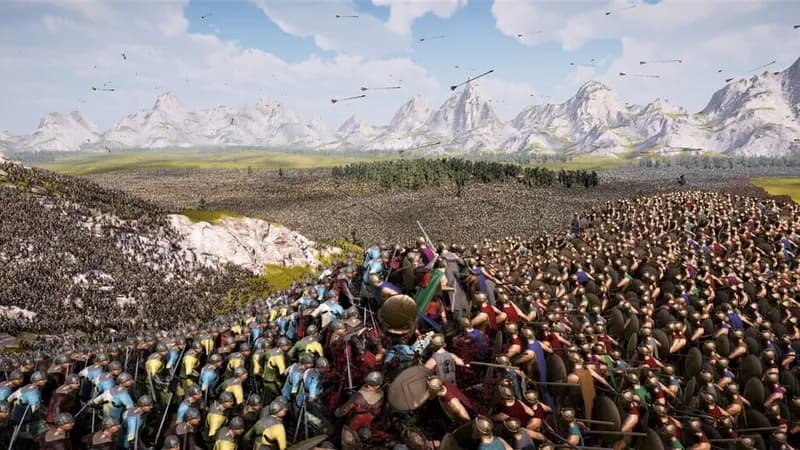
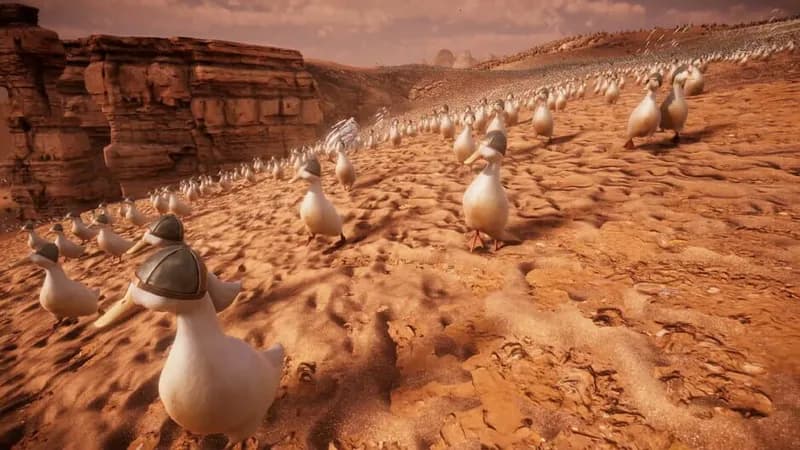
UEBS2 lets players orchestrate battles of unprecedented scale, simulating conflicts with potentially millions of units. Experience pre-built campaigns, user-generated content, or design your own scenarios in sandbox and FPS modes.
Ultimate Epic Battle Simulator 2 Minimum & Recommended Specs
Minimum: AMD Ryzen 5, AMD Radeon R9, 8 GB RAM. Recommended: 16 GB RAM RAM.
Minimum System Requirements
Recommended System Requirements
Quick Performance Tips for Ultimate Epic Battle Simulator 2
#1
Lower unit count for better performance.
#2
Reduce shadow quality for a quick FPS boost.
#3
Disable or lower anti-aliasing settings.
#4
Close background apps to free up RAM.
Ultimate Epic Battle Simulator 2 System Requirements FAQ
Can I run Ultimate Epic Battle Simulator 2 on a low-end PC?
While the game might launch on a PC below the minimum specs (AMD Ryzen 5 1600 / Intel Core i5-4590, AMD Radeon R9 270X / NVIDIA GeForce GTX 960, 8 GB RAM), expect significantly reduced unit counts and lower graphical settings for playable performance. Performance will vary greatly depending on how far below the minimum specs your system is.
What GPU do I need for Ultimate Epic Battle Simulator 2?
For minimum performance, an AMD Radeon R9 270X or NVIDIA GeForce GTX 960 is required. For a smoother experience with higher unit counts and better graphics, an AMD Radeon RX 5700 or NVIDIA GeForce RTX 2060 is recommended.
How much RAM does Ultimate Epic Battle Simulator 2 need?
A minimum of 8 GB of RAM is required to launch the game, but 16 GB of RAM is highly recommended, especially for larger battles and complex simulations. Insufficient RAM can lead to stuttering and crashes.
Will Ultimate Epic Battle Simulator 2 run on integrated graphics?
Running Ultimate Epic Battle Simulator 2 on integrated graphics is not recommended. While it *might* launch, expect very low performance, even with minimal unit counts and the lowest graphical settings. A dedicated graphics card is essential for a playable experience.
What is the best graphics settings for Ultimate Epic Battle Simulator 2?
The 'best' settings depend on your hardware. Start with the 'Medium' preset and adjust from there. If you're struggling with performance, lower settings like shadows, textures, and unit detail. Experiment to find a balance between visual quality and frame rate.
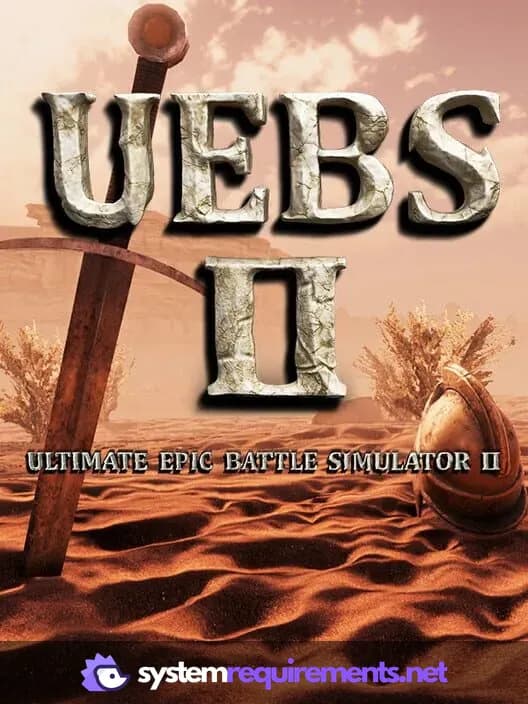
Ultimate Epic Battle Simulator 2 Game Info
Release Date
May 12, 2022
Platforms
PC (Microsoft Windows)
Genres
SimulatorStrategyAdventureIndie
Game Modes
- Single player
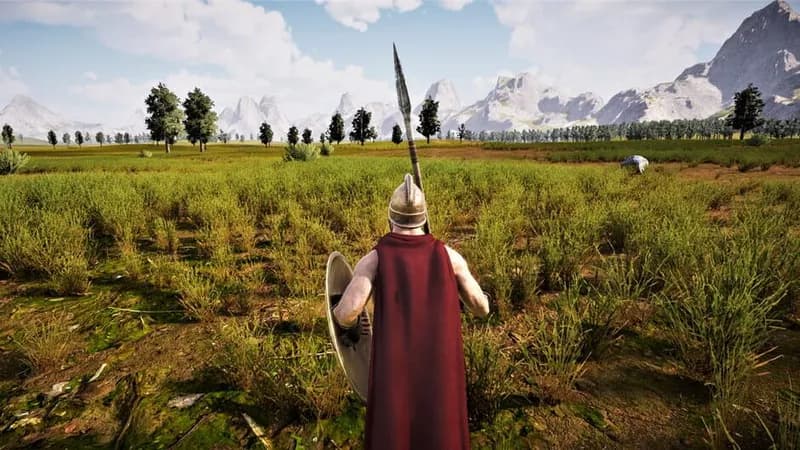
Ultimate Epic Battle Simulator 2 Screenshots
Games Similar to Ultimate Epic Battle Simulator 2
Rising Front
View requirements →

Five Nights at Freddy's: Security Breach
View requirements →

The Long Dark: Tales from the Far Territory
View requirements →

Call to Arms - Gates of Hell: Liberation
View requirements →

Cult of the Lamb: Cultist Pack
View requirements →
Rust - Voice Props Pack
View requirements →
Optimize Your PC for Ultimate Epic Battle Simulator 2
Use our free tools to analyze and improve your gaming performance