
All Games
Vampire: The Masquerade - Bloodlines System Requirements
November 16, 2004Troika Games72/100
Navigate the nocturnal underbelly of Los Angeles as a newly-embraced vampire in this RPG adaptation of the classic tabletop game. Forge alliances and choose your allegiances amidst warring vampire factions, all while serving the enigmatic Prince LaCroix.
Vampire: The Masquerade - Bloodlines Minimum & Recommended Specs
Minimum: Pentium III 800MHz, 32MB DirectX 9.0, 256MB RAM. Recommended: 512MB RAM RAM.
Minimum System Requirements
Recommended System Requirements
Trailer
Quick Performance Tips for Vampire: The Masquerade - Bloodlines
#1
Install the unofficial patch for bug fixes and improvements!
#2
Lower texture detail if you're running out of VRAM.
#3
Disable antialiasing for a performance boost.
#4
Close background applications to free up RAM.
Vampire: The Masquerade - Bloodlines System Requirements FAQ
Can I run Vampire: The Masquerade - Bloodlines on a low-end PC?
Yes, but potentially with compromises. The minimum requirements are quite low (Pentium III 800MHz, 256MB RAM, Geforce 2/ATI 8500 or better). However, expect low graphics settings and potentially lower framerates. A PC closer to the recommended specs (Pentium 4 1.2GHz, 512MB RAM, Geforce 4/ATI 9600 or better) will provide a smoother experience.
What GPU do I need for Vampire: The Masquerade - Bloodlines?
The minimum GPU is a DirectX 9.0 compatible card with 32MB of VRAM, such as a Geforce 2 or ATI 8500. For a better experience, a 64MB DirectX 9.0 compatible card like a Geforce 4 or ATI 9600 is recommended.
How much RAM does Vampire: The Masquerade - Bloodlines need?
The game requires at least 256MB of RAM to run. However, 512MB of RAM is recommended for smoother gameplay and fewer loading stutters.
Will Vampire: The Masquerade - Bloodlines run on integrated graphics?
It's possible, but performance will likely be poor. Integrated graphics solutions from the era of the game (early 2000s) might struggle. Modern integrated graphics may fare better, but it's not guaranteed to be a smooth experience. Try lowering all graphics settings.
What is the best graphics settings for Vampire: The Masquerade - Bloodlines?
This depends on your hardware. Start with the 'Medium' preset. If performance is good, increase settings like texture detail and antialiasing. If you experience slowdowns, lower settings like shadows, water detail, and draw distance first.
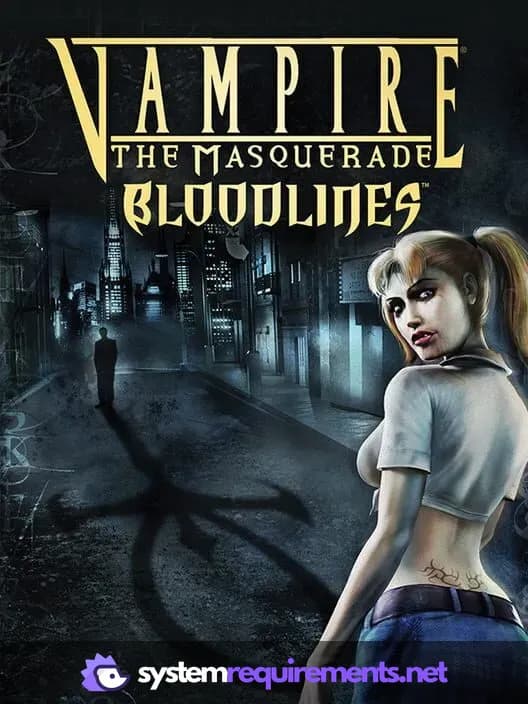
Vampire: The Masquerade - Bloodlines Game Info
Developer
Troika Games
Publisher
Electronic Arts
Release Date
November 16, 2004
Platforms
PC (Microsoft Windows)
Genres
Role-playing (RPG)
Game Modes
- Single player
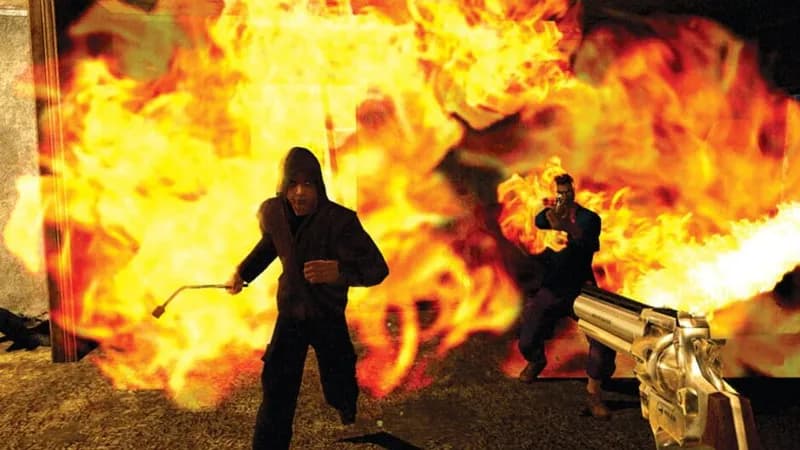
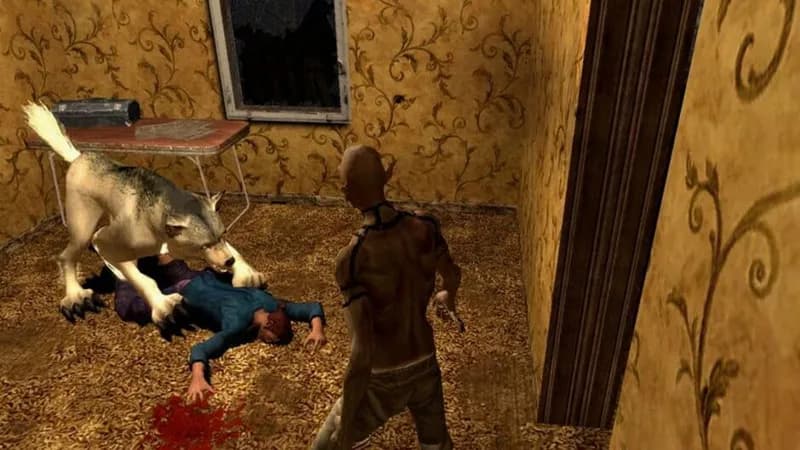
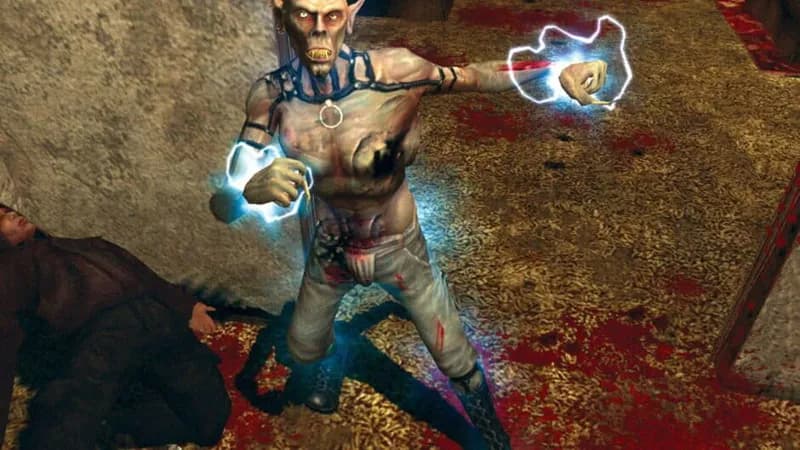
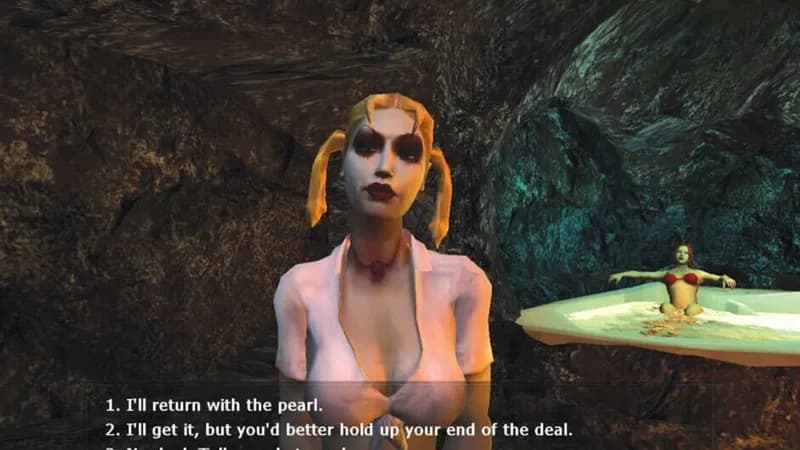
Vampire: The Masquerade - Bloodlines Screenshots
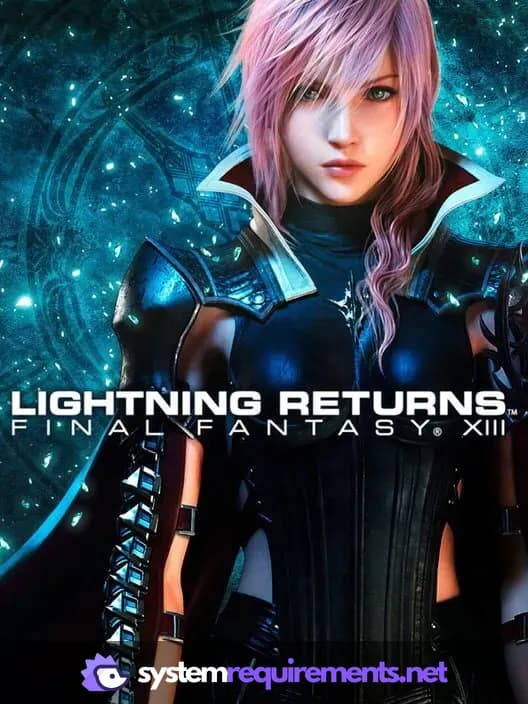
Games Similar to Vampire: The Masquerade - Bloodlines




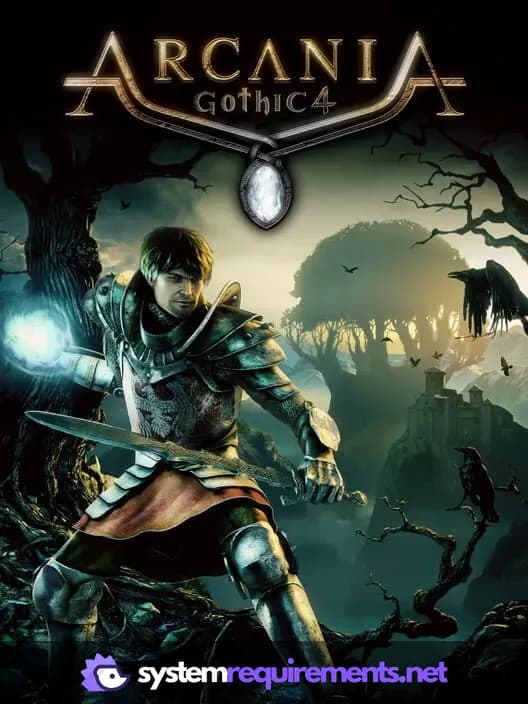
Optimize Your PC for Vampire: The Masquerade - Bloodlines
Use our free tools to analyze and improve your gaming performance