
All Games
Victoria 3: Sphere of Influence - Expansion System Requirements
Victoria 3: Sphere of Influence - Expansion Minimum & Recommended Specs
Minimum: Intel® Core™ i3-9100, Nvidia® GeForce™ GTX, 8 GB RAM. Recommended: 16 GB RAM RAM.
Minimum System Requirements
Recommended System Requirements
Quick Performance Tips for Victoria 3: Sphere of Influence - Expansion
#1
Lower the graphics settings for better performance.
#2
Close unnecessary background applications.
#3
Reduce the game resolution if needed.
#4
Upgrade your RAM for smoother gameplay.
Victoria 3: Sphere of Influence - Expansion System Requirements FAQ
Can I run Victoria 3: Sphere of Influence - Expansion on a low-end PC?
While the minimum requirements allow you to launch the game, expect lower performance and potentially reduced graphics settings. Aim for at least the recommended specs for a smoother experience.
What GPU do I need for Victoria 3: Sphere of Influence - Expansion?
At a minimum, you'll need an Nvidia GeForce GTX 660 (2GB) or an AMD Radeon HD 7870 (2GB). For better performance, especially at higher resolutions, an Nvidia GeForce GTX 1660 (6GB) or AMD Radeon RX 590 (8GB) is recommended.
How much RAM does Victoria 3: Sphere of Influence - Expansion need?
The game requires at least 8 GB of RAM to run. However, 16 GB of RAM is highly recommended for a smoother experience, especially with larger nations and later game stages.
Will Victoria 3: Sphere of Influence - Expansion run on integrated graphics?
Running Victoria 3: Sphere of Influence - Expansion on integrated graphics is not recommended. While it *might* launch, performance will likely be very poor, even at the lowest settings. A dedicated graphics card is strongly advised.
What is the best graphics settings for Victoria 3: Sphere of Influence - Expansion?
The 'best' settings depend on your hardware. If you meet the recommended specs, start with 'High' and adjust from there. If you're closer to the minimum specs, start with 'Low' or 'Medium' and prioritize performance over visual fidelity.

Victoria 3: Sphere of Influence - Expansion Game Info
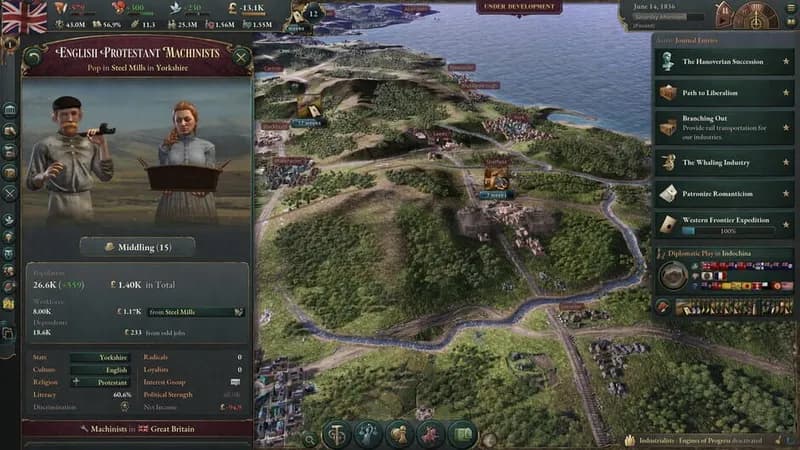
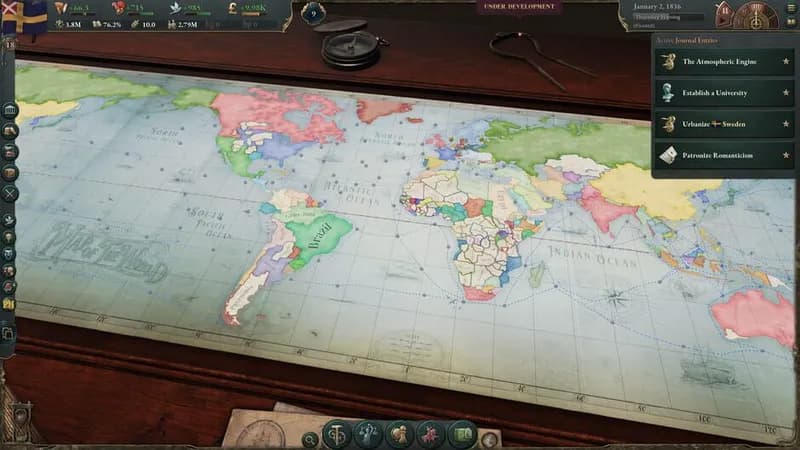
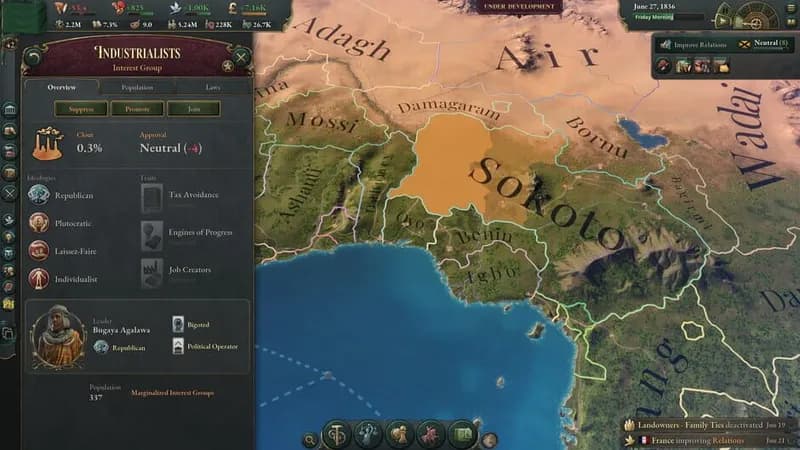
Victoria 3: Sphere of Influence - Expansion Screenshots

Games Similar to Victoria 3: Sphere of Influence - Expansion



Optimize Your PC for Victoria 3: Sphere of Influence - Expansion
Use our free tools to analyze and improve your gaming performance
Estimate FPS for Victoria 3: Sphere of Influence - Expansion
Calculate expected frame rates with your hardware
Check for Bottlenecks
Find if your CPU or GPU is holding you back
Calculate PSU Wattage
Make sure your power supply can handle your build
Compare Graphics Cards
Find the best GPU upgrade for your needs