
All Games
VTOL VR System Requirements
August 3, 2017Boundless Dynamics, LLC
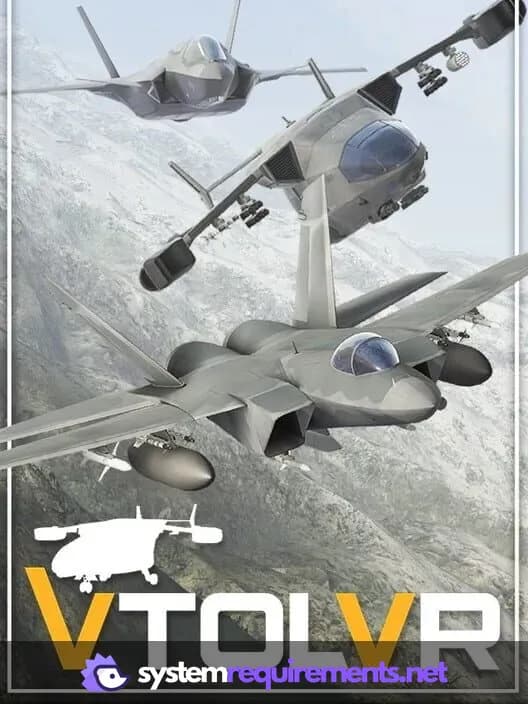
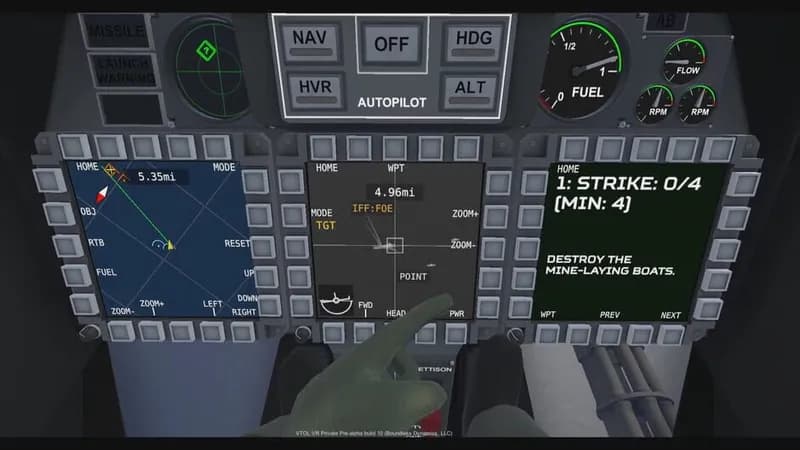
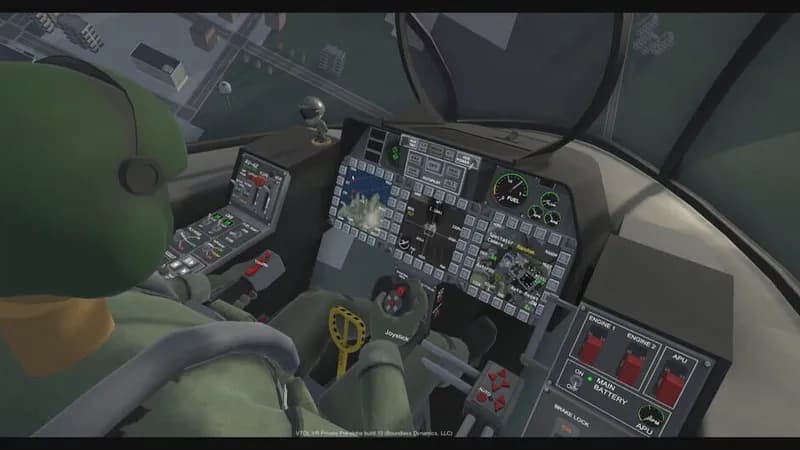
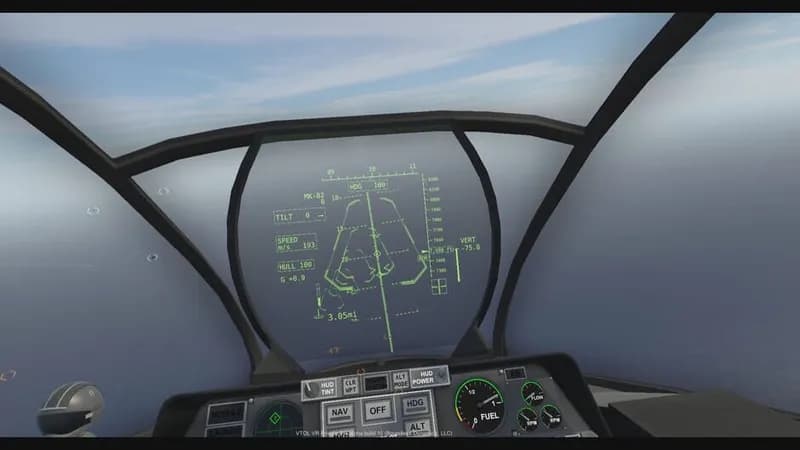
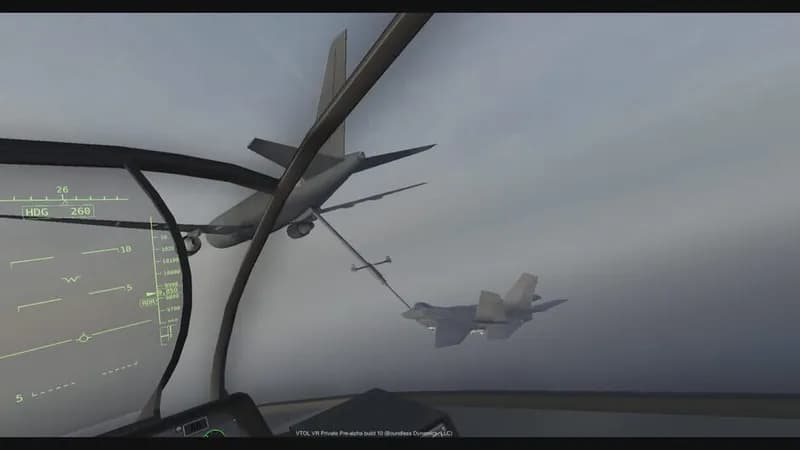
Strap into the cockpit in VTOL VR, a virtual reality flight simulator demanding direct interaction with your aircraft's controls. Master advanced fighter jets across diverse combat scenarios, relying on your piloting skills and tactical thinking to succeed.
VTOL VR Minimum & Recommended Specs
Minimum: Intel i5-4590, Nvidia GTX 970, 8 GB RAM. Recommended: 16 GB RAM RAM.
Minimum System Requirements
Recommended System Requirements
Upgrade Your Hardware
Cinematic Trailer
Quick Performance Tips for VTOL VR
#1
Lower your shadow quality for a big performance boost.
#2
Reduce the render scale if you're experiencing lag.
#3
Close other programs running in the background.
#4
Ensure your graphics drivers are up to date.
VTOL VR System Requirements FAQ
Can I run VTOL VR on a low-end PC?
VTOL VR requires a dedicated graphics card and a decent processor. The minimum requirements are an Intel i5-4590 and an Nvidia GTX 970. If your PC is below these specs, you may experience performance issues or be unable to run the game.
What GPU do I need for VTOL VR?
The minimum GPU is an Nvidia GTX 970. For a smoother experience with higher settings, an Nvidia GTX 1070 or better is recommended.
How much RAM does VTOL VR need?
VTOL VR requires a minimum of 8 GB of RAM. However, 16 GB of RAM is recommended for optimal performance, especially with higher graphics settings or when running other applications in the background.
Will VTOL VR run on integrated graphics?
VTOL VR is unlikely to run well, if at all, on integrated graphics. A dedicated graphics card is essential for a playable experience.
What is the best graphics settings for VTOL VR?
The 'best' settings depend on your hardware. If you meet the recommended specs, you can likely run on high or ultra. If you meet the minimum specs, start with medium or low and adjust until you find a balance between visual quality and performance.
VTOL VR Game Info
Developer
Boundless Dynamics, LLC
Publisher
Boundless Dynamics, LLC
Release Date
August 3, 2017
Platforms
SteamVR
Genres
SimulatorIndie
Game Modes
- Single player
- Multiplayer
- Co-operative
VTOL VR Screenshots



Optimize Your PC for VTOL VR
Use our free tools to analyze and improve your gaming performance