
All Games
Walkabout Mini Golf VR System Requirements
Walkabout Mini Golf VR Minimum & Recommended Specs
Minimum: Intel i5-4590 /, Nvidia GTX 970, 4 GB RAM. Recommended: 8 GB RAM RAM.
Minimum System Requirements
Recommended System Requirements
Quick Performance Tips for Walkabout Mini Golf VR
#1
Close unnecessary background apps for more RAM.
#2
Lower the in-game resolution for a performance boost.
#3
Reduce shadow quality in the graphics settings.
#4
Update your graphics drivers for optimal performance.
Walkabout Mini Golf VR System Requirements FAQ
Can I run Walkabout Mini Golf VR on a low-end PC?
To ensure a smooth experience, your PC should meet at least the minimum requirements: an Intel i5-4590 / AMD FX 6300 processor, Nvidia GTX 970 / AMD Radeon R9 290 graphics card, and 4 GB of RAM. Lower specs may result in performance issues.
What GPU do I need for Walkabout Mini Golf VR?
At a minimum, you'll need an Nvidia GTX 970 or AMD Radeon R9 290. For a better experience, especially at higher resolutions or refresh rates, consider a more powerful GPU.
How much RAM does Walkabout Mini Golf VR need?
The minimum RAM requirement is 4 GB, but 8 GB is recommended for smoother gameplay and to avoid potential stuttering, especially when playing with others online.
Will Walkabout Mini Golf VR run on integrated graphics?
While it might technically launch, Walkabout Mini Golf VR is unlikely to run well on integrated graphics. A dedicated graphics card meeting the minimum specifications is highly recommended for a playable experience.
What is the best graphics settings for Walkabout Mini Golf VR?
Walkabout Mini Golf VR is designed to run smoothly on a wide range of hardware. Start with the default settings. If you experience performance issues, try lowering the shadow quality or render resolution in the game's settings menu.

Walkabout Mini Golf VR Game Info
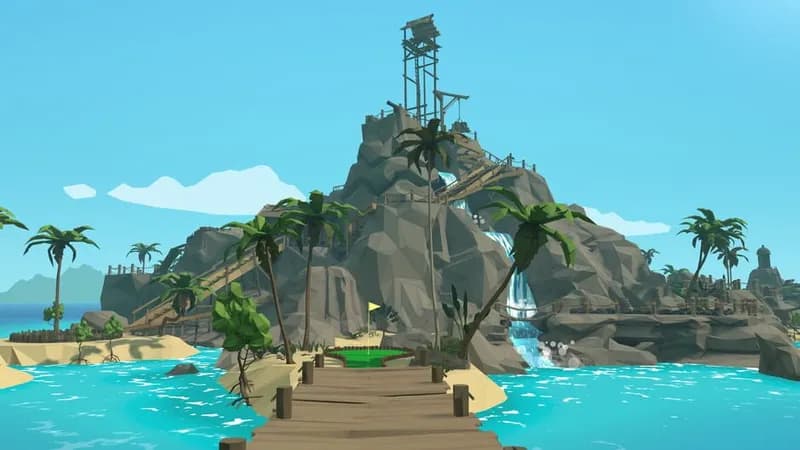
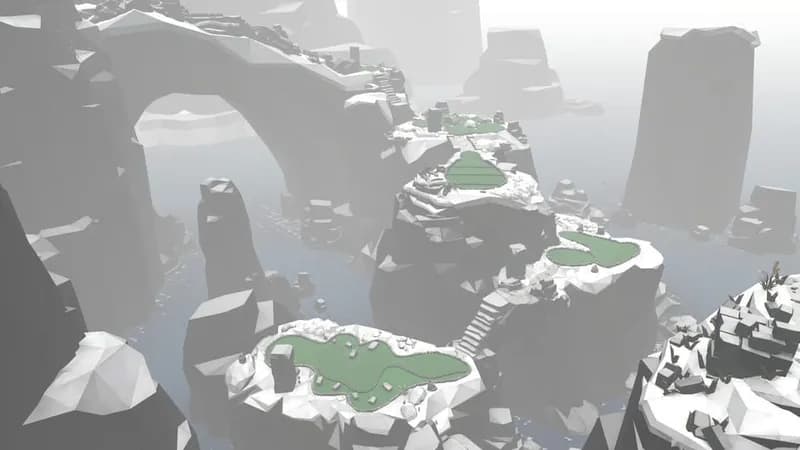
Walkabout Mini Golf VR Screenshots





Optimize Your PC for Walkabout Mini Golf VR
Use our free tools to analyze and improve your gaming performance