
All Games
Who's Your Daddy?! System Requirements
Who's Your Daddy?! Minimum & Recommended Specs
Minimum: 2 GHz Processor, GeForce 8800 or, 2 GB RAM. Recommended: 4 GB RAM RAM.
Minimum System Requirements
Recommended System Requirements
Quick Performance Tips for Who's Your Daddy?!
#1
Lower the resolution for a significant FPS boost.
#2
Disable shadows for improved performance.
#3
Reduce texture quality if you have low VRAM.
#4
Close background apps to free up RAM.
Who's Your Daddy?! System Requirements FAQ
Can I run Who's Your Daddy?! on a low-end PC?
Potentially, yes. The minimum requirements are quite low. You'll need at least a 2 GHz processor, a GeForce 8800 or better with 512 MB of video memory, and 2 GB of RAM. However, expect lower frame rates and graphical settings.
What GPU do I need for Who's Your Daddy?!?
For minimum performance, you'll need a GeForce 8800 or equivalent with at least 512 MB of video memory. For a smoother experience with higher settings, a GeForce GTX 970 or better with 2 GB of video memory is recommended.
How much RAM does Who's Your Daddy?! need?
The game requires a minimum of 2 GB of RAM to run. However, 4 GB of RAM is recommended for better performance, especially if you're running other applications in the background.
Will Who's Your Daddy?! run on integrated graphics?
It might, but performance will likely be poor. Integrated graphics solutions generally don't meet the minimum video memory requirement (512MB) and may struggle to maintain playable frame rates, even on the lowest settings. A dedicated GPU is highly recommended.
What is the best graphics settings for Who's Your Daddy?!?
This depends on your hardware. If you meet the recommended specs, you should be able to run the game on high settings. If you only meet the minimum specs, start with the lowest settings and gradually increase them until you find a balance between visual quality and performance.

Who's Your Daddy?! Game Info
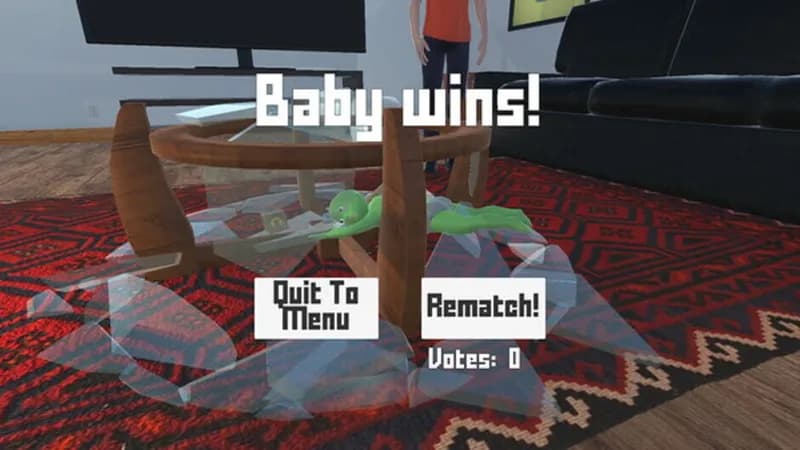
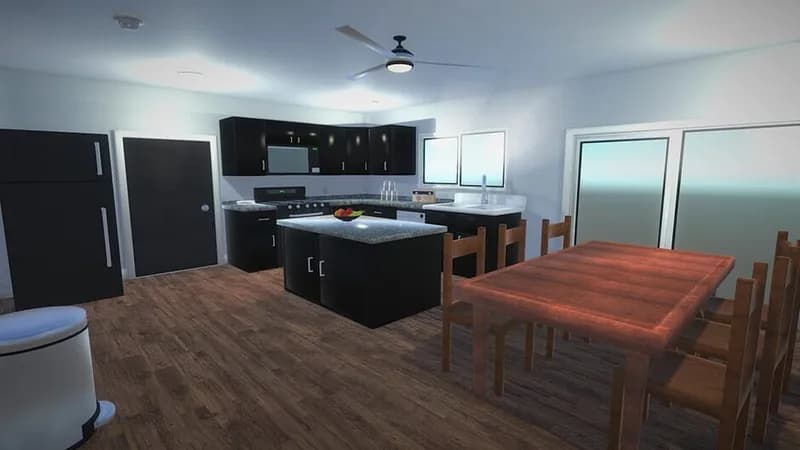
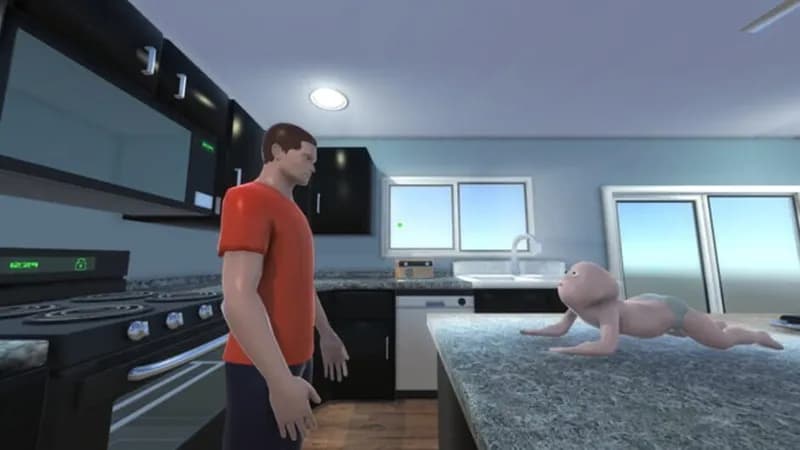
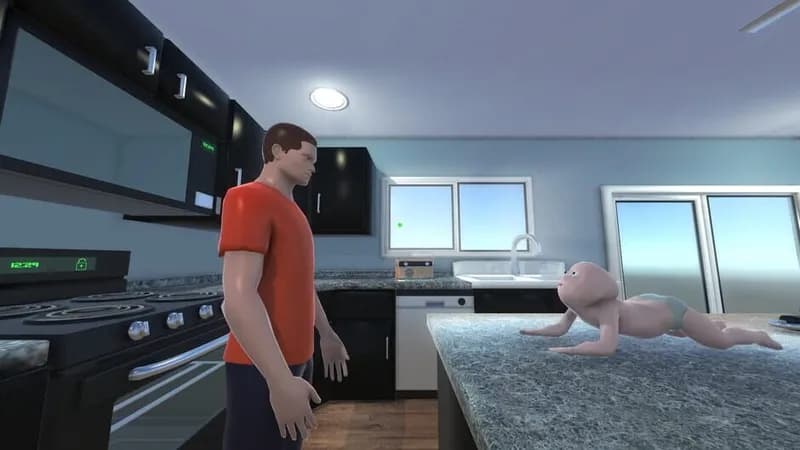
Who's Your Daddy?! Screenshots
Games Similar to Who's Your Daddy?!





Optimize Your PC for Who's Your Daddy?!
Use our free tools to analyze and improve your gaming performance