
All Games
World of Sea Battle System Requirements
World of Sea Battle Minimum & Recommended Specs
Minimum: Intel Core i3-2100, Nvidia GeForce GTX, 4 GB RAM. Recommended: 8 GB RAM RAM.
Minimum System Requirements
Recommended System Requirements
Quick Performance Tips for World of Sea Battle
#1
Lower the shadow quality for a quick FPS boost.
#2
Disable anti-aliasing for improved performance.
#3
Close background applications while playing.
#4
Update your graphics drivers for optimal performance.
World of Sea Battle System Requirements FAQ
Can I run World of Sea Battle on a low-end PC?
If your PC meets the minimum requirements (Intel Core i3-2100 or AMD equivalent, Nvidia GeForce GTX 550 Ti or AMD Radeon HD 5770, 4 GB RAM), you should be able to play World of Sea Battle at lower settings. Performance may be limited.
What GPU do I need for World of Sea Battle?
For minimum settings, you'll need at least an Nvidia GeForce GTX 550 Ti or AMD Radeon HD 5770. For recommended settings and smoother gameplay, an Nvidia GeForce GTX 760 or AMD Radeon HD 7950 is recommended.
How much RAM does World of Sea Battle need?
A minimum of 4 GB of RAM is required to run World of Sea Battle. For a better experience, especially with higher graphics settings, 8 GB of RAM is recommended.
Will World of Sea Battle run on integrated graphics?
While it *might* technically launch, World of Sea Battle is unlikely to run well on integrated graphics. A dedicated GPU is highly recommended for playable framerates.
What is the best graphics settings for World of Sea Battle?
The best graphics settings depend on your hardware. Start with the 'Medium' preset and adjust from there. If you experience lag, lower the settings. If you have headroom, increase them.

World of Sea Battle Game Info
World of Sea Battle Screenshots
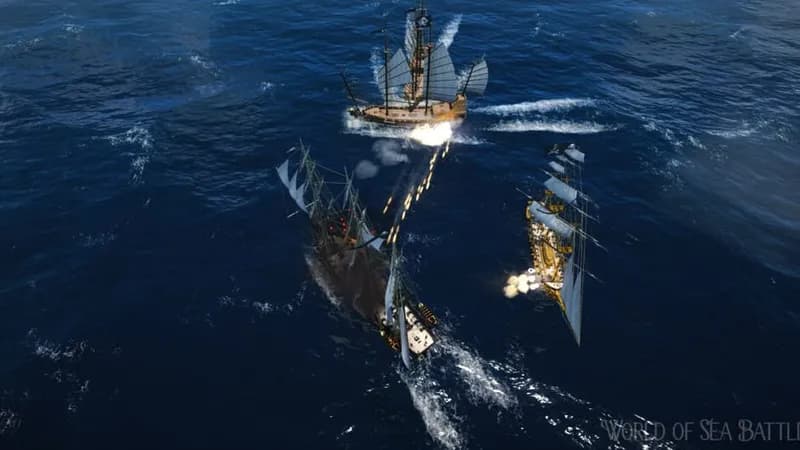
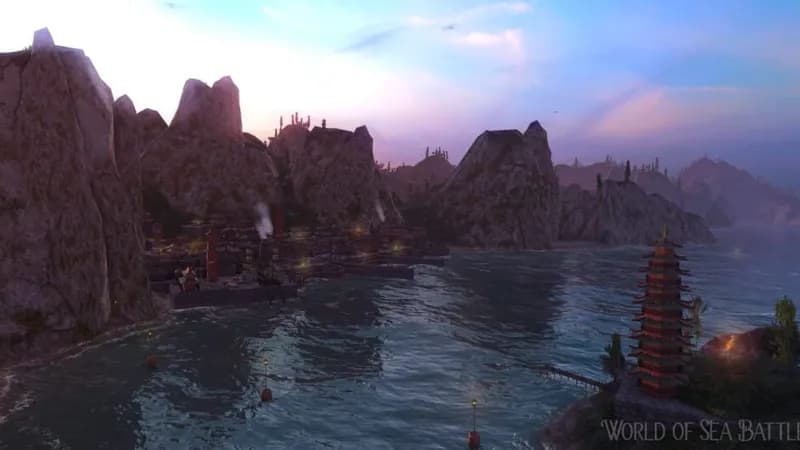
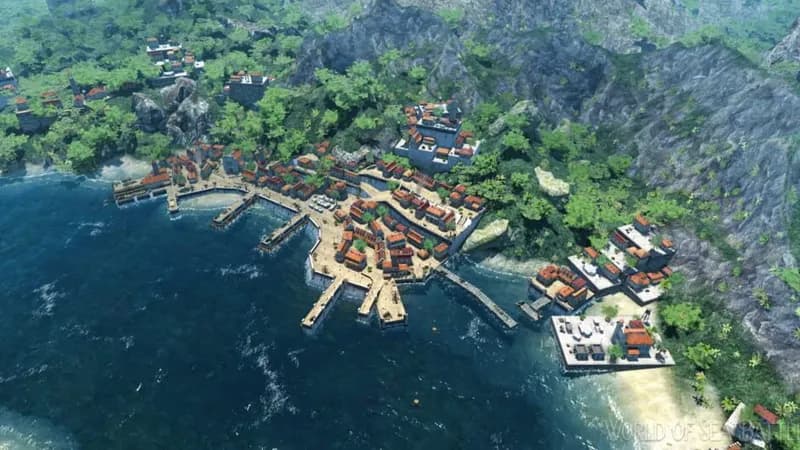







Optimize Your PC for World of Sea Battle
Use our free tools to analyze and improve your gaming performance