
All Games
World of Tanks System Requirements
August 15, 2024
Engage in tank-based combat in World of Tanks. Command armored vehicles and fulfill objectives across diverse battlefields.
World of Tanks Minimum & Recommended Specs
Minimum: Intel Pentium Dual, NVIDIA GeForce GT, 2 GB RAM. Recommended: 4 GB RAM RAM.
Minimum System Requirements
Recommended System Requirements
Quick Performance Tips for World of Tanks
#1
Lower your graphics settings to improve FPS.
#2
Close unnecessary background applications.
#3
Update your graphics card drivers regularly.
#4
Reduce the rendering resolution for a boost.
World of Tanks System Requirements FAQ
Can I run World of Tanks on a low-end PC?
Yes, but you'll need at least an Intel Pentium Dual Core E5700 or AMD Athlon II X2 245 CPU, NVIDIA GeForce GT 420, AMD Radeon HD 5450, or Intel HD Graphics 4000 GPU, and 2 GB of RAM. Expect low settings and frame rates.
What GPU do I need for World of Tanks?
For minimum settings, an NVIDIA GeForce GT 420, AMD Radeon HD 5450, or Intel HD Graphics 4000 is required. For recommended settings, aim for an NVIDIA GeForce GTX 1050Ti or AMD Radeon RX 560.
How much RAM does World of Tanks need?
A minimum of 2 GB of RAM is required to run World of Tanks. However, 4 GB of RAM is recommended for a smoother experience, especially with higher graphics settings.
Will World of Tanks run on integrated graphics?
Yes, World of Tanks can run on integrated graphics like Intel HD Graphics 4000, but performance will be limited. Expect low settings and potentially low frame rates. Consider a dedicated GPU for better performance.
What is the best graphics settings for World of Tanks?
The best settings depend on your hardware. Start with 'Low' or 'Medium' presets and gradually increase settings until you find a balance between visual quality and smooth frame rates. Pay attention to shadow and particle effects, as they can significantly impact performance.
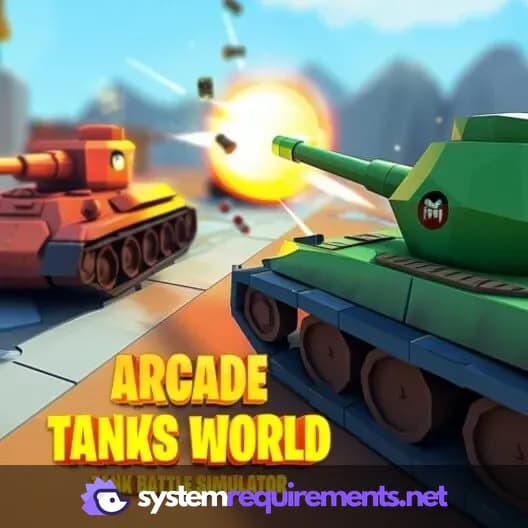
World of Tanks Game Info
Release Date
August 15, 2024
Platforms
Nintendo Switch
Genres
SimulatorStrategyArcade
World of Tanks Screenshots
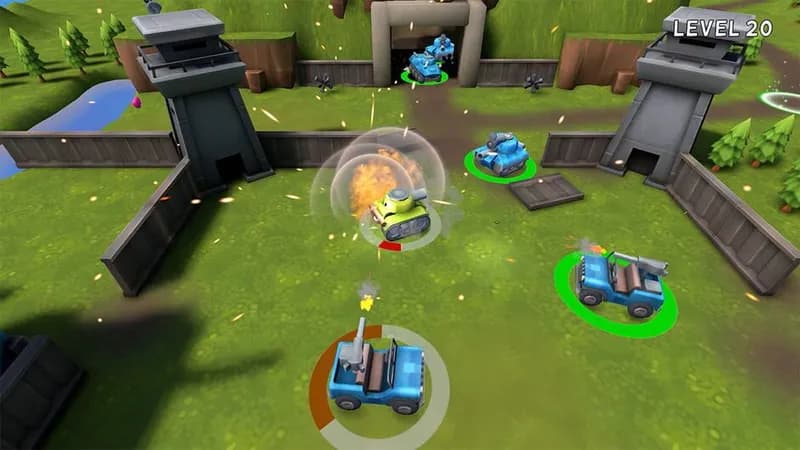
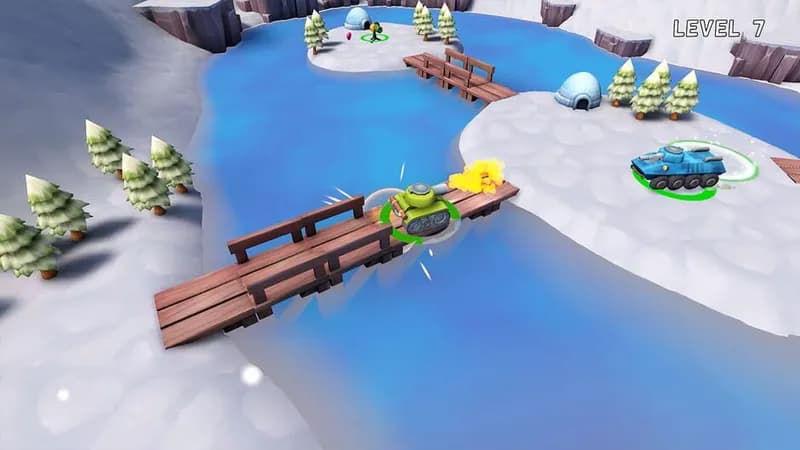
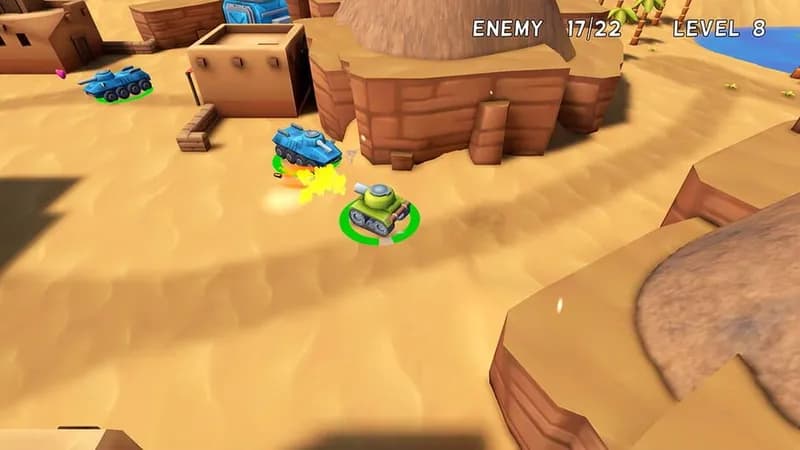
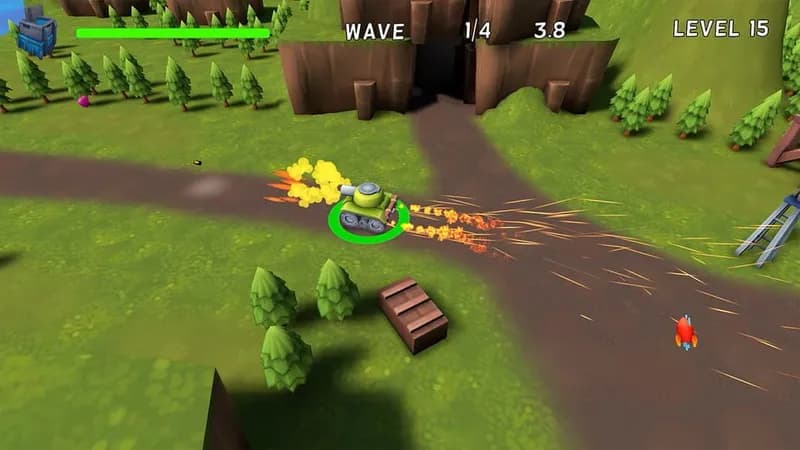



Optimize Your PC for World of Tanks
Use our free tools to analyze and improve your gaming performance