
All Games
X4: Timelines System Requirements
June 20, 2024Egosoft
X4: Timelines builds upon a 2018 open-world space game, presenting players with distinct, branching narratives. Progress unlocks a variety of in-game items and advantages.
X4: Timelines Minimum & Recommended Specs
Minimum: Intel i3-4170, Nvidia GTX 960, 8 GB RAM. Recommended: 16 GB RAM RAM.
Minimum System Requirements
Recommended System Requirements
Upgrade Your Hardware
Trailer
Quick Performance Tips for X4: Timelines
#1
Lower shadow quality for a significant FPS boost.
#2
Reduce anti-aliasing settings for improved performance.
#3
Close unnecessary background applications.
#4
Update your graphics drivers for optimal performance.
X4: Timelines System Requirements FAQ
Can I run X4: Timelines on a low-end PC?
While the minimum requirements (Intel i3-4170, Nvidia GTX 960 / AMD RX 560, 8 GB RAM) allow you to play, expect lower graphics settings and potentially lower frame rates. Performance may be significantly impacted in busy areas.
What GPU do I need for X4: Timelines?
For minimum settings, an Nvidia GTX 960 or AMD RX 560 is required. For a smoother experience with higher settings, an Nvidia GTX 1070 or AMD RX 5700 is recommended.
How much RAM does X4: Timelines need?
A minimum of 8 GB of RAM is required to run X4: Timelines. However, 16 GB of RAM is recommended for optimal performance and to avoid potential stuttering, especially with higher graphics settings or mods.
Will X4: Timelines run on integrated graphics?
While technically possible, running X4: Timelines on integrated graphics is not recommended. You will likely experience very low frame rates and significant performance issues, even on the lowest settings. A dedicated graphics card is highly recommended.
What is the best graphics settings for X4: Timelines?
The best graphics settings depend on your hardware. If you meet the recommended specs, you can likely run the game on high or ultra settings. If you only meet the minimum specs, start with low or medium settings and adjust upwards until you find a balance between visual quality and performance.
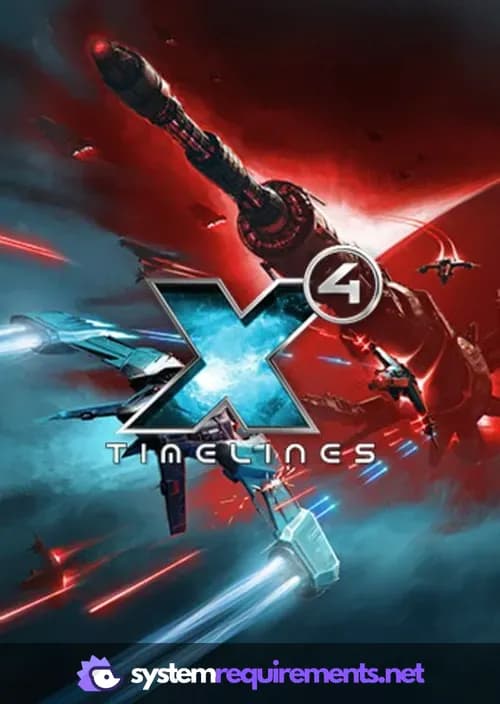
X4: Timelines Game Info
Developer
Egosoft
Publisher
Egosoft
Release Date
June 20, 2024
Platforms
PC (Microsoft Windows)
Genres
Simulator
Game Modes
- Single player
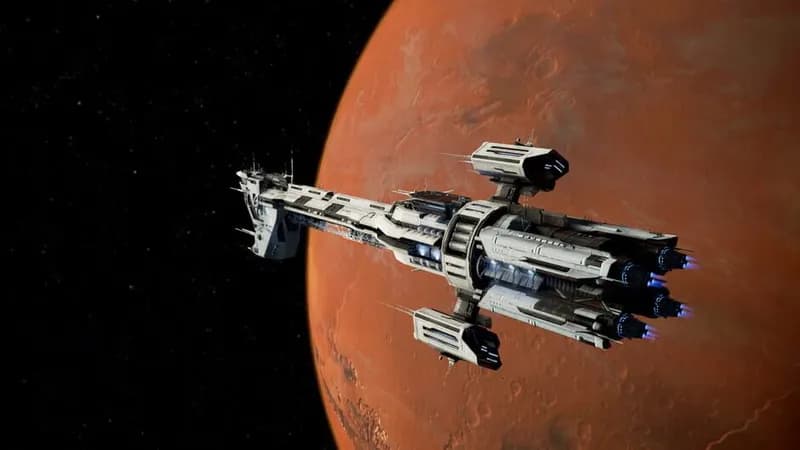
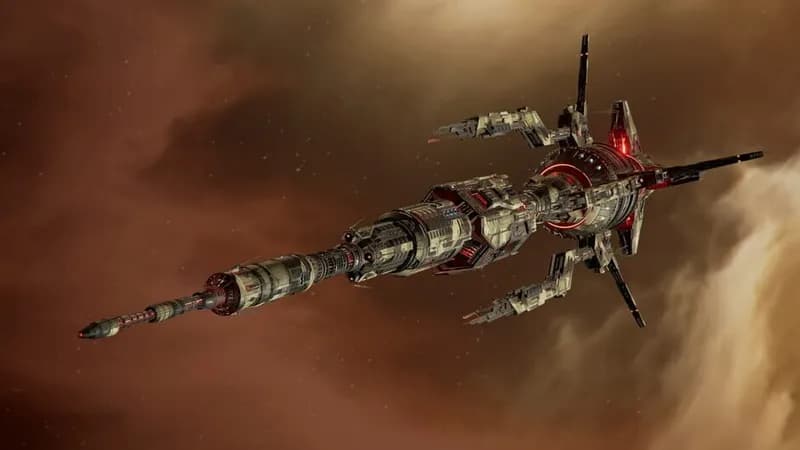
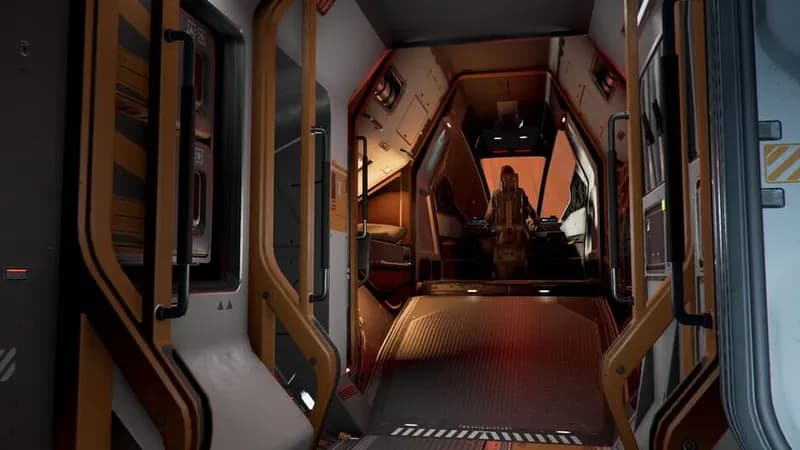
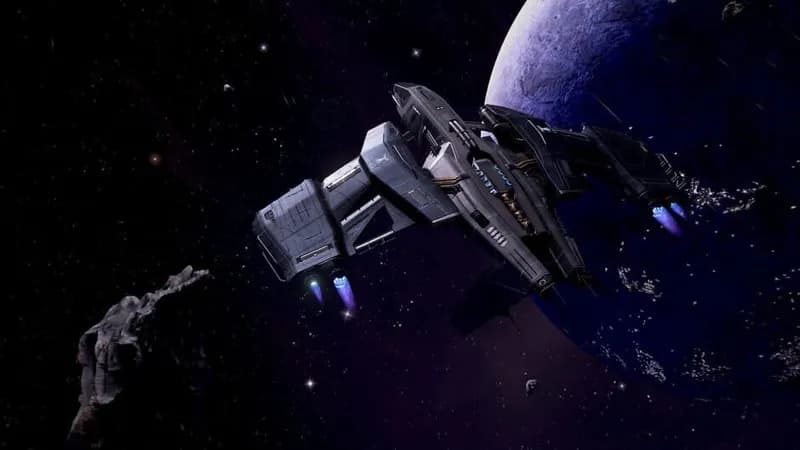
X4: Timelines Screenshots
Games Similar to X4: Timelines

A-Train 9 V5.0 : Japan Train Simulator Ultimate Edition
View requirements →

Upload Labs
View requirements →

Ultimate Theater Simulator
View requirements →

Deconstruction Simulator
View requirements →

My Wife Threw Out My Card Collection (So I Bought a Dump to Find Them All) ⭐
View requirements →

Firefighting Simulator: Ignite
View requirements →
Optimize Your PC for X4: Timelines
Use our free tools to analyze and improve your gaming performance