
All Games
Barony: Myths & Outcasts System Requirements
February 23, 2019Turning Wheel LLC
Barony: Myths & Outcasts expands character options with monstrous races and new classes, creating diverse playstyles. Join existing Barony games with or without owning this content, and customize appearances.
Barony: Myths & Outcasts Minimum & Recommended Specs
Minimum: 1.4 GHz, Dedicated graphics card, 2 GB RAM. Recommended: 4 GB RAM RAM.
Minimum System Requirements
Recommended System Requirements
Upgrade Your Hardware
Trailer
Quick Performance Tips for Barony: Myths & Outcasts
#1
Lower resolution for better FPS.
#2
Disable shadows to improve performance.
#3
Reduce texture quality if lagging.
#4
Close background apps for more RAM.
Barony: Myths & Outcasts System Requirements FAQ
Can I run Barony: Myths & Outcasts on a low-end PC?
Barony: Myths & Outcasts can run on relatively low-end PCs. Check if your CPU is at least 1.4 GHz, you have a dedicated graphics card with 256 MB of memory, and 2 GB of RAM to meet the minimum requirements. Performance may vary.
What GPU do I need for Barony: Myths & Outcasts?
The minimum requirement is a dedicated graphics card with 256 MB of memory. For a smoother experience, a dedicated graphics card with 512 MB of memory is recommended.
How much RAM does Barony: Myths & Outcasts need?
You need at least 2 GB of RAM to run Barony: Myths & Outcasts. 4 GB of RAM is recommended for optimal performance and stability.
Will Barony: Myths & Outcasts run on integrated graphics?
While not officially supported, Barony: Myths & Outcasts *might* run on some integrated graphics, especially newer ones. However, expect lower performance and potential graphical issues. A dedicated graphics card is highly recommended.
What is the best graphics settings for Barony: Myths & Outcasts?
If you're experiencing performance issues, try lowering the resolution, disabling shadows, and reducing texture quality. Experiment to find the best balance between visual quality and performance.
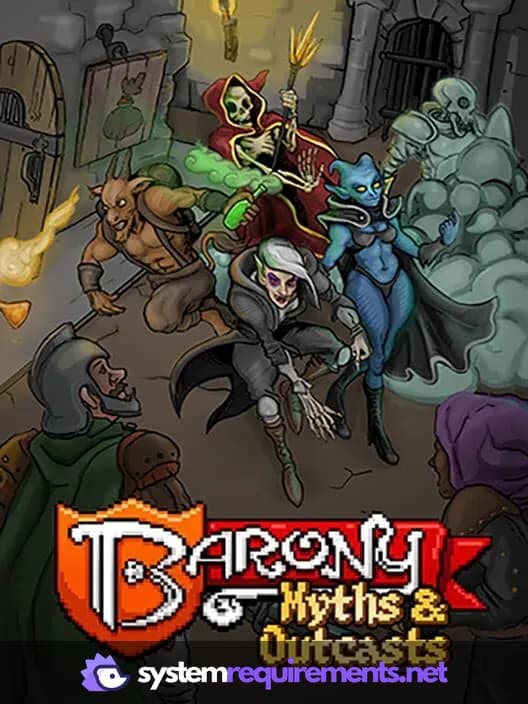
Barony: Myths & Outcasts Game Info
Developer
Turning Wheel LLC
Publisher
Turning Wheel LLC
Release Date
February 23, 2019
Platforms
PC (Microsoft Windows), Nintendo Switch
Genres
Role-playing (RPG)AdventureIndie
Game Modes
- Single player
- Multiplayer
- Co-operative
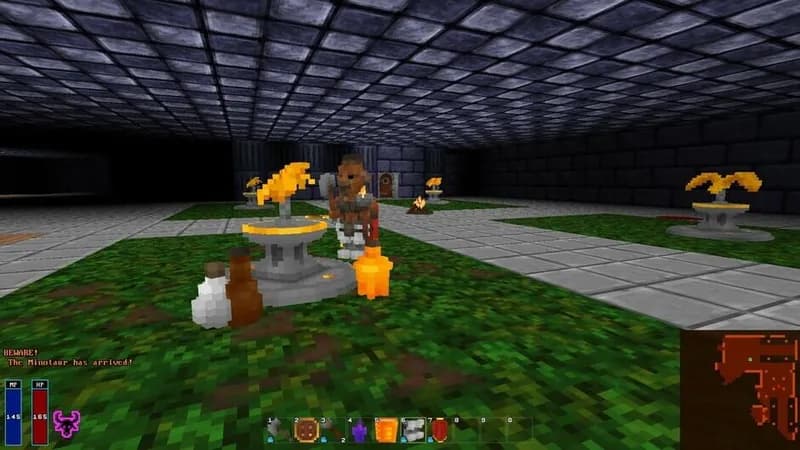
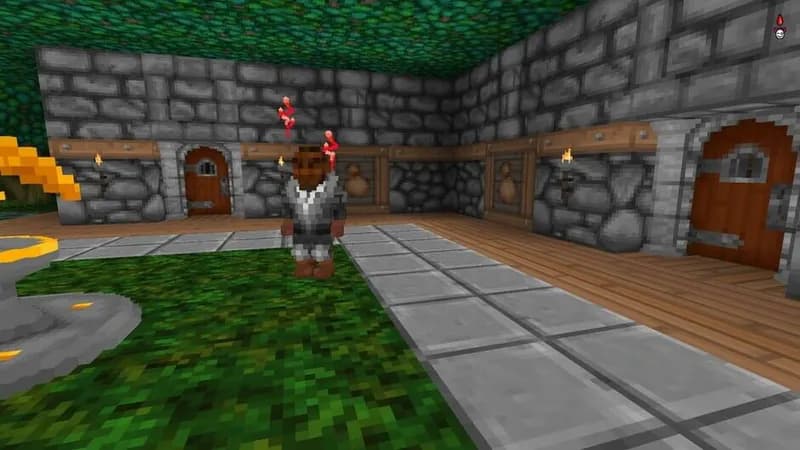
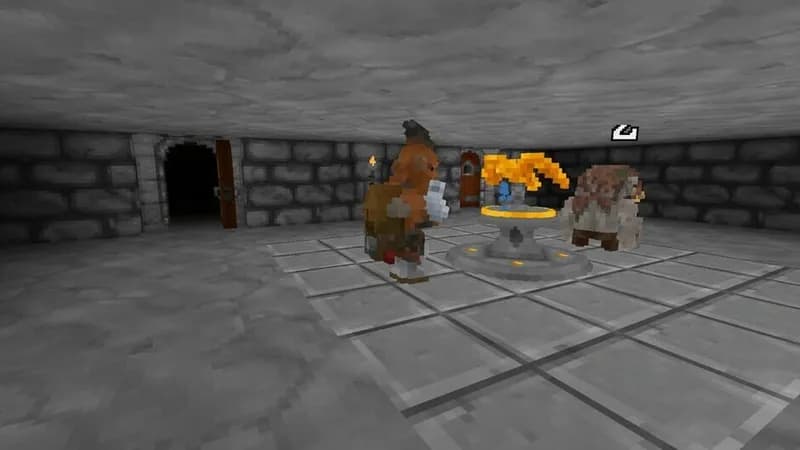
Barony: Myths & Outcasts Screenshots
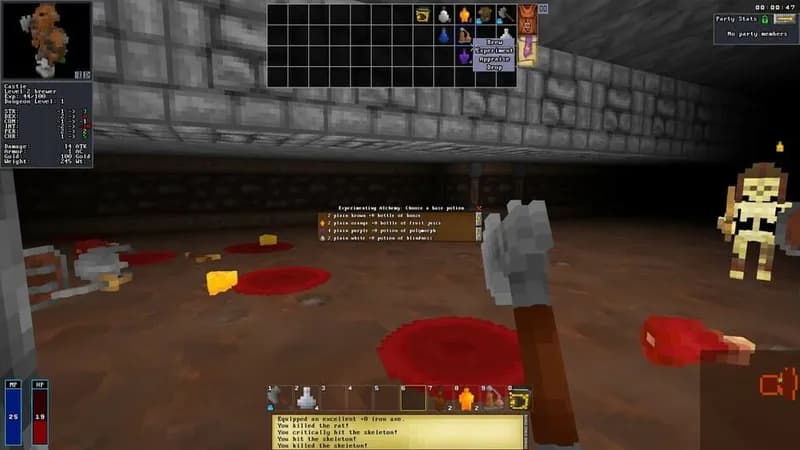
Optimize Your PC for Barony: Myths & Outcasts
Use our free tools to analyze and improve your gaming performance