All Games

Big Hops System Requirements

January 12, 2026Luckshot Games85/100

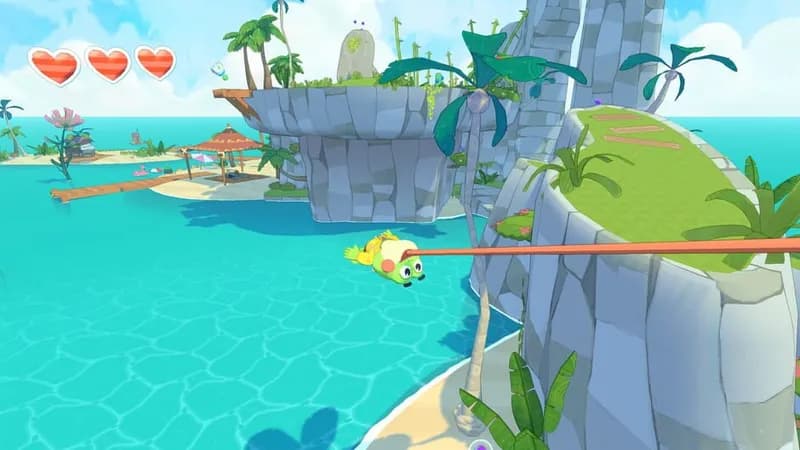
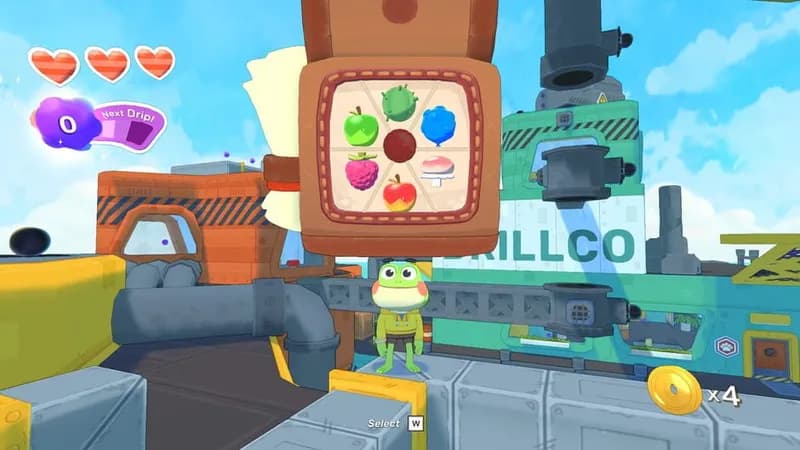
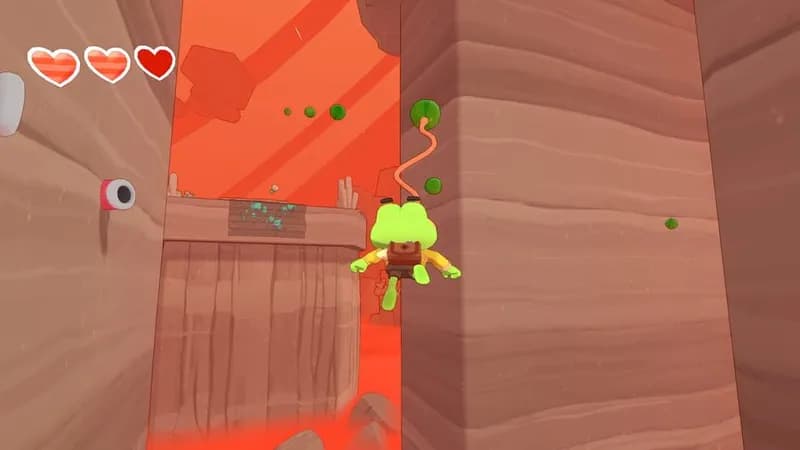
Leap into Big Hops, an action-platformer emphasizing fluid traversal and dynamic interactions. Navigate vibrant, expansive levels as a frog, utilizing parkour and tongue-based mechanics to engage with unique gadgets, edible items, and a diverse cast of creatures.

Big Hops Minimum & Recommended Specs

Minimum: 2.0 GHz Dual, Nvidia GeForce GTS, 4 GB RAM. Recommended: 8 GB RAM RAM.

Minimum System Requirements

OS
Windows 7 or later
Processor
2.0 GHz Dual CoreCPU Deals
RAM
4 GB RAMRAM Deals
Graphics Card
Nvidia GeForce GTS 450 or ATI Radeon HD 5770GPU Deals
DirectX
Version 11
Storage
2 GB available spaceSSD Deals

Recommended System Requirements

OS
Windows 10
Processor
3.0 GHz Quad Core or HigherCPU Deals
RAM
8 GB RAMRAM Deals
Graphics Card
Nvidia GeForce GTX 970 or ATI Radeon RX 580GPU Deals
DirectX
Version 11
Storage
2 GB available spaceSSD Deals

Trailer

Quick Performance Tips for Big Hops

#1

Lower your resolution for a significant FPS boost.

#2

Disable shadows or set them to 'Low' for better performance.

#3

Close unnecessary background applications to free up RAM.

#4

Update your graphics drivers for optimal performance.

Big Hops System Requirements FAQ

Can I run Big Hops on a low-end PC?
Big Hops requires at least a 2.0 GHz Dual Core processor, an Nvidia GeForce GTS 450 or ATI Radeon HD 5770, and 4 GB of RAM to run. If your PC meets these minimum specs, you should be able to play, but performance may be limited at lower settings.
What GPU do I need for Big Hops?
At a minimum, you'll need an Nvidia GeForce GTS 450 or an ATI Radeon HD 5770. For the best experience, we recommend an Nvidia GeForce GTX 970 or an ATI Radeon RX 580.
How much RAM does Big Hops need?
Big Hops requires a minimum of 4 GB of RAM. We recommend 8 GB of RAM for smoother gameplay and better performance, especially at higher settings.
Will Big Hops run on integrated graphics?
While it's *possible* Big Hops might run on some integrated graphics solutions, we don't officially support them. You'll likely experience very low frame rates and graphical issues. A dedicated graphics card is highly recommended.
What is the best graphics settings for Big Hops?
The best graphics settings depend on your hardware. If you meet the recommended specs, try 'High' or 'Ultra'. If you meet the minimum specs, start with 'Low' or 'Medium' and adjust upwards until you find a balance between visual quality and performance.
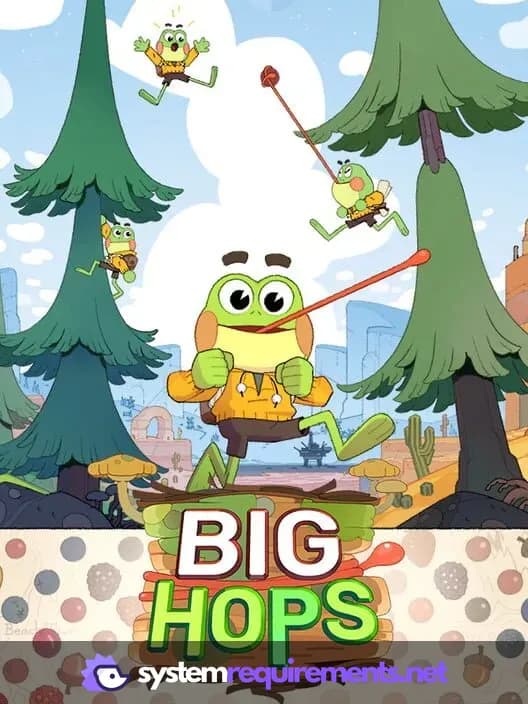
Big Hops PC game cover art

Big Hops Game Info

Developer

Luckshot Games

Publisher

Luckshot Games

Release Date

January 12, 2026

Platforms

PC (Microsoft Windows), PlayStation 5, Nintendo Switch

Genres

PlatformPuzzleAdventureIndie

Game Modes

  • Single player

Big Hops Screenshots
Big Hops gameplay screenshot 1
Big Hops gameplay screenshot 2
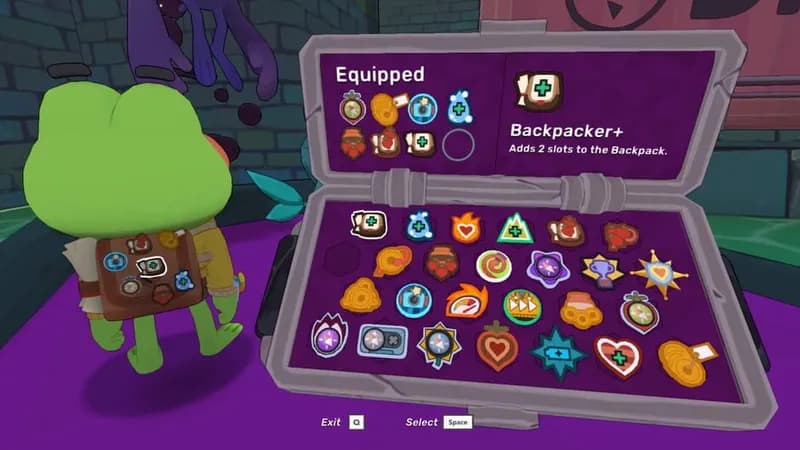
Big Hops gameplay screenshot 3
Big Hops gameplay screenshot 4
Big Hops System Requirements - Can Your PC Run It?