
All Games
BONEWORKS System Requirements
December 10, 2019Stress Level Zero
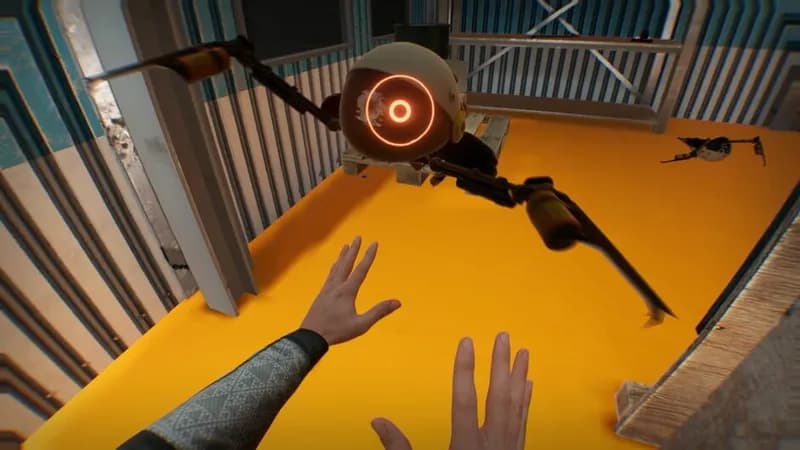
Navigate a virtual reality world defined by realistic physics in Boneworks. Improvise with interactive objects to overcome challenges and combat threats within a cryptic, interconnected environment.
BONEWORKS Minimum & Recommended Specs
Minimum: Intel Core i5-7600, NVIDIA GeForce GTX, 8 GB RAM. Recommended: 16 GB RAM RAM.
Minimum System Requirements
Recommended System Requirements
Gameplay Trailer
Quick Performance Tips for BONEWORKS
#1
Lower your resolution in SteamVR settings.
#2
Reduce the in-game graphics settings.
#3
Close unnecessary background applications.
#4
Ensure your GPU drivers are up to date.
BONEWORKS System Requirements FAQ
Can I run BONEWORKS on a low-end PC?
BONEWORKS is a demanding VR title. While the minimum specs (Intel Core i5-7600 / AMD Ryzen 5 1600, NVIDIA GeForce GTX 970 / AMD Radeon R9 290, 8 GB RAM) might allow you to launch the game, you'll likely experience significant performance issues and may need to lower settings drastically or even experience unplayable framerates. A more powerful system is highly recommended for a smooth experience.
What GPU do I need for BONEWORKS?
For a playable experience at lower settings, an NVIDIA GeForce GTX 970 or AMD Radeon R9 290 is the minimum. However, for a smoother and more visually appealing experience, an NVIDIA GeForce GTX 1080 or AMD Radeon RX Vega 64 is recommended. Higher-end cards will provide even better performance and allow for higher graphical settings.
How much RAM does BONEWORKS need?
BONEWORKS requires a minimum of 8 GB of RAM. However, 16 GB of RAM is highly recommended, especially if you have other applications running in the background. Insufficient RAM can lead to stuttering and performance issues.
Will BONEWORKS run on integrated graphics?
Unfortunately, no. BONEWORKS is a graphically intensive VR game and requires a dedicated graphics card. Integrated graphics processors are not powerful enough to run the game at a playable framerate.
What is the best graphics settings for BONEWORKS?
The best graphics settings depend on your hardware. Start with the 'Medium' preset and then adjust individual settings to optimize performance. Prioritize a stable framerate over visual fidelity. Lowering settings like shadow quality, draw distance, and anti-aliasing can significantly improve performance.
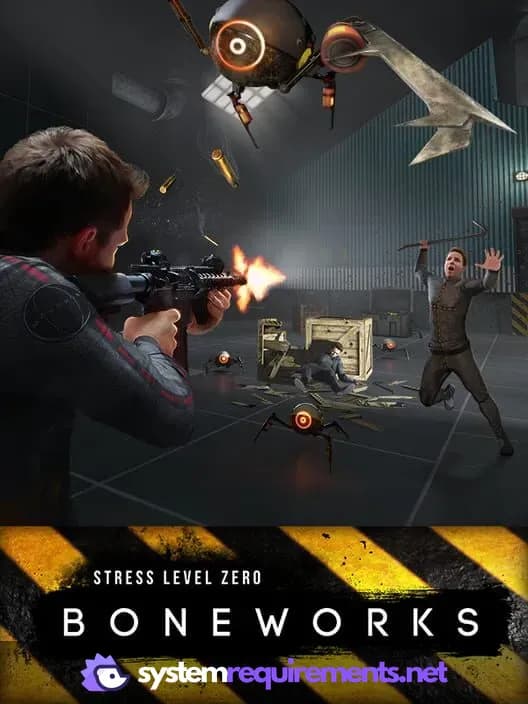
BONEWORKS Game Info
Developer
Stress Level Zero
Publisher
Stress Level Zero
Release Date
December 10, 2019
Platforms
Oculus VR, PC (Microsoft Windows), SteamVR, Oculus Rift
Genres
ShooterPuzzleSimulatorAdventureIndie
Game Modes
- Single player
BONEWORKS Screenshots
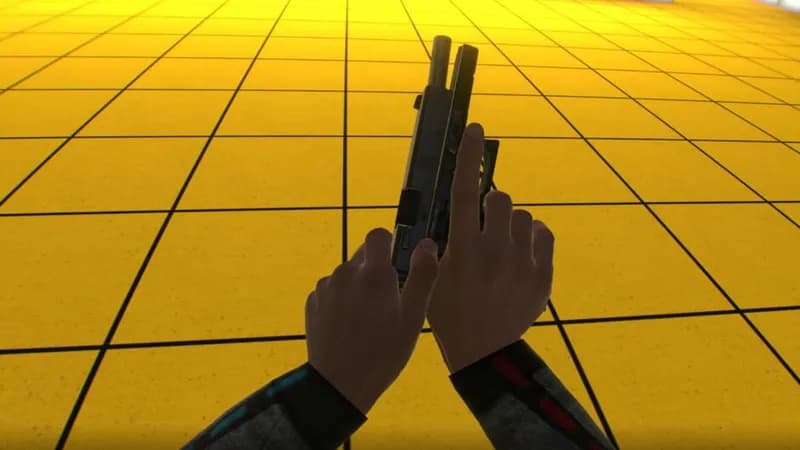
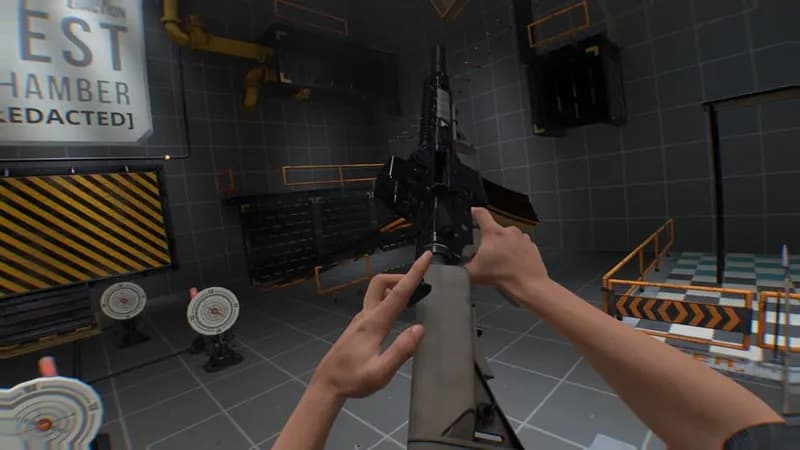
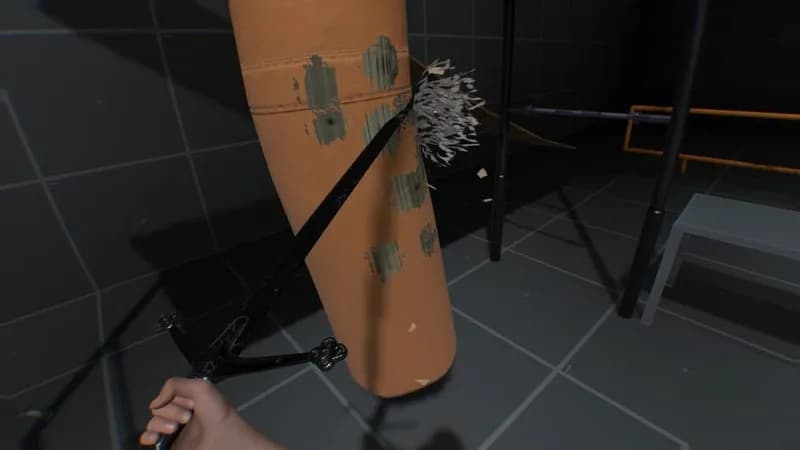



Optimize Your PC for BONEWORKS
Use our free tools to analyze and improve your gaming performance