
All Games
Cuphead System Requirements
September 29, 2019Studio MDHR
This pared-down version of Cuphead was initially bundled with Tesla's 10.0 software, limited to the Inkwell Isles One world due to hardware constraints. A later Tesla update in late 2022, which introduced Steam integration, effectively replaced this standalone port on select models.
Cuphead Minimum & Recommended Specs
Minimum: Intel Core2 Duo, ATI Radeon HD, 2 GB RAM. Recommended: 4 GB RAM RAM.
Minimum System Requirements
Recommended System Requirements
Quick Performance Tips for Cuphead
#1
Close unnecessary background programs for more RAM.
#2
Lower the game resolution if you experience lag.
#3
Update your graphics drivers for better performance.
#4
Try running the game in windowed mode.
Cuphead System Requirements FAQ
Can I run Cuphead on a low-end PC?
Cuphead is designed to be playable on modest hardware. If your PC meets the minimum requirements (Intel Core2 Duo E8400, ATI Radeon HD 5770 or NVIDIA GeForce GT 640, 2 GB RAM), you should be able to run the game, although you may need to lower the graphics settings for optimal performance.
What GPU do I need for Cuphead?
At a minimum, you'll need an ATI Radeon HD 5770 or NVIDIA GeForce GT 640, or an equivalent graphics card. For a smoother experience, especially at higher resolutions, a more powerful card is recommended, but these cards will allow you to play Cuphead.
How much RAM does Cuphead need?
Cuphead requires a minimum of 2 GB of RAM. However, 4 GB of RAM is recommended for a smoother and more stable experience, especially if you have other applications running in the background.
Will Cuphead run on integrated graphics?
While it's *possible* Cuphead might run on some integrated graphics solutions, especially newer ones, it's not officially supported. Performance may be significantly lower, and you may experience graphical glitches or instability. We recommend a dedicated graphics card (ATI Radeon HD 5770 or NVIDIA GeForce GT 640 or higher) for the best experience.
What is the best graphics settings for Cuphead?
Cuphead doesn't have extensive graphics options. If you're experiencing performance issues, try running the game in a smaller window or at a lower resolution. Disabling VSync can sometimes improve performance, but may introduce screen tearing.

Cuphead Game Info
Developer
Studio MDHR
Publisher
Studio MDHR
Release Date
September 29, 2019
Platforms
Linux
Genres
ShooterPlatformAdventureIndieArcade
Game Modes
- Single player
Cuphead Screenshots
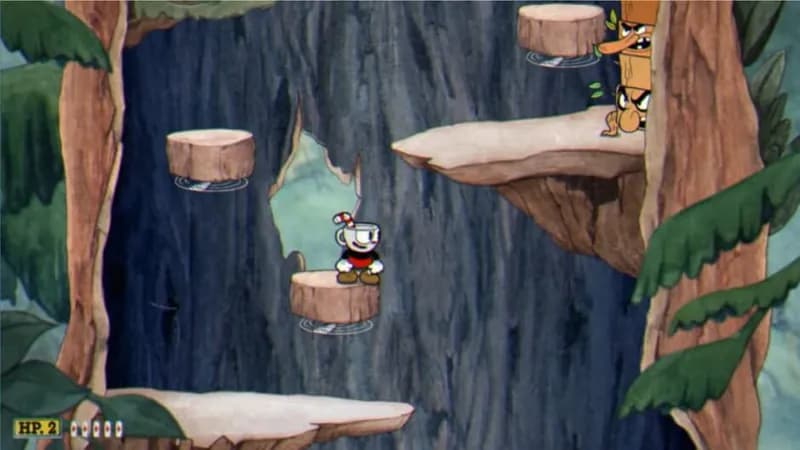
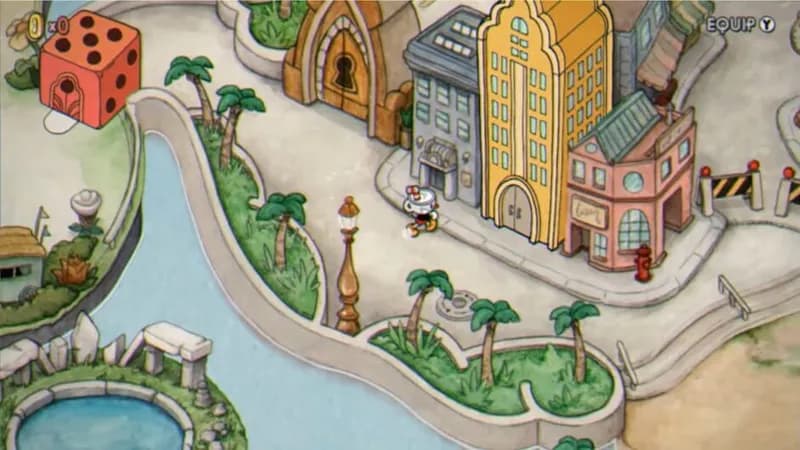




Optimize Your PC for Cuphead
Use our free tools to analyze and improve your gaming performance