
All Games
Rabi-Ribi System Requirements
January 28, 2016CreSpirit85/100
Navigate a sprawling island as a bunny-eared protagonist, mastering close-quarters combat and ranged magic. Expect a challenging mix of bullet-hell encounters and platforming as you gather items and unveil hidden areas.
Rabi-Ribi Minimum & Recommended Specs
Minimum: Intel Core2 Duo, DirectX 9 compatible, 2 GB RAM. Recommended: 4 GB RAM RAM.
Minimum System Requirements
Recommended System Requirements
Announcement Trailer
Quick Performance Tips for Rabi-Ribi
#1
Lower the resolution for a significant performance boost.
#2
Disable anti-aliasing if you're experiencing slowdowns.
#3
Close unnecessary background applications.
#4
Update your graphics drivers for optimal performance.
Rabi-Ribi System Requirements FAQ
Can I run Rabi-Ribi on a low-end PC?
Yes, Rabi-Ribi has relatively low system requirements. If your PC meets the minimum specifications (Intel Core2 Duo or better, DirectX 9 compatible graphics card, 2 GB RAM), you should be able to run the game, though you might need to lower the graphics settings for optimal performance.
What GPU do I need for Rabi-Ribi?
At a minimum, you'll need a DirectX 9 compatible graphics card. For the best experience, an NVIDIA GeForce GT 640 or better is recommended.
How much RAM does Rabi-Ribi need?
Rabi-Ribi requires a minimum of 2 GB of RAM. However, 4 GB of RAM is recommended for smoother gameplay and to avoid potential performance issues.
Will Rabi-Ribi run on integrated graphics?
Rabi-Ribi *may* run on integrated graphics, especially newer models. However, performance may be limited, and you might need to significantly lower the graphics settings to achieve a playable framerate. Check if your integrated graphics support DirectX 9.
What is the best graphics settings for Rabi-Ribi?
This depends on your hardware. If you meet the recommended specs, you should be able to run the game on high settings. If you're closer to the minimum specs, try lowering the resolution, disabling anti-aliasing, and reducing the particle effects for better performance.

Rabi-Ribi Game Info
Developer
CreSpirit
Publisher
Mediascape
Release Date
January 28, 2016
Platforms
PlayStation 4, PC (Microsoft Windows), PlayStation Vita, Nintendo Switch
Genres
PlatformRole-playing (RPG)AdventureIndieArcade
Game Modes
- Single player
Rabi-Ribi Screenshots
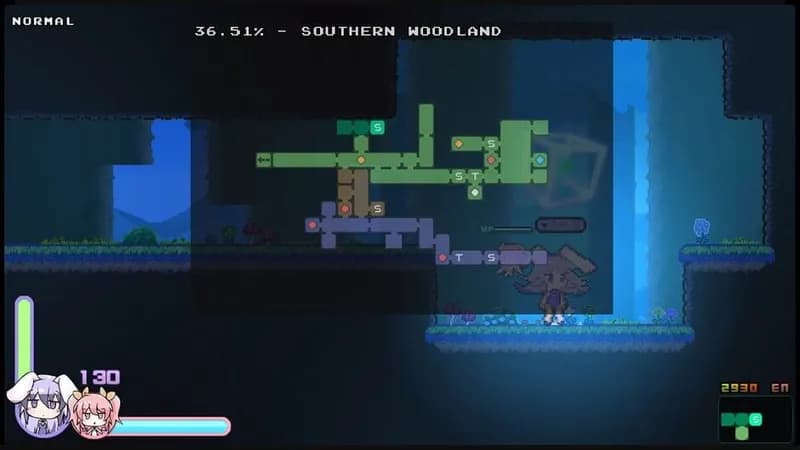

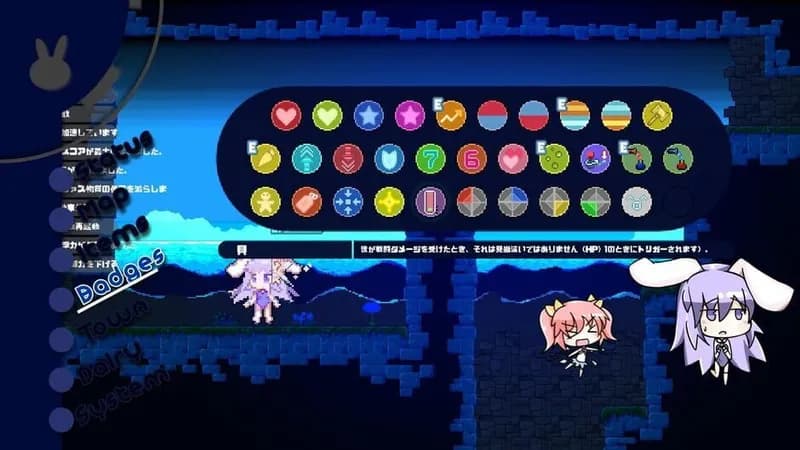
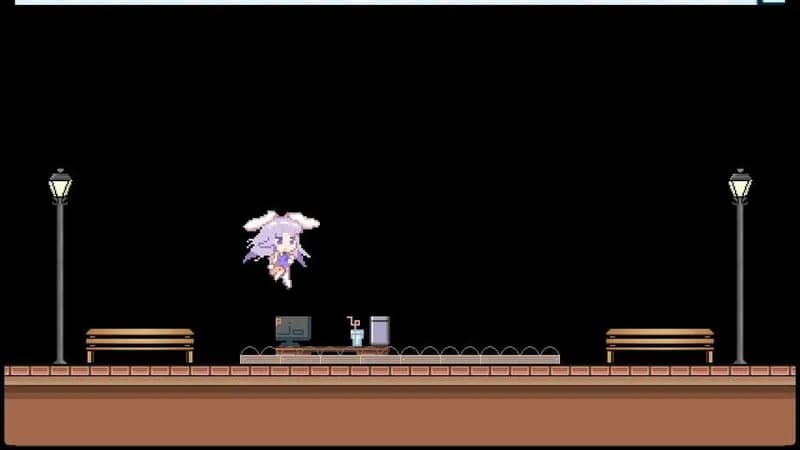

Optimize Your PC for Rabi-Ribi
Use our free tools to analyze and improve your gaming performance