All Games

Noita System Requirements

October 15, 2020Nolla Games81/100

Descend into a perilous, pixel-perfect world where every element reacts to your actions in Noita. Wield self-made spells to navigate procedurally generated landscapes, from fiery depths to icy expanses, uncovering secrets hidden within the environment's simulated physics.

Noita Minimum & Recommended Specs

Minimum: Dual Core CPU,, 512 MB VRAM,, 4 GB RAM. Recommended: 8 GB RAM RAM.

Minimum System Requirements

OS
Windows Vista, 7, 8/8.1, 10
Processor
Dual Core CPU, 2.0 GHzCPU Deals
RAM
4 GB RAMRAM Deals
Graphics Card
512 MB VRAM, OpenGL 3.0 supportGPU Deals
Storage
1 GB available spaceSSD Deals

Recommended System Requirements

OS
Windows Vista, 7, 8/8.1, 10
Processor
Quad Core CPU, 3.0 GHzCPU Deals
RAM
8 GB RAMRAM Deals
Graphics Card
1024 MB VRAM, OpenGL 3.0 supportGPU Deals
Storage
1 GB available spaceSSD Deals

Trailer

Quick Performance Tips for Noita

#1

Reduce particle effects in the options menu for better performance.

#2

Lower the game resolution to improve framerate on weaker systems.

#3

Close unnecessary background applications to free up RAM.

#4

Consider using a dedicated GPU if you're experiencing slowdowns.

Noita System Requirements FAQ

Can I run Noita on a low-end PC?
Noita can run on low-end PCs, but performance may vary. Aim for at least a Dual Core 2.0 GHz CPU, 4 GB of RAM, and a GPU with 512 MB VRAM and OpenGL 3.0 support. Lowering graphics settings can improve performance.
What GPU do I need for Noita?
At a minimum, you'll need a GPU with 512 MB of VRAM and OpenGL 3.0 support. For a smoother experience, a GPU with 1024 MB VRAM is recommended.
How much RAM does Noita need?
Noita requires a minimum of 4 GB of RAM. However, 8 GB of RAM is recommended for smoother gameplay, especially during complex simulations.
Will Noita run on integrated graphics?
Noita *might* run on integrated graphics if it meets the minimum VRAM (512MB) and OpenGL 3.0 requirements. However, performance will likely be significantly lower than with a dedicated GPU. Expect lower framerates and potential slowdowns.
What is the best graphics settings for Noita?
Experiment! Start with low settings and gradually increase them until you find a balance between visual quality and performance. Lowering resolution and particle effects can significantly improve framerate.
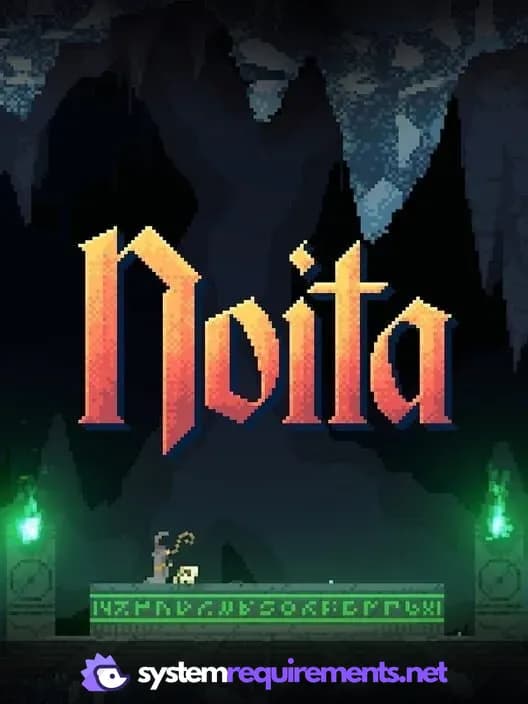
Noita PC game cover art

Noita Game Info

Developer

Nolla Games

Publisher

Nolla Games

Release Date

October 15, 2020

Platforms

PC (Microsoft Windows)

Genres

ShooterRole-playing (RPG)SimulatorAdventureIndieArcade

Game Modes

  • Single player

Noita Screenshots
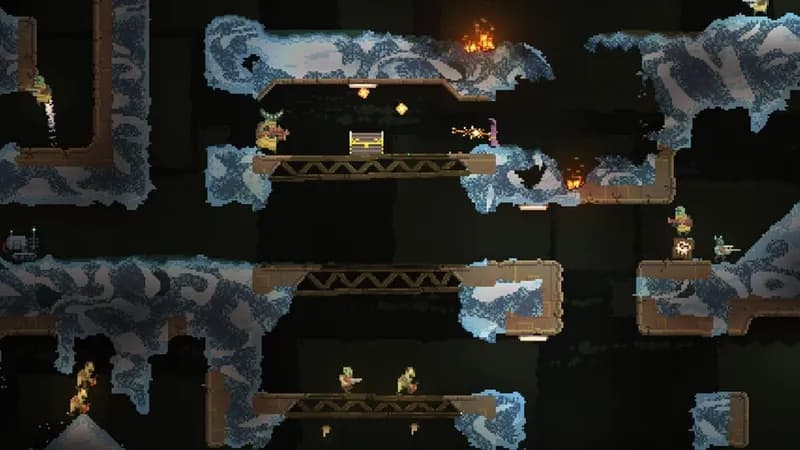
Noita gameplay screenshot 1
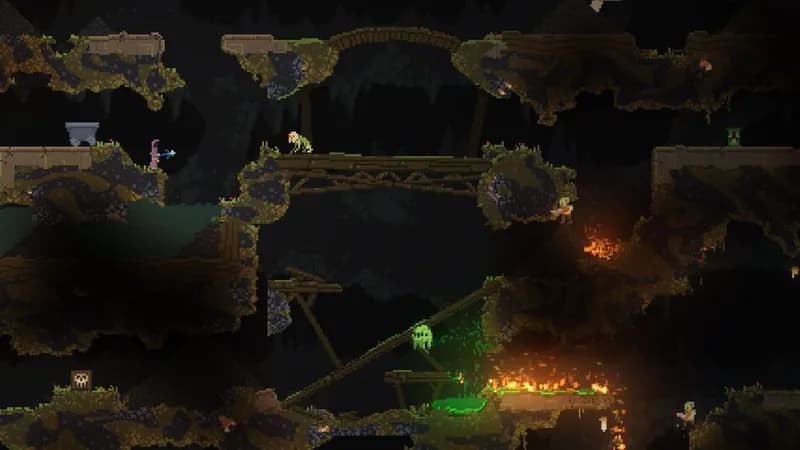
Noita gameplay screenshot 2
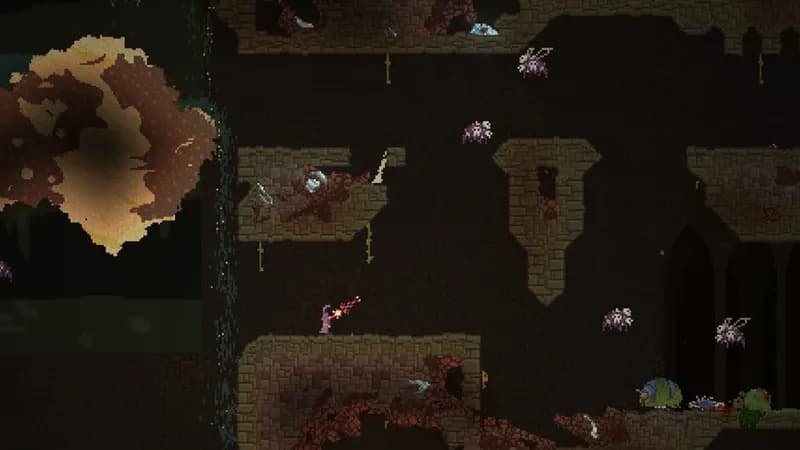
Noita gameplay screenshot 3
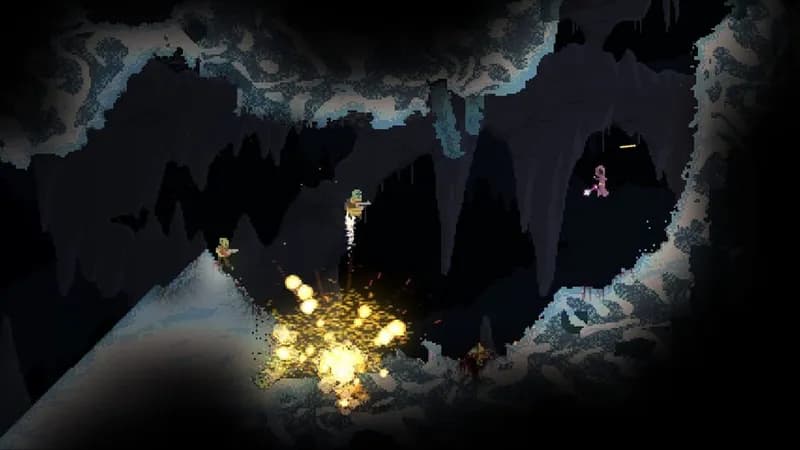
Noita gameplay screenshot 4
Noita System Requirements - Can Your PC Run It?