
All Games
Distant Worlds 2 System Requirements
March 10, 2022Code Force
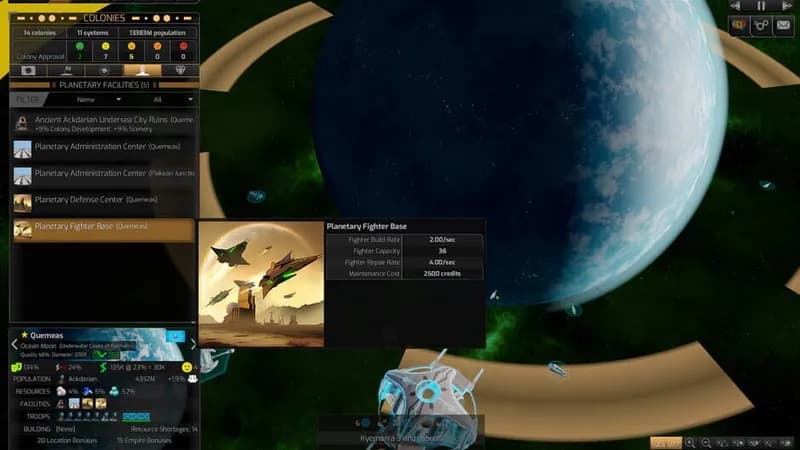
Distant Worlds 2 offers grand strategy on a galactic scale, combining real-time gameplay with the depth of turn-based mechanics. Explore procedurally generated universes with thousands of star systems, managing your empire through diplomacy, resource exploitation, or military might.
Distant Worlds 2 Minimum & Recommended Specs
Minimum: Quad Core CPU, DirectX 11 compatible, 8 GB RAM. Recommended: 16 GB RAM RAM.
Minimum System Requirements
Recommended System Requirements
Gameplay Trailer
Quick Performance Tips for Distant Worlds 2
#1
Reduce galaxy size for better performance.
#2
Lower graphics settings for smoother gameplay.
#3
Close unnecessary background applications.
#4
Update your graphics drivers for best results.
Distant Worlds 2 System Requirements FAQ
Can I run Distant Worlds 2 on a low-end PC?
Distant Worlds 2 is a demanding game. To play at minimum settings, you'll need at least a Quad Core CPU (Intel i5-4590 or AMD Ryzen 5 1600), a DirectX 11 compatible GPU with 2 GB VRAM (Nvidia GeForce GTX 960 or AMD Radeon R7 570), and 8 GB of RAM. Lower specs may result in poor performance or the game not running at all.
What GPU do I need for Distant Worlds 2?
For minimum settings, you'll need a DirectX 11 compatible GPU with 2 GB VRAM, such as an Nvidia GeForce GTX 960 or AMD Radeon R7 570. For recommended settings and a smoother experience, an Nvidia GeForce GTX 1070 or AMD Radeon RX 5700 with 6 GB VRAM is recommended.
How much RAM does Distant Worlds 2 need?
Distant Worlds 2 requires a minimum of 8 GB of RAM. However, 16 GB of RAM is recommended for optimal performance, especially when playing with larger galaxies and more complex scenarios.
Will Distant Worlds 2 run on integrated graphics?
Integrated graphics are unlikely to provide a playable experience with Distant Worlds 2. The game requires a dedicated GPU with at least 2GB of VRAM to handle the complex calculations and visuals. You'll likely experience significant performance issues or be unable to run the game at all.
What is the best graphics settings for Distant Worlds 2?
The best graphics settings depend on your hardware. If you meet the recommended specs, you can likely run the game on high or ultra settings. If you only meet the minimum specs, start with low or medium settings and gradually increase them until you find a balance between visual quality and performance. Experiment with disabling features like shadows and anti-aliasing to improve framerate.
Distant Worlds 2 Game Info
Developer
Code Force
Publisher
Slitherine Ltd.
Release Date
March 10, 2022
Platforms
PC (Microsoft Windows)
Genres
SimulatorStrategy
Game Modes
- Single player
Distant Worlds 2 Screenshots
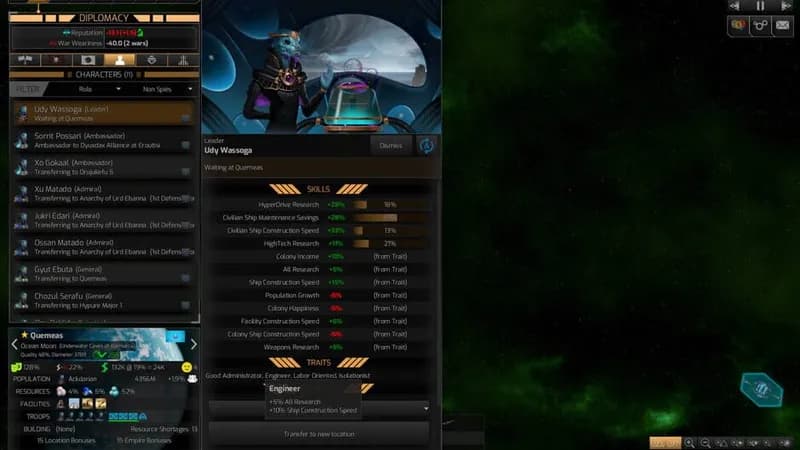
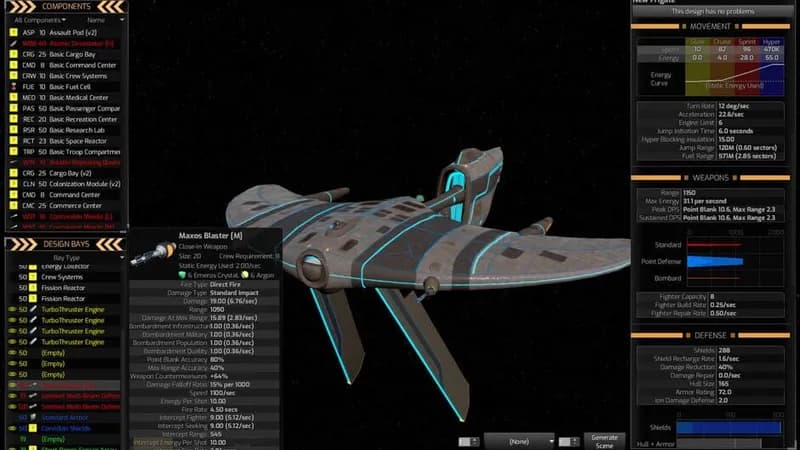
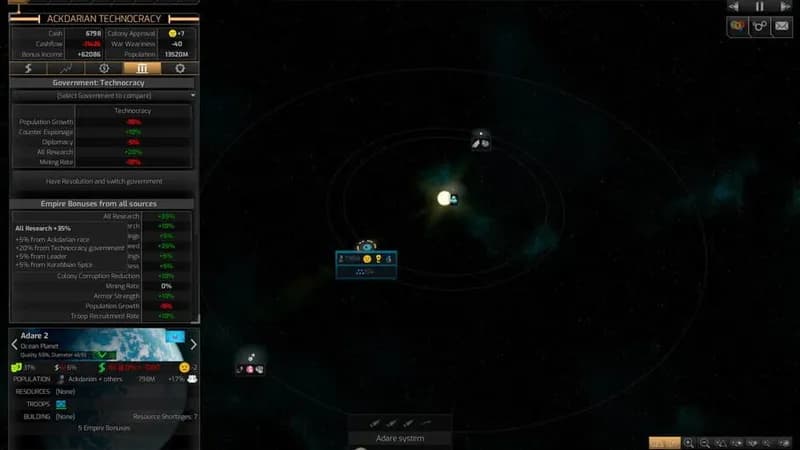






Optimize Your PC for Distant Worlds 2
Use our free tools to analyze and improve your gaming performance