
All Games
Sins of a Solar Empire II System Requirements
October 27, 2022Ironclad Games87/100
Command vast fleets and forge an empire among the stars in this real-time strategy game of galactic conquest. Employ military might, economic prowess, and political maneuvering to outwit rivals and claim ultimate power.
Sins of a Solar Empire II Minimum & Recommended Specs
Minimum: Intel Core i5-4690, NVIDIA GeForce GTX, 8 GB RAM. Recommended: 16 GB RAM RAM.
Minimum System Requirements
Recommended System Requirements
Announcement Trailer
Quick Performance Tips for Sins of a Solar Empire II
#1
Lower shadow quality for a big performance boost.
#2
Reduce galaxy map detail to improve frame rates.
#3
Disable anti-aliasing for better performance.
#4
Close background apps to free up RAM.
Sins of a Solar Empire II System Requirements FAQ
Can I run Sins of a Solar Empire II on a low-end PC?
To play Sins of a Solar Empire II, your PC needs at least an Intel Core i5-4690 or AMD Ryzen 5 1500X CPU, an NVIDIA GeForce GTX 770 or AMD Radeon R9 280 GPU, and 8 GB of RAM to meet the minimum requirements. If your system is below these specs, you may experience performance issues or be unable to run the game.
What GPU do I need for Sins of a Solar Empire II?
For minimum settings, you'll need an NVIDIA GeForce GTX 770 or AMD Radeon R9 280. For recommended settings and a smoother experience, an NVIDIA GeForce GTX 1660 or AMD Radeon RX 580 is recommended.
How much RAM does Sins of a Solar Empire II need?
Sins of a Solar Empire II requires a minimum of 8 GB of RAM. However, 16 GB of RAM is recommended for optimal performance, especially during large battles and late-game scenarios.
Will Sins of a Solar Empire II run on integrated graphics?
While it's *possible* the game might launch on some higher-end integrated graphics solutions, it's highly unlikely to provide a playable experience. Dedicated graphics cards (NVIDIA GeForce GTX 770 or AMD Radeon R9 280 minimum) are strongly recommended.
What is the best graphics settings for Sins of a Solar Empire II?
The 'best' settings depend on your hardware. Start with the 'Medium' preset. If performance is good, increase settings like texture quality and anti-aliasing. If performance is poor, reduce shadow quality, particle effects, and galaxy map detail.
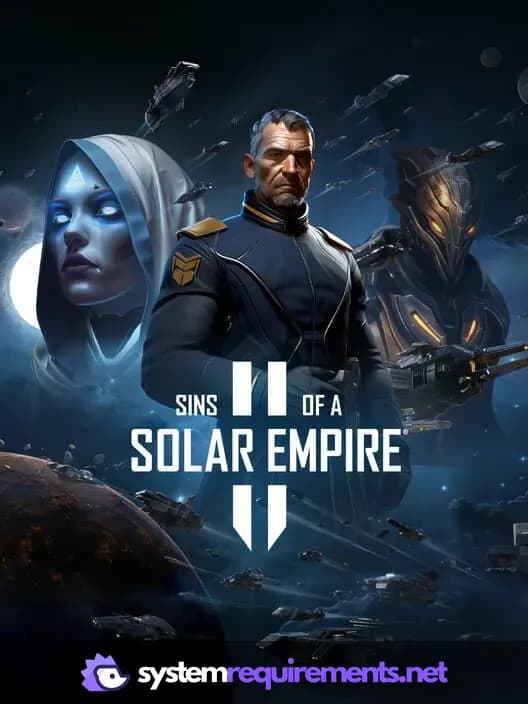
Sins of a Solar Empire II Game Info
Developer
Ironclad Games
Publisher
Stardock Entertainment
Release Date
October 27, 2022
Platforms
PC (Microsoft Windows)
Genres
Real Time Strategy (RTS)SimulatorStrategy
Game Modes
- Single player
- Multiplayer
- Co-operative
Sins of a Solar Empire II Screenshots







Optimize Your PC for Sins of a Solar Empire II
Use our free tools to analyze and improve your gaming performance