
All Games
Fallout 2: A Post Nuclear Role Playing Game System Requirements
Fallout 2: A Post Nuclear Role Playing Game Minimum & Recommended Specs
Minimum: Pentium 90MHz, SVGA, 16MB RAM. Recommended: 32MB RAM RAM.
Minimum System Requirements
Recommended System Requirements
Upgrade Your Hardware
Quick Performance Tips for Fallout 2: A Post Nuclear Role Playing Game
#1
Use a compatibility mode (Windows 95/98) if you encounter issues.
#2
Consider a high-resolution patch for modern monitors.
#3
Save frequently! Crashes can happen.
#4
Adjust game speed in the options menu if needed.
Fallout 2: A Post Nuclear Role Playing Game System Requirements FAQ
Can I run Fallout 2: A Post Nuclear Role Playing Game on a low-end PC?
Yes, Fallout 2 has very low system requirements. A Pentium 90MHz processor with 16MB of RAM is the minimum. Most modern PCs far exceed these requirements.
What GPU do I need for Fallout 2: A Post Nuclear Role Playing Game?
Fallout 2 requires an SVGA graphics card. Any modern integrated or dedicated GPU will be more than sufficient.
How much RAM does Fallout 2: A Post Nuclear Role Playing Game need?
The minimum RAM requirement is 16MB, but 32MB is recommended. Modern systems have gigabytes of RAM, so this shouldn't be an issue.
Will Fallout 2: A Post Nuclear Role Playing Game run on integrated graphics?
Yes, Fallout 2 will run perfectly fine on integrated graphics. Its graphical demands are extremely low.
What is the best graphics settings for Fallout 2: A Post Nuclear Role Playing Game?
Fallout 2 doesn't have many adjustable graphics settings. The main options are resolution and color depth. Experiment for your preference.
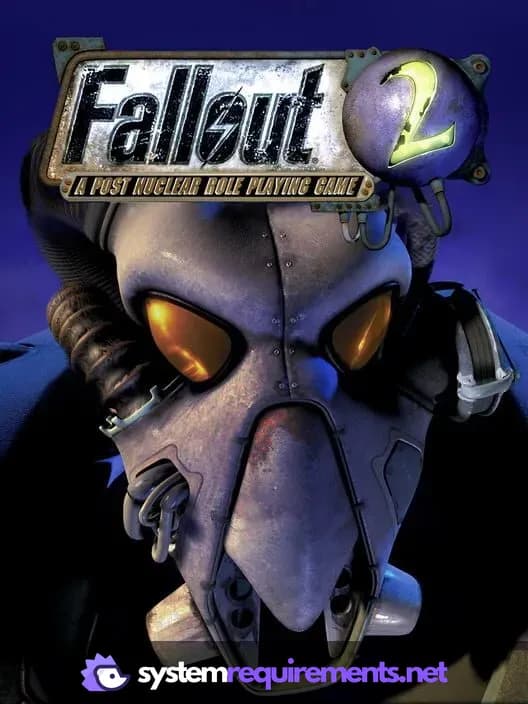
Fallout 2: A Post Nuclear Role Playing Game Game Info
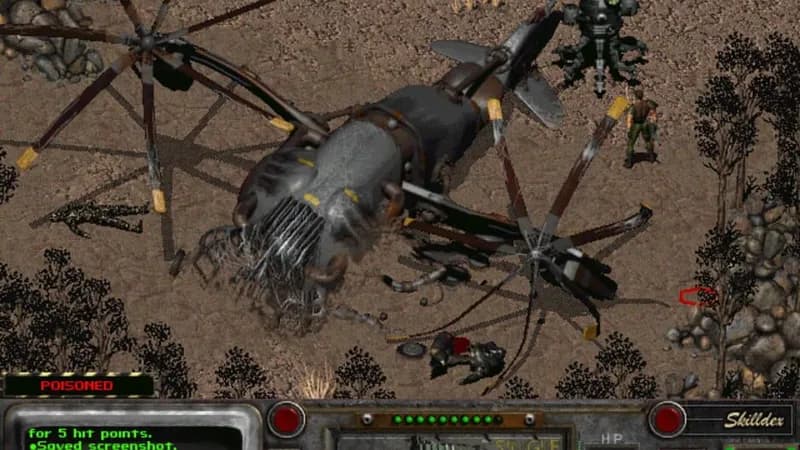
Fallout 2: A Post Nuclear Role Playing Game Screenshots
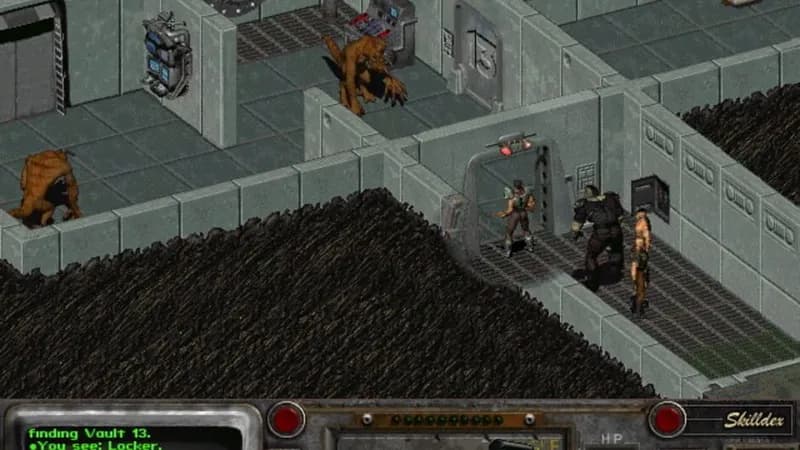
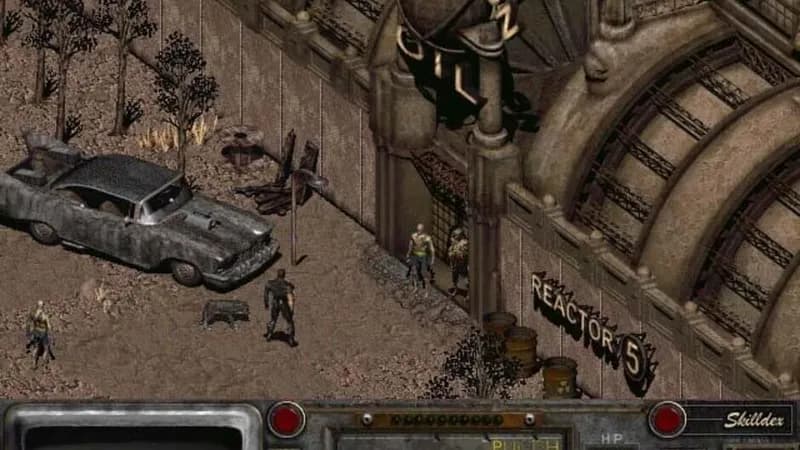
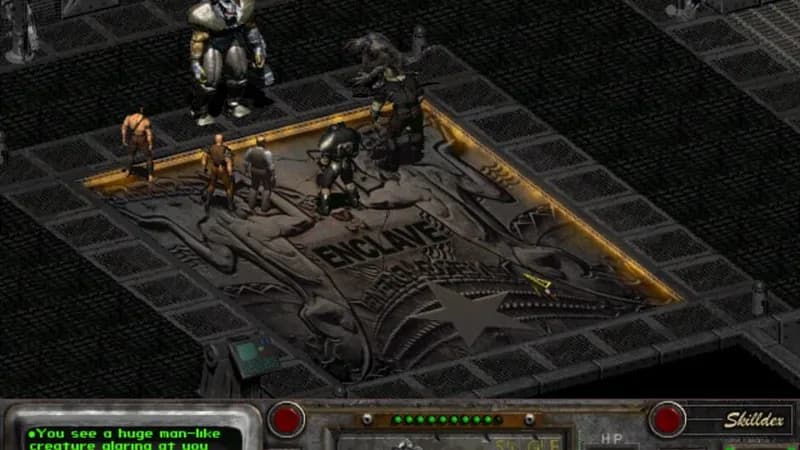
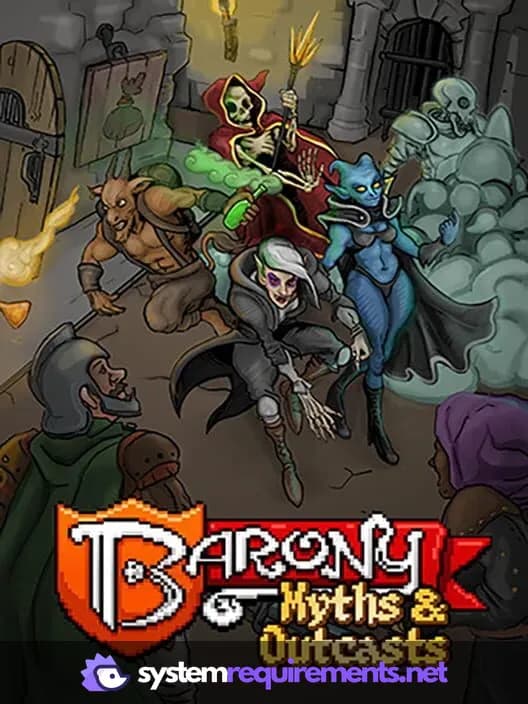
Games Similar to Fallout 2: A Post Nuclear Role Playing Game





Optimize Your PC for Fallout 2: A Post Nuclear Role Playing Game
Use our free tools to analyze and improve your gaming performance
Estimate FPS for Fallout 2: A Post Nuclear Role Playing Game
Calculate expected frame rates with your hardware
Check for Bottlenecks
Find if your CPU or GPU is holding you back
Calculate PSU Wattage
Make sure your power supply can handle your build
Compare Graphics Cards
Find the best GPU upgrade for your needs