
All Games
Fantasy Map Simulator System Requirements
September 4, 2024
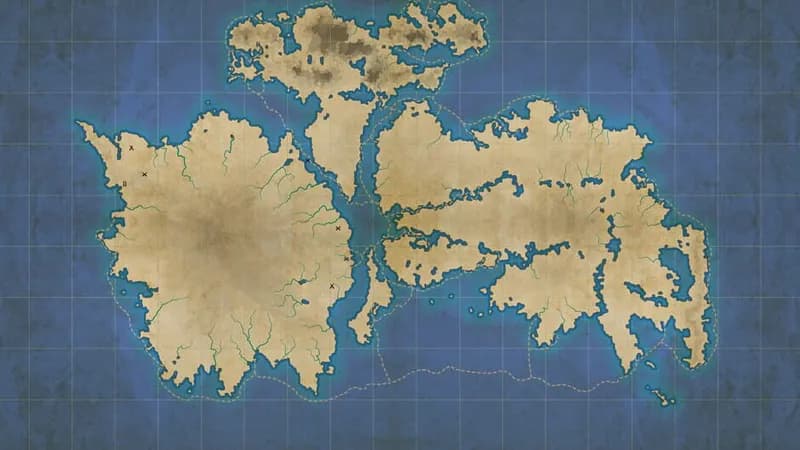
Craft detailed fantasy maps and set civilizations in motion. Observe the ebb and flow of nations, dynasties, and wars unfold across your personalized world, right on your PC screen.
Fantasy Map Simulator Minimum & Recommended Specs
Minimum: Intel Core i5-4460, NVIDIA GeForce GTX, 8 GB RAM. Recommended: 16 GB RAM RAM.
Minimum System Requirements
Recommended System Requirements
Upgrade Your Hardware
Trailer
Quick Performance Tips for Fantasy Map Simulator
#1
Lower texture resolution to improve performance.
#2
Reduce shadow quality or disable them entirely.
#3
Limit the number of layers in your map.
#4
Close unnecessary background applications.
Fantasy Map Simulator System Requirements FAQ
Can I run Fantasy Map Simulator on a low-end PC?
While the minimum requirements are an Intel Core i5-4460 and NVIDIA GeForce GTX 750 with 8GB of RAM, performance on systems meeting only the minimum specifications may be limited to lower settings and smaller map sizes. For the best experience, aim for the recommended specs.
What GPU do I need for Fantasy Map Simulator?
At a minimum, you'll need an NVIDIA GeForce GTX 750. For higher resolutions, larger maps, and better graphical fidelity, an NVIDIA GeForce GTX 1060 or better is recommended.
How much RAM does Fantasy Map Simulator need?
Fantasy Map Simulator requires a minimum of 8 GB of RAM to run. However, 16 GB of RAM is recommended for smoother performance, especially when working with large or complex maps.
Will Fantasy Map Simulator run on integrated graphics?
While it *might* launch on some integrated graphics solutions, performance will likely be very poor and is not officially supported. A dedicated graphics card like the NVIDIA GeForce GTX 750 or better is highly recommended.
What is the best graphics settings for Fantasy Map Simulator?
The 'best' settings depend on your hardware. If you meet the recommended specs, try the 'High' or 'Ultra' presets. If you're closer to the minimum, start with 'Low' or 'Medium' and adjust individual settings (like texture quality and shadow detail) to find a balance between visual quality and performance.
Fantasy Map Simulator Game Info
Release Date
September 4, 2024
Platforms
PC (Microsoft Windows)
Genres
SimulatorStrategyIndie
Game Modes
- Single player
Fantasy Map Simulator Screenshots
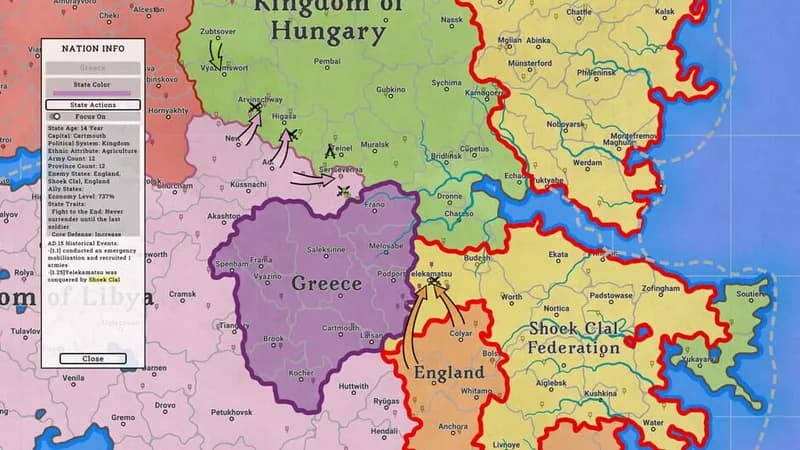
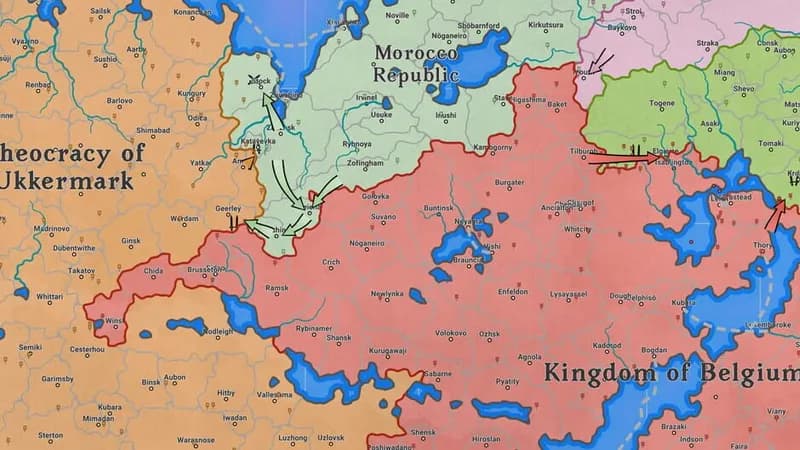
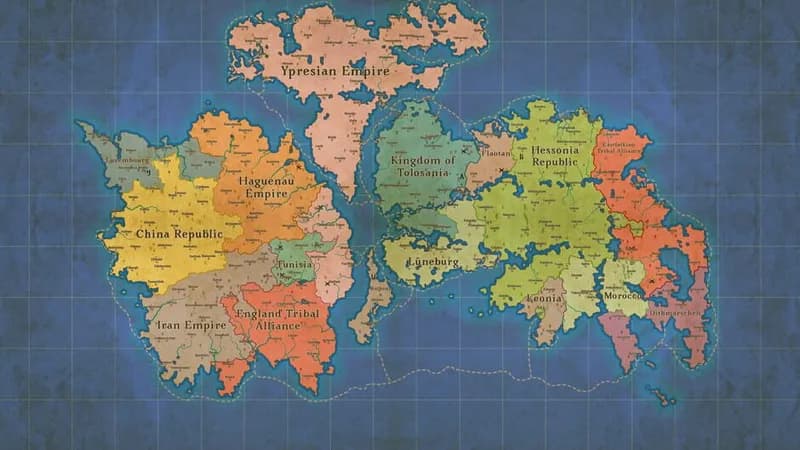




Optimize Your PC for Fantasy Map Simulator
Use our free tools to analyze and improve your gaming performance