
All Games
Farthest Frontier System Requirements
October 23, 2025Crate Entertainment85/100
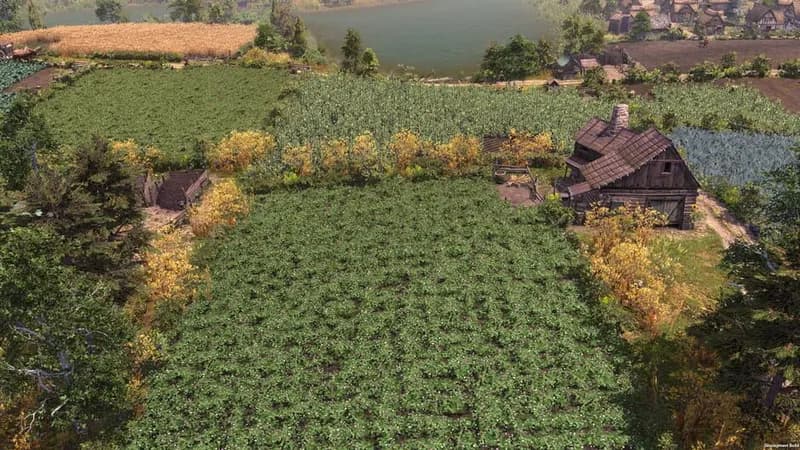
In Farthest Frontier, establish a settlement amidst a harsh, unexplored landscape and ensure its prosperity. Manage resources, cultivate food, produce goods, and defend against environmental dangers and external conflicts to secure your town's survival.
Farthest Frontier Minimum & Recommended Specs
Minimum: Intel Core i5-3470, NVIDIA GeForce GTX, 8 GB RAM. Recommended: 16 GB RAM RAM.
Minimum System Requirements
Recommended System Requirements
Gameplay Trailer
Quick Performance Tips for Farthest Frontier
#1
Lower shadow quality for a quick FPS boost.
#2
Reduce villager count to improve performance.
#3
Close unnecessary background applications.
#4
Update your graphics drivers for optimal performance.
Farthest Frontier System Requirements FAQ
Can I run Farthest Frontier on a low-end PC?
Farthest Frontier requires at least an Intel Core i5-3470 or AMD FX 6350 processor, an NVIDIA GeForce GTX 660 (2GB) or AMD Radeon HD 7870 (2GB) graphics card, and 8 GB of RAM to run. If your PC doesn't meet these minimum specs, you may experience performance issues. Lowering graphics settings might help, but optimal performance is not guaranteed.
What GPU do I need for Farthest Frontier?
At a minimum, you'll need an NVIDIA GeForce GTX 660 (2GB) or an AMD Radeon HD 7870 (2GB). For the best experience, an NVIDIA GeForce GTX 1060 (6GB) or an AMD Radeon RX 570 (8GB) is recommended.
How much RAM does Farthest Frontier need?
Farthest Frontier requires a minimum of 8 GB of RAM. However, 16 GB of RAM is recommended for smoother gameplay, especially in larger settlements.
Will Farthest Frontier run on integrated graphics?
While it's *possible* Farthest Frontier might run on some higher-end integrated graphics solutions, it's not officially supported and performance is likely to be poor. A dedicated graphics card meeting the minimum requirements is highly recommended for a playable experience.
What is the best graphics settings for Farthest Frontier?
The best settings depend on your hardware. Start with the 'Medium' preset and adjust from there. Lowering shadow quality, texture quality, and draw distance can significantly improve performance if you're experiencing lag.
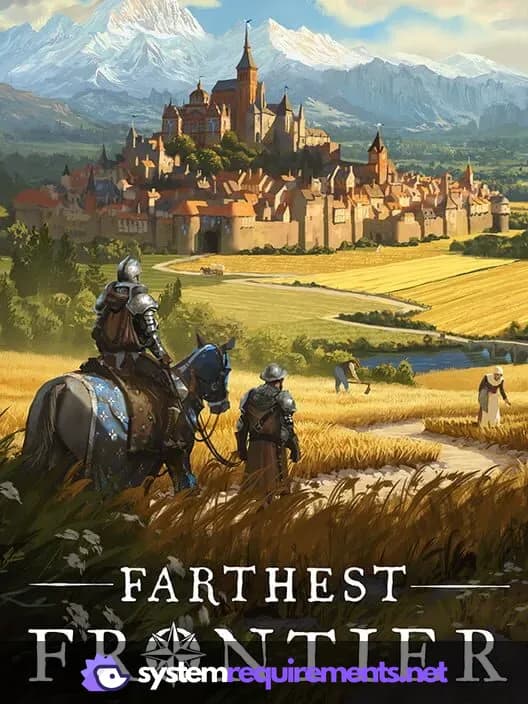
Farthest Frontier Game Info
Developer
Crate Entertainment
Publisher
Crate Entertainment
Release Date
October 23, 2025
Platforms
PC (Microsoft Windows)
Genres
SimulatorStrategyIndie
Game Modes
- Single player
Farthest Frontier Screenshots
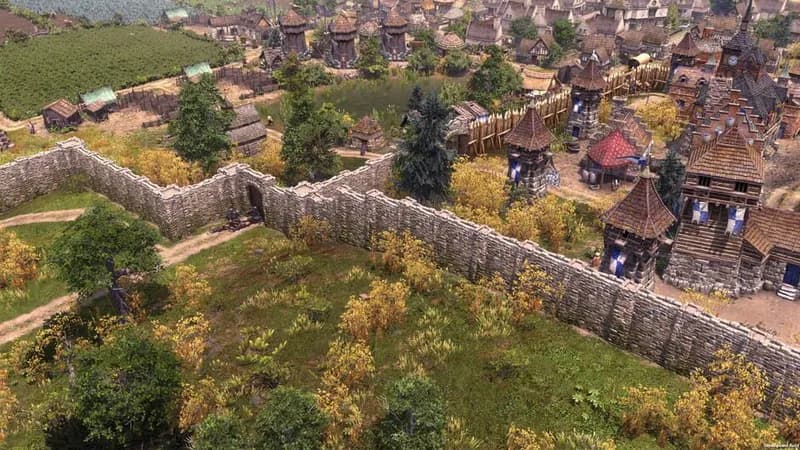
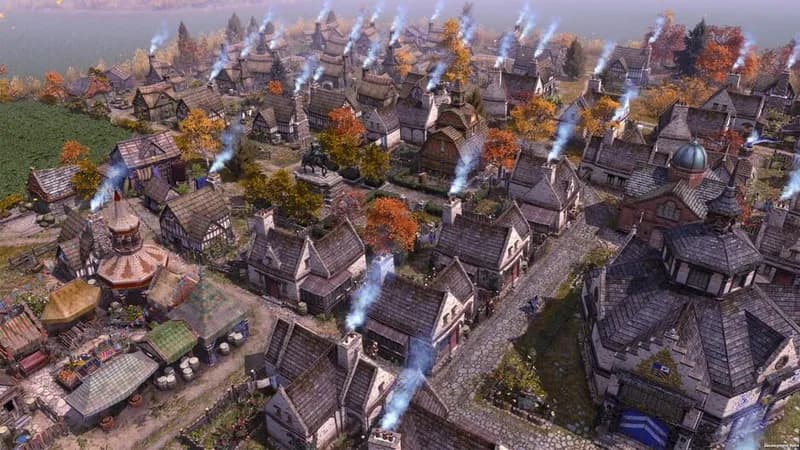
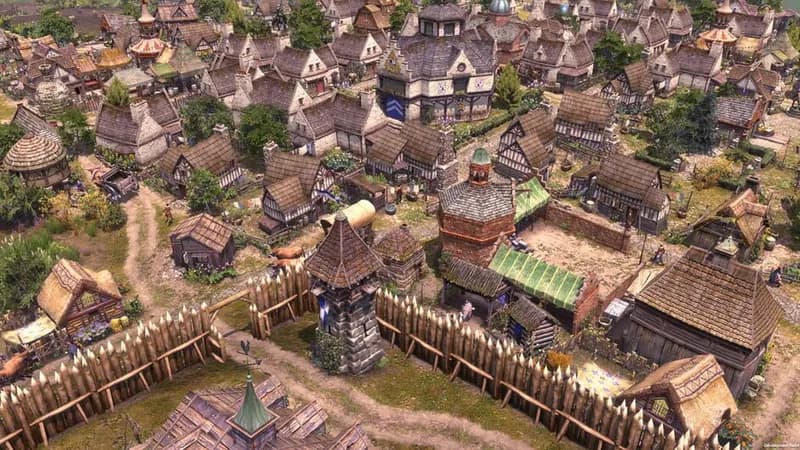




Optimize Your PC for Farthest Frontier
Use our free tools to analyze and improve your gaming performance