
All Games
Two Point Museum System Requirements
March 4, 2025Two Point Studios90/100
Oversee the creation and operation of unique museums, acquiring artifacts and managing staff. Design layouts to maximize visitor satisfaction and donations while minimizing damage to exhibits.
Two Point Museum Minimum & Recommended Specs
Minimum: Intel Core i3-6100, NVIDIA GeForce GTX, 4 GB RAM. Recommended: 8 GB RAM RAM.
Minimum System Requirements
Recommended System Requirements
Announcement Trailer
Quick Performance Tips for Two Point Museum
#1
Lower shadow quality for a quick FPS boost.
#2
Reduce the number of staff to improve performance.
#3
Disable anti-aliasing on older hardware.
#4
Close background apps to free up RAM.
Two Point Museum System Requirements FAQ
Can I run Two Point Museum on a low-end PC?
If your PC meets the minimum requirements (Intel Core i3-6100 or AMD FX-4350, NVIDIA GeForce GTX 460 1GB or AMD Radeon HD 6850 1GB, and 4GB RAM), you should be able to run Two Point Museum, but likely on lower settings for optimal performance. Expect lower framerates and reduced graphical fidelity.
What GPU do I need for Two Point Museum?
At a minimum, you'll need an NVIDIA GeForce GTX 460 1GB or an AMD Radeon HD 6850 1GB. For a smoother experience with higher settings, an NVIDIA GeForce GTX 970 4GB or an AMD Radeon R9 290X 4GB is recommended.
How much RAM does Two Point Museum need?
Two Point Museum requires a minimum of 4GB of RAM. However, 8GB of RAM is recommended for smoother gameplay, especially with larger museums and more complex exhibits.
Will Two Point Museum run on integrated graphics?
While not officially supported, Two Point Museum *might* run on some newer integrated graphics solutions if they meet or exceed the minimum GPU specifications. However, performance will likely be poor, and you may experience significant lag and graphical issues. A dedicated graphics card is highly recommended.
What is the best graphics settings for Two Point Museum?
This depends on your hardware. If you meet the recommended specs, you can likely run the game on high or ultra settings. If you only meet the minimum specs, start with low or medium settings and experiment to find a balance between visual quality and performance. Pay attention to framerate and adjust settings accordingly.

Two Point Museum Game Info
Developer
Two Point Studios
Publisher
Sega
Release Date
March 4, 2025
Platforms
Xbox Series X|S, Linux, Nintendo Switch 2, PC (Microsoft Windows), PlayStation 5
Genres
SimulatorStrategyIndie
Game Modes
- Single player
Two Point Museum Screenshots
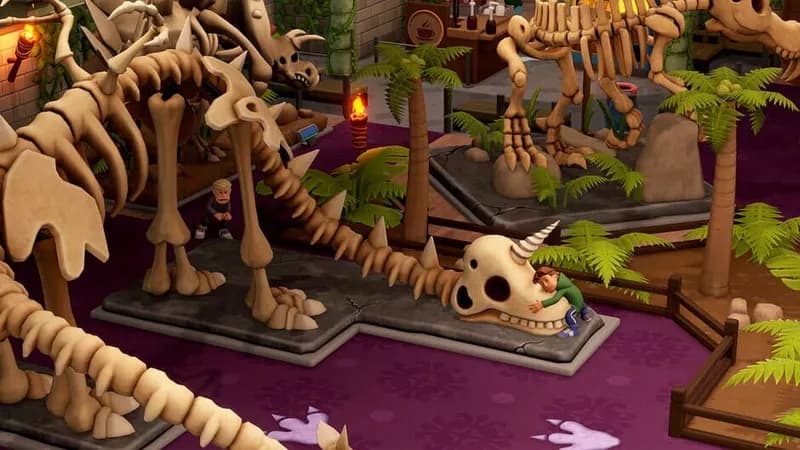

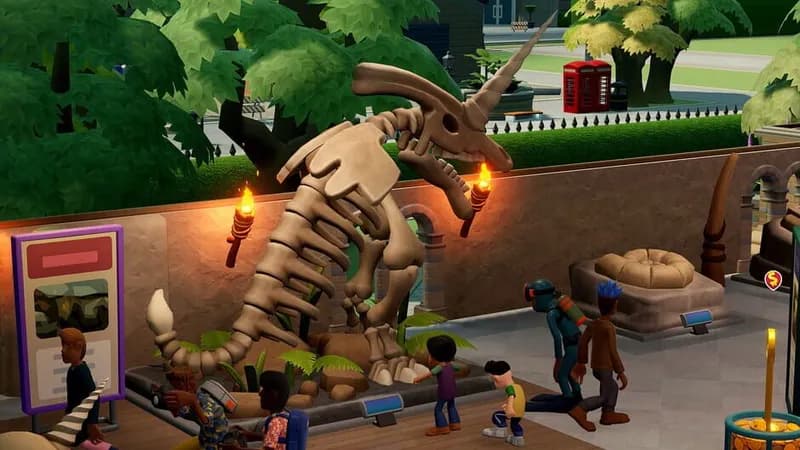
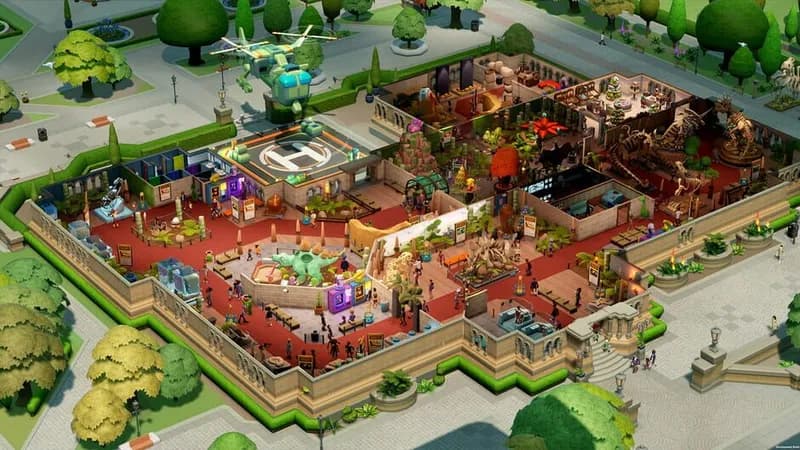






Optimize Your PC for Two Point Museum
Use our free tools to analyze and improve your gaming performance