All Games

PlateUp! System Requirements

August 4, 2022It’s happening

Juggle cooking, serving, and restaurant upkeep in this roguelite management sim. Each procedurally generated eatery presents new challenges as you strive to build a successful culinary empire, solo or with friends.

PlateUp! Minimum & Recommended Specs

Minimum: Intel i5-4460 /, NVIDIA GeForce GTX, 8 GB RAM. Recommended: 16 GB RAM RAM.

Minimum System Requirements

OS
Windows 10
Processor
Intel i5-4460 / AMD FX-6300CPU Deals
RAM
8 GB RAMRAM Deals
Graphics Card
NVIDIA GeForce GTX 960 2GB / AMD Radeon R7 370 2GBGPU Deals
DirectX
Version 11
Storage
3 GB available spaceSSD Deals

Recommended System Requirements

OS
Windows 10
Processor
Intel i5-6600K / AMD Ryzen 5 1600CPU Deals
RAM
16 GB RAMRAM Deals
Graphics Card
NVIDIA GeForce GTX 1060 6GB / AMD Radeon RX 580 8GBGPU Deals
DirectX
Version 11
Storage
3 GB available spaceSSD Deals

Trailer

Quick Performance Tips for PlateUp!

#1

Close unnecessary background applications for more RAM.

#2

Lower the resolution for a significant performance boost.

#3

Disable VSync if you're experiencing input lag.

#4

Update your graphics drivers for potential improvements.

PlateUp! System Requirements FAQ

Can I run PlateUp! on a low-end PC?
PlateUp! can run on lower-end PCs if they meet the minimum requirements: an Intel i5-4460 or AMD FX-6300 processor, an NVIDIA GeForce GTX 960 2GB or AMD Radeon R7 370 2GB graphics card, and 8 GB of RAM. Performance may be lower, and you may need to adjust graphics settings.
What GPU do I need for PlateUp!?
At a minimum, you'll need an NVIDIA GeForce GTX 960 2GB or AMD Radeon R7 370 2GB. For a smoother experience at higher settings, an NVIDIA GeForce GTX 1060 6GB or AMD Radeon RX 580 8GB is recommended.
How much RAM does PlateUp! need?
PlateUp! requires a minimum of 8 GB of RAM. However, 16 GB of RAM is recommended for optimal performance, especially when running other applications in the background.
Will PlateUp! run on integrated graphics?
While technically possible, running PlateUp! on integrated graphics is not recommended. You may experience significant performance issues and graphical glitches. A dedicated graphics card that meets the minimum requirements is highly advised for a playable experience.
What is the best graphics settings for PlateUp!?
The best graphics settings depend on your hardware. Start with the 'Medium' preset. If you experience lag, lower settings like shadows and reflections. If your PC exceeds recommended specs, try 'High' or 'Ultra'.
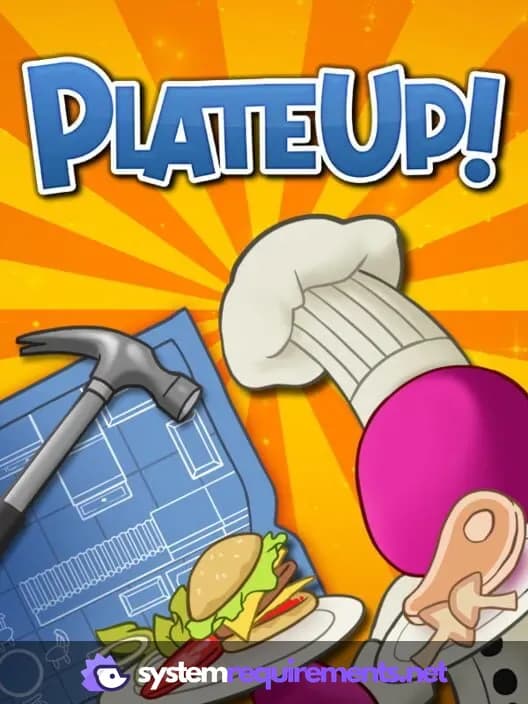
PlateUp! PC game cover art

PlateUp! Game Info

Developer

It’s happening

Publisher

Yogscast Games

Release Date

August 4, 2022

Platforms

Xbox Series X|S, PlayStation 4, PC (Microsoft Windows), PlayStation 5, Xbox One

Genres

SimulatorStrategyIndie

Game Modes

  • Single player
  • Multiplayer
  • Co-operative

PlateUp! Screenshots

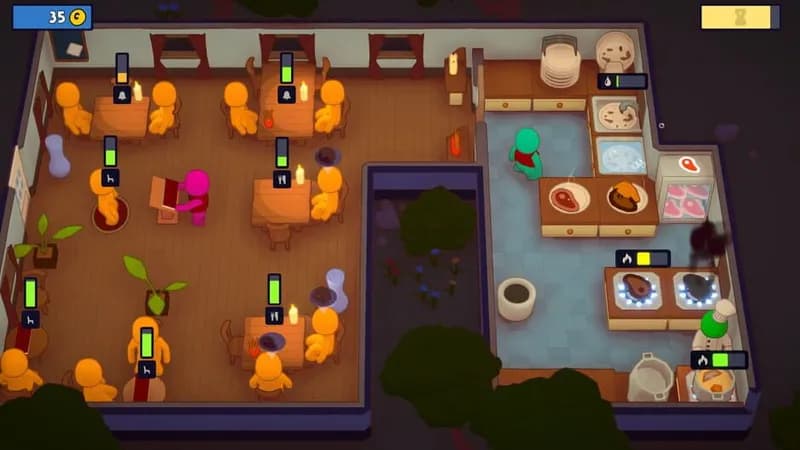
PlateUp! gameplay screenshot 1
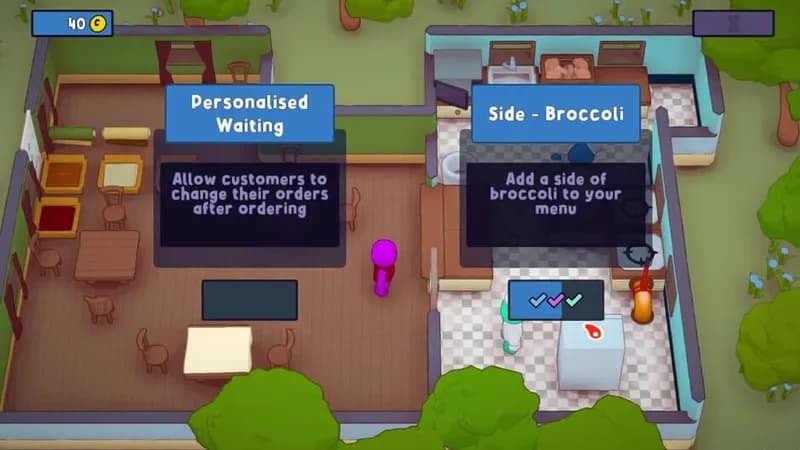
PlateUp! gameplay screenshot 2
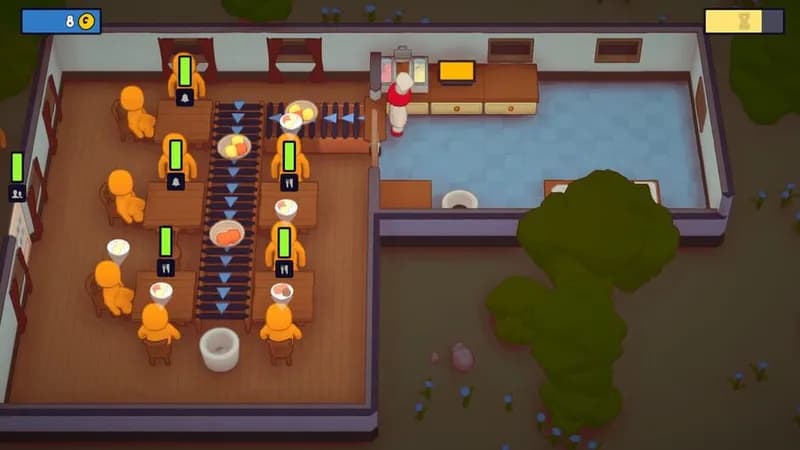
PlateUp! gameplay screenshot 3
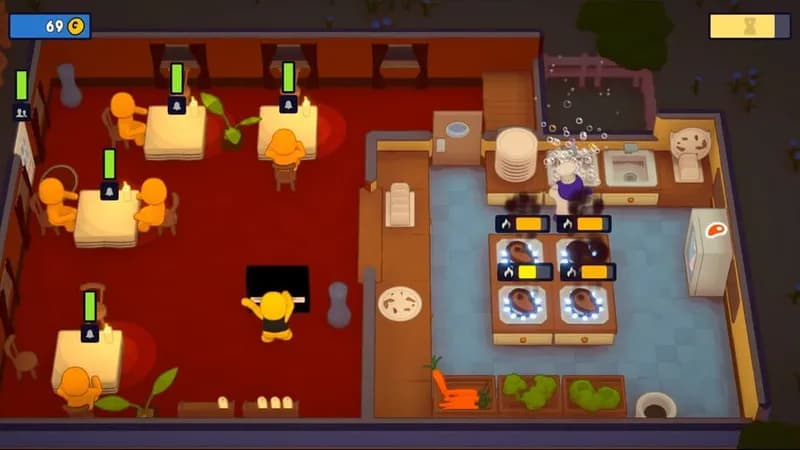
PlateUp! gameplay screenshot 4
PlateUp! System Requirements - Can Your PC Run It?