
All Games
Fireworks Mania - An Explosive Simulator System Requirements
Fireworks Mania - An Explosive Simulator Minimum & Recommended Specs
Minimum: Intel i5-4590, Nvidia GeForce GTX, 8 GB RAM. Recommended: 16 GB RAM RAM.
Minimum System Requirements
Recommended System Requirements
Upgrade Your Hardware
Quick Performance Tips for Fireworks Mania - An Explosive Simulator
#1
Lower particle density for better performance.
#2
Reduce shadow quality for a quick FPS boost.
#3
Limit the number of active fireworks.
#4
Close unnecessary background applications.
Fireworks Mania - An Explosive Simulator System Requirements FAQ
Can I run Fireworks Mania - An Explosive Simulator on a low-end PC?
While the game might launch on a PC below the minimum specs (Intel i5-4590, Nvidia GeForce GTX 970, 8 GB RAM), expect significant performance issues, especially with large fireworks displays. Lowering graphics settings may help, but smooth gameplay isn't guaranteed.
What GPU do I need for Fireworks Mania - An Explosive Simulator?
At a minimum, you'll need an Nvidia GeForce GTX 970 or equivalent to run the game. For a smoother experience at higher settings, an Nvidia GeForce GTX 1070 or better is recommended.
How much RAM does Fireworks Mania - An Explosive Simulator need?
The game requires at least 8 GB of RAM to run. However, 16 GB of RAM is recommended for optimal performance, especially when creating large and complex firework shows.
Will Fireworks Mania - An Explosive Simulator run on integrated graphics?
Running Fireworks Mania - An Explosive Simulator on integrated graphics is not recommended. The game's physics and particle effects are demanding, and integrated graphics cards typically lack the processing power to handle them smoothly. Expect very low framerates and visual glitches.
What is the best graphics settings for Fireworks Mania - An Explosive Simulator?
The 'best' settings depend on your hardware. Start with the 'Medium' preset and adjust from there. Lowering particle effects, shadow quality, and render distance can significantly improve performance on lower-end systems. Experiment to find the balance between visual quality and framerate that works best for you.

Fireworks Mania - An Explosive Simulator Game Info
Fireworks Mania - An Explosive Simulator Screenshots
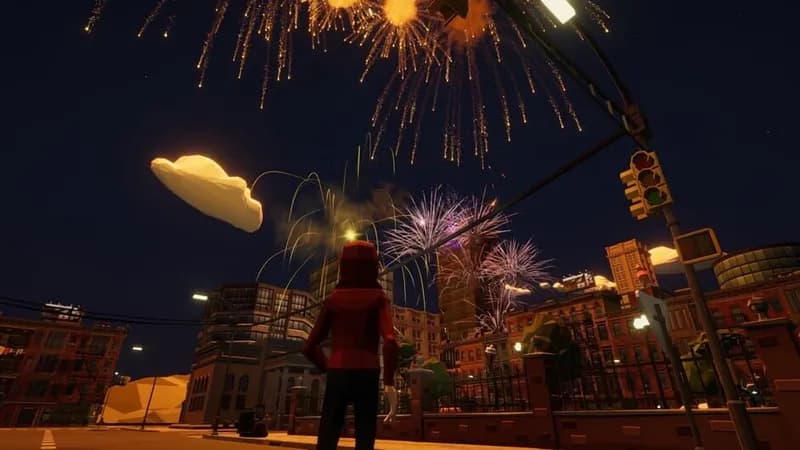
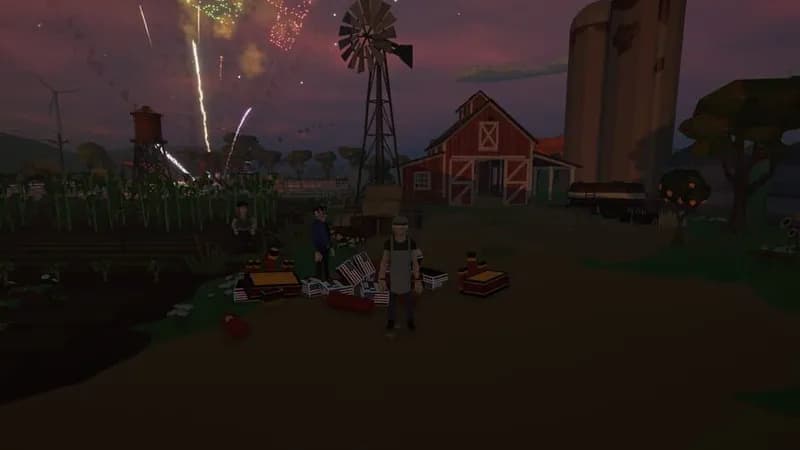
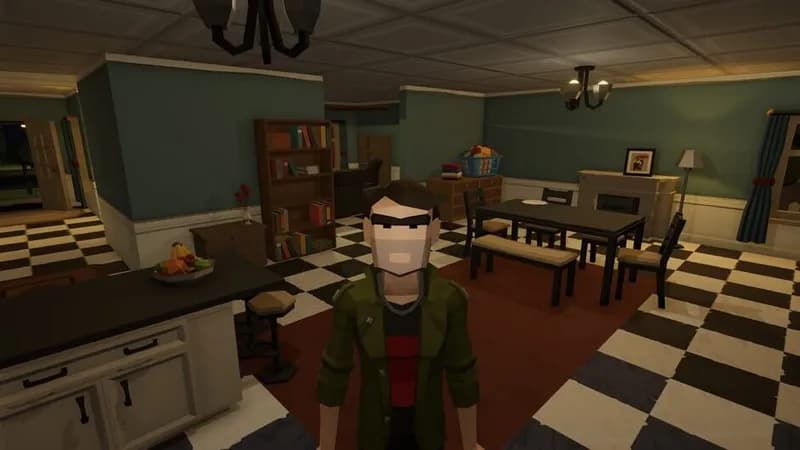
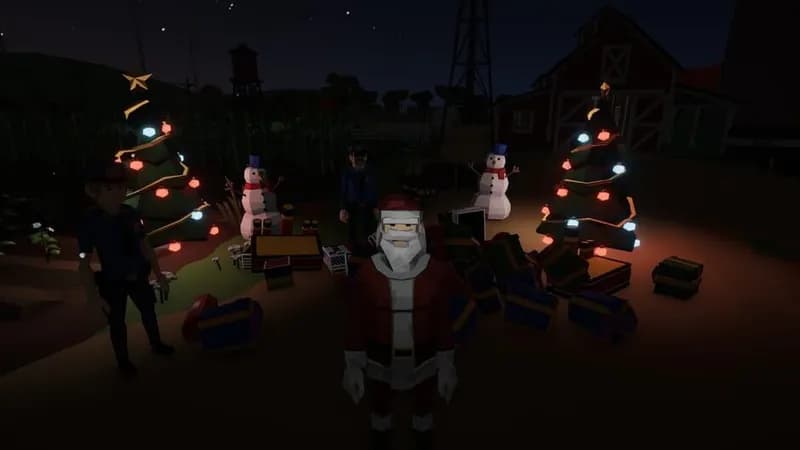
Games Similar to Fireworks Mania - An Explosive Simulator


Optimize Your PC for Fireworks Mania - An Explosive Simulator
Use our free tools to analyze and improve your gaming performance
Estimate FPS for Fireworks Mania - An Explosive Simulator
Calculate expected frame rates with your hardware
Check for Bottlenecks
Find if your CPU or GPU is holding you back
Calculate PSU Wattage
Make sure your power supply can handle your build
Compare Graphics Cards
Find the best GPU upgrade for your needs