
All Games
Gems of War - Puzzle RPG System Requirements
Gems of War - Puzzle RPG Minimum & Recommended Specs
Minimum: Intel Core i5-2300, NVIDIA GeForce GTX, 4 GB RAM. Recommended: 8 GB RAM RAM.
Minimum System Requirements
Recommended System Requirements
Quick Performance Tips for Gems of War - Puzzle RPG
#1
Close unnecessary background applications to free up RAM.
#2
Lower the graphics settings if you experience lag.
#3
Update your graphics drivers for optimal performance.
#4
Restart the game periodically to clear memory leaks.
Gems of War - Puzzle RPG System Requirements FAQ
Can I run Gems of War - Puzzle RPG on a low-end PC?
Gems of War is generally well-optimized. If your PC meets the *minimum* requirements (Intel Core i5-2300 / AMD A8-5600K, NVIDIA GeForce GTX 560 / AMD Radeon HD 5850, 4 GB RAM), you should be able to run the game at lower settings. Performance may vary, especially during intense battles with many visual effects.
What GPU do I need for Gems of War - Puzzle RPG?
The *minimum* GPU requirement is an NVIDIA GeForce GTX 560 or an AMD Radeon HD 5850. For a smoother experience with higher settings, an NVIDIA GeForce GTX 960 or an AMD Radeon R9 380 is *recommended*.
How much RAM does Gems of War - Puzzle RPG need?
Gems of War requires a *minimum* of 4 GB of RAM. However, 8 GB of RAM is *recommended* for smoother gameplay, especially if you have other applications running in the background.
Will Gems of War - Puzzle RPG run on integrated graphics?
While it *might* run on some integrated graphics solutions, performance will likely be poor, especially on older or weaker integrated GPUs. We highly recommend using a dedicated graphics card that meets the minimum requirements for a playable experience.
What is the best graphics settings for Gems of War - Puzzle RPG?
If you meet the *recommended* specs, you should be able to run the game on high or ultra settings. If you're closer to the *minimum* specs, try lowering the graphics settings (especially texture quality and shadow detail) to improve performance. Experiment to find the best balance between visual quality and framerate.
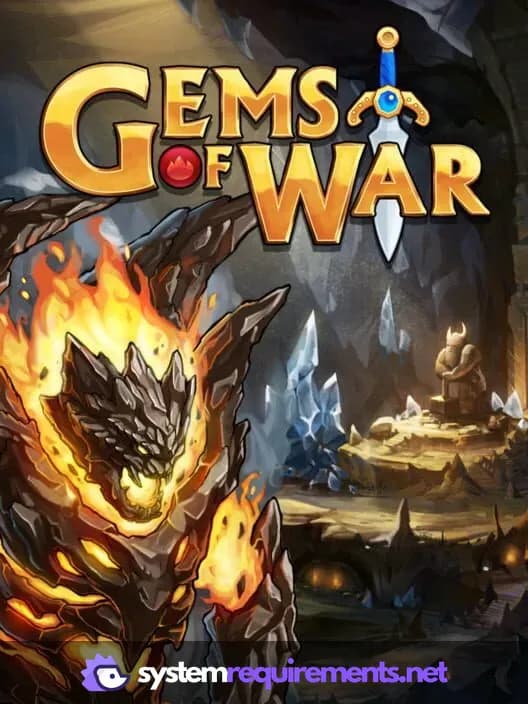
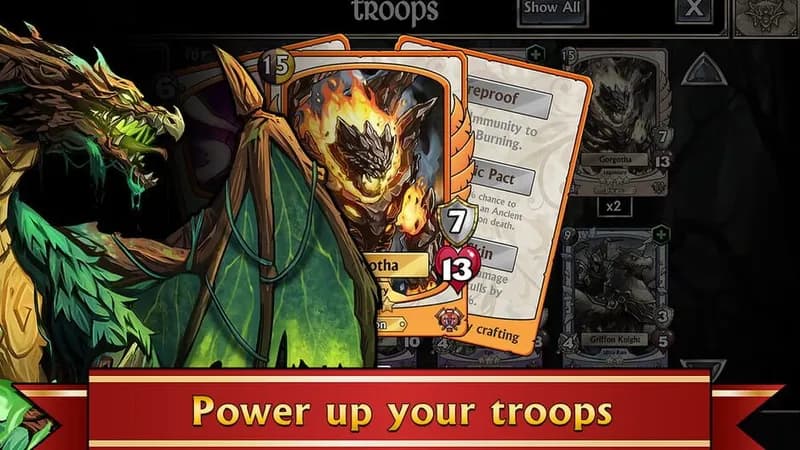
Gems of War - Puzzle RPG Game Info
Gems of War - Puzzle RPG Screenshots
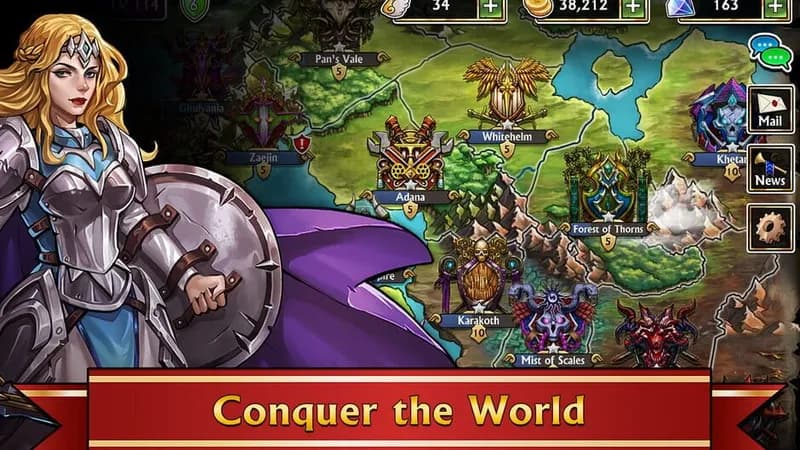
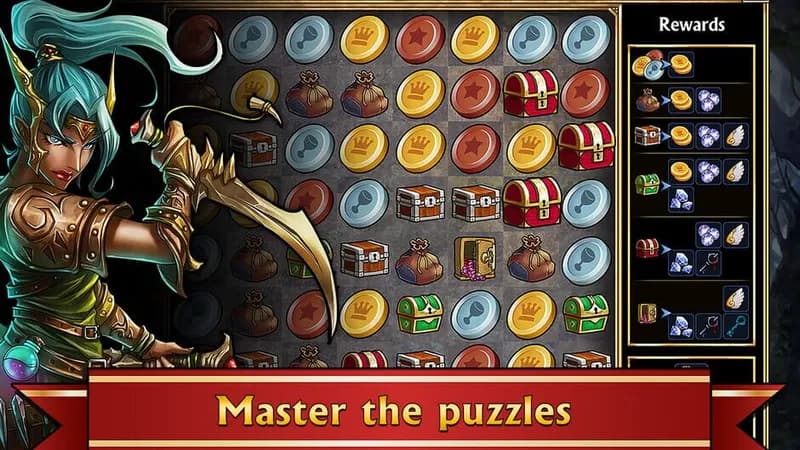
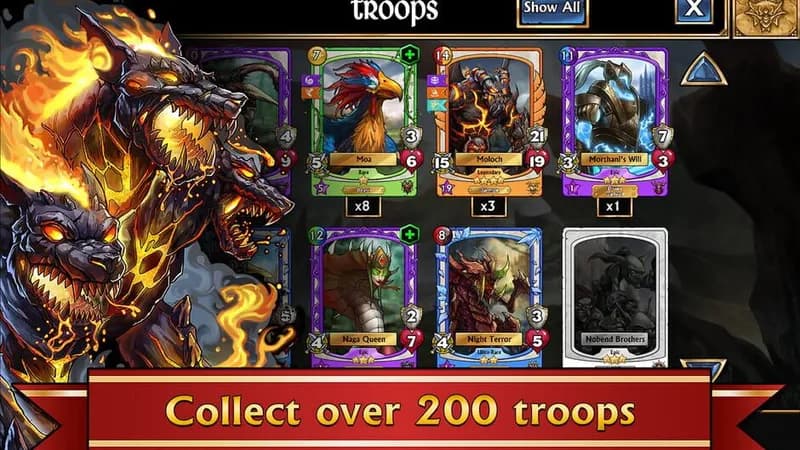


Optimize Your PC for Gems of War - Puzzle RPG
Use our free tools to analyze and improve your gaming performance