All Games

Good Company System Requirements

June 21, 2022Chasing Carrots

Transform a humble garage into a global powerhouse by meticulously crafting and managing the production of cutting-edge products. Automate your manufacturing processes, refine logistics, and conduct vital research to outpace the competition and dominate the high-tech market.

Good Company Minimum & Recommended Specs

Minimum: Intel Core i5-2500K, Nvidia GeForce GTX, 8 GB RAM. Recommended: 16 GB RAM RAM.

Minimum System Requirements

OS
Windows 7 / 8 / 10
Processor
Intel Core i5-2500K / AMD FX-6300CPU Deals
RAM
8 GB RAMRAM Deals
Graphics Card
Nvidia GeForce GTX 780 / AMD Radeon R9 290GPU Deals
DirectX
Version 11
Storage
10 GB available spaceSSD Deals

Recommended System Requirements

OS
Windows 10
Processor
Intel Core i7-4790 / AMD Ryzen 5 1600CPU Deals
RAM
16 GB RAMRAM Deals
Graphics Card
Nvidia GeForce GTX 1060 / AMD Radeon RX 580GPU Deals
DirectX
Version 11
Storage
10 GB available spaceSSD Deals

Trailer

Quick Performance Tips for Good Company

#1

Lower shadow quality for a significant performance boost.

#2

Reduce the number of visible workers to improve framerate.

#3

Close unnecessary background applications.

#4

Update your graphics drivers for optimal performance.

Good Company System Requirements FAQ

Can I run Good Company on a low-end PC?
Good Company requires at least an Intel Core i5-2500K or AMD FX-6300 CPU, an Nvidia GeForce GTX 780 or AMD Radeon R9 290 GPU, and 8 GB of RAM. If your PC doesn't meet these minimum specifications, you may experience performance issues or be unable to run the game.
What GPU do I need for Good Company?
The minimum GPU requirement for Good Company is an Nvidia GeForce GTX 780 or an AMD Radeon R9 290. For the best experience, an Nvidia GeForce GTX 1060 or AMD Radeon RX 580 is recommended.
How much RAM does Good Company need?
Good Company requires a minimum of 8 GB of RAM. For optimal performance, 16 GB of RAM is recommended.
Will Good Company run on integrated graphics?
While it's *possible* Good Company might run on some high-end integrated graphics solutions, it's unlikely to provide a playable experience. The game is designed for dedicated GPUs, and integrated graphics generally lack the necessary power.
What is the best graphics settings for Good Company?
The best graphics settings depend on your hardware. If you meet the recommended specs, you should be able to run the game on medium to high settings. If you're closer to the minimum specs, start with the lowest settings and gradually increase them until you find a balance between visual quality and performance.
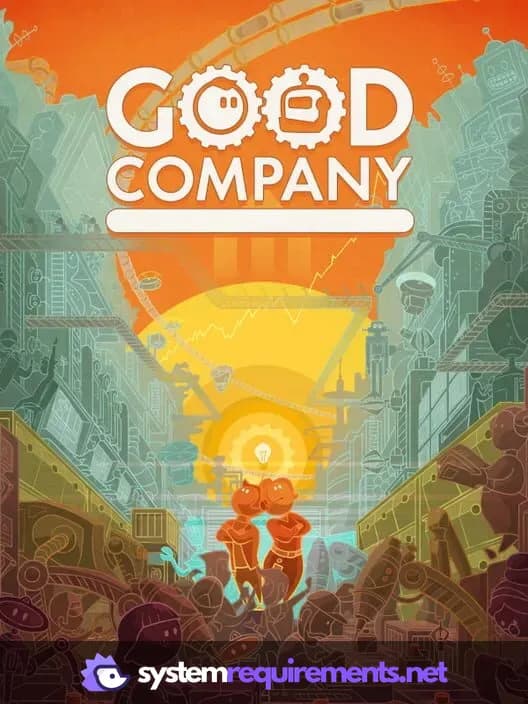
Good Company PC game cover art

Good Company Game Info

Developer

Chasing Carrots

Publisher

Chasing Carrots

Release Date

June 21, 2022

Platforms

PC (Microsoft Windows)

Genres

SimulatorStrategyIndie

Game Modes

  • Single player
  • Multiplayer
  • Co-operative

Good Company Screenshots

Good Company gameplay screenshot 1
Good Company gameplay screenshot 2
Good Company gameplay screenshot 3
Good Company gameplay screenshot 4
Good Company System Requirements - Can Your PC Run It?