
All Games
LEGO Star Wars III - The Clone Wars System Requirements
LEGO Star Wars III - The Clone Wars Minimum & Recommended Specs
Minimum: Intel Pentium 4, 128 MB video, 512 MB RAM. Recommended: 1 GB RAM RAM.
Minimum System Requirements
Recommended System Requirements
Quick Performance Tips for LEGO Star Wars III - The Clone Wars
#1
Lower the resolution for a significant FPS boost.
#2
Disable shadows and anti-aliasing for improved performance.
#3
Close unnecessary background applications.
#4
Update your graphics card drivers for optimal performance.
LEGO Star Wars III - The Clone Wars System Requirements FAQ
Can I run LEGO Star Wars III - The Clone Wars on a low-end PC?
Yes, the game has low minimum requirements. You'll need at least a Pentium 4/Athlon XP 1.5 GHz CPU, a Shader Model 2.0 compatible video card with 128 MB of VRAM, and 512 MB of RAM. Expect lower graphics settings and resolution.
What GPU do I need for LEGO Star Wars III - The Clone Wars?
At a minimum, you need a video card with 128 MB of VRAM and Shader Model 2.0 compatibility. For better performance, a 256 MB card with Shader Model 3.0 is recommended.
How much RAM does LEGO Star Wars III - The Clone Wars need?
The game requires a minimum of 512 MB of RAM. However, 1 GB of RAM is recommended for smoother gameplay and fewer stutters, especially at higher resolutions.
Will LEGO Star Wars III - The Clone Wars run on integrated graphics?
It might, but performance will likely be poor. Integrated graphics often struggle with Shader Model 2.0 and 3.0. Try lowering the resolution and graphics settings to the absolute minimum.
What is the best graphics settings for LEGO Star Wars III - The Clone Wars?
If you meet the recommended specs, try medium to high settings. If you're closer to the minimum, start with the lowest settings and resolution, then gradually increase them until you find a good balance between performance and visual quality.
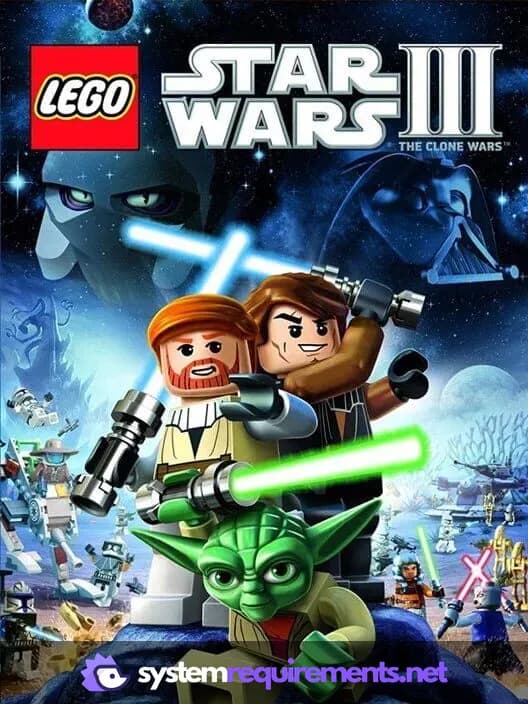
LEGO Star Wars III - The Clone Wars Game Info
LEGO Star Wars III - The Clone Wars Screenshots
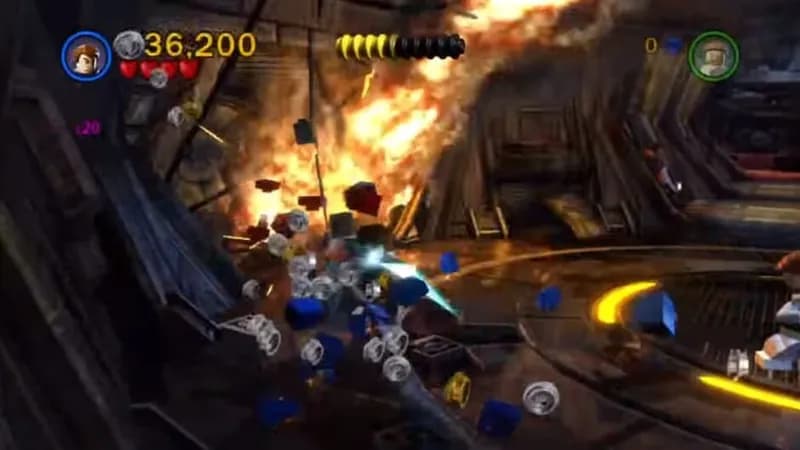
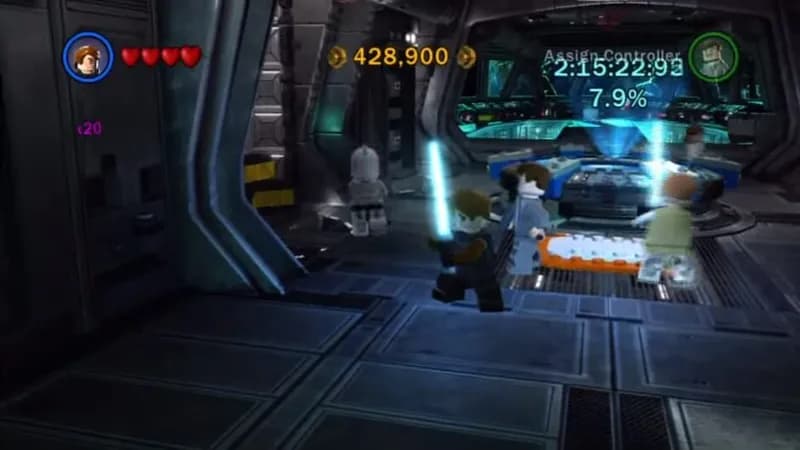
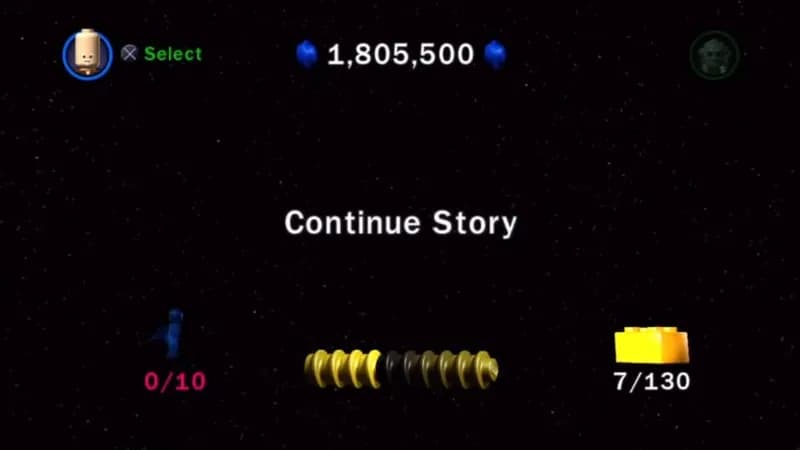
Games Similar to LEGO Star Wars III - The Clone Wars
Warhammer 40,000: Dawn of War - Definitive Edition
View requirements →
Barony: Myths & Outcasts
View requirements →
Barony: Legends & Pariahs
View requirements →
STAR WARS Knights of the Old Republic II - The Sith Lords
View requirements →

Governor of Poker 3
View requirements →
Warsim: The Realm of Aslona
View requirements →
Optimize Your PC for LEGO Star Wars III - The Clone Wars
Use our free tools to analyze and improve your gaming performance