
All Games
Mini Motorways System Requirements
September 19, 2019Dinosaur Polo Club86/100
Manage urban sprawl in Mini Motorways, a minimalist simulation where you plan and construct road networks to combat ever-increasing traffic. Strategically place roads and highways to optimize flow and keep your city from grinding to a halt.
Mini Motorways Minimum & Recommended Specs
Minimum: Intel Core i5, Intel HD 4000, 4 GB RAM. Recommended: 8 GB RAM RAM.
Minimum System Requirements
Recommended System Requirements
Upgrade Your Hardware
Trailer
Quick Performance Tips for Mini Motorways
#1
Lower the resolution for a significant performance boost.
#2
Disable anti-aliasing for smoother gameplay.
#3
Close other applications while playing Mini Motorways.
#4
Restart the game periodically to clear memory.
Mini Motorways System Requirements FAQ
Can I run Mini Motorways on a low-end PC?
Yes, Mini Motorways is designed to be accessible. The minimum requirements are an Intel Core i5 processor, Intel HD 4000 graphics, and 4 GB of RAM. If your PC meets these, you should be able to play, but you may need to lower graphics settings for optimal performance.
What GPU do I need for Mini Motorways?
The minimum GPU is Intel HD 4000. For a smoother experience, especially at higher resolutions or with more complex cities, an Nvidia GeForce GTX 550 Ti or equivalent is recommended.
How much RAM does Mini Motorways need?
Mini Motorways requires a minimum of 4 GB of RAM. However, 8 GB of RAM is recommended for a smoother experience, especially as your city grows and becomes more complex.
Will Mini Motorways run on integrated graphics?
Yes, Mini Motorways is designed to run on integrated graphics like the Intel HD 4000. However, performance may be limited, especially with larger cities. Consider lowering graphical settings for better frame rates.
What is the best graphics settings for Mini Motorways?
If you're experiencing performance issues, try lowering the resolution, disabling anti-aliasing, and reducing the detail level in the game's settings. Experiment to find a balance between visual quality and performance.
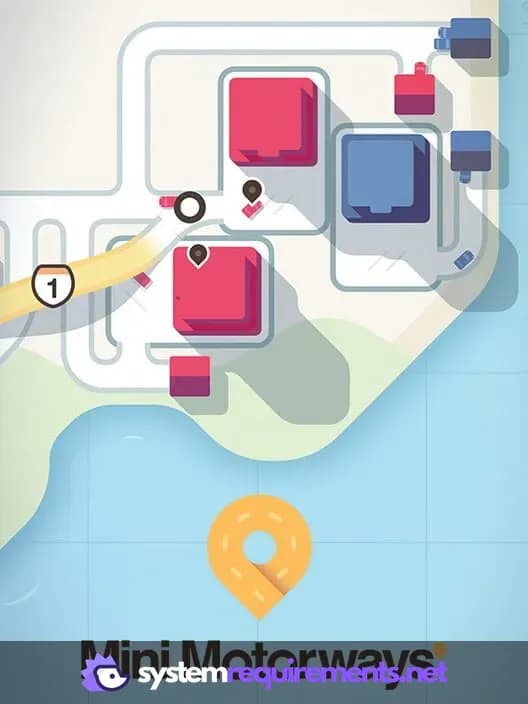
Mini Motorways Game Info
Developer
Dinosaur Polo Club
Publisher
Dinosaur Polo Club
Release Date
September 19, 2019
Platforms
PC (Microsoft Windows), iOS, Mac, Nintendo Switch
Genres
PuzzleSimulatorStrategyIndie
Game Modes
- Single player
Mini Motorways Screenshots
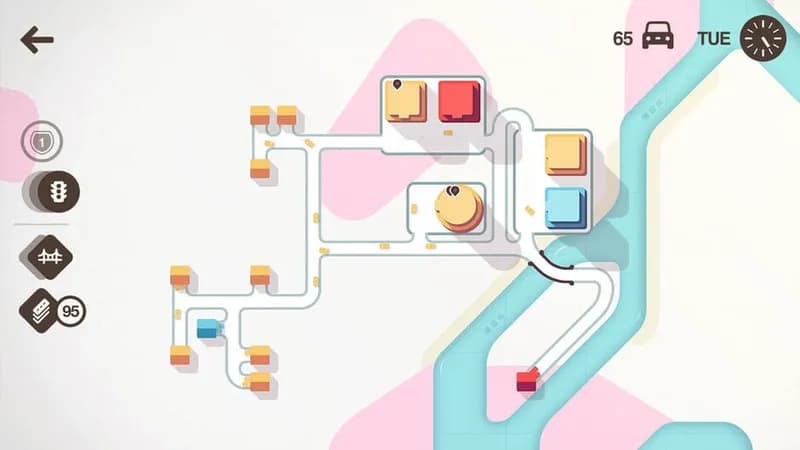
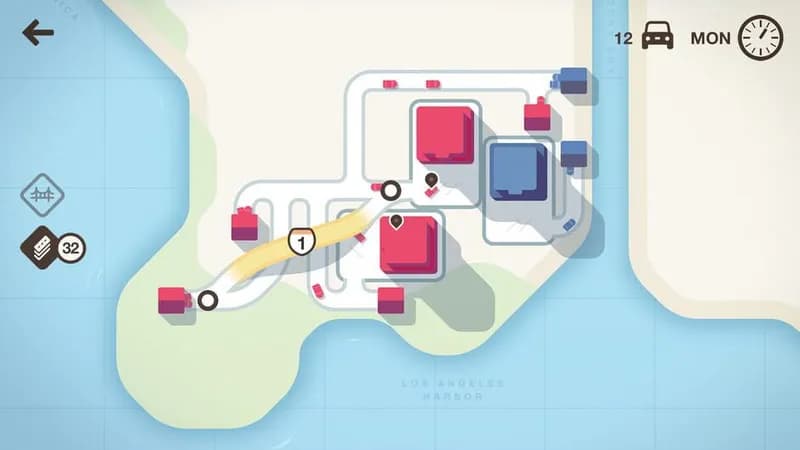
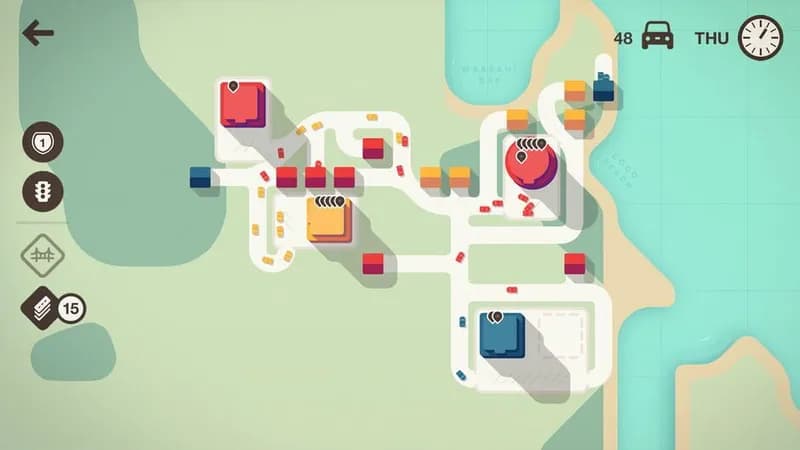
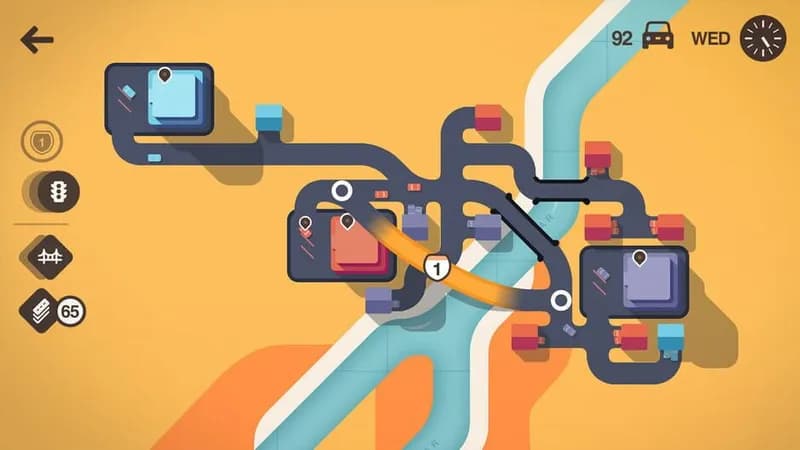

Optimize Your PC for Mini Motorways
Use our free tools to analyze and improve your gaming performance