All Games

Parkitect System Requirements

November 29, 2018Texel Raptor84/100

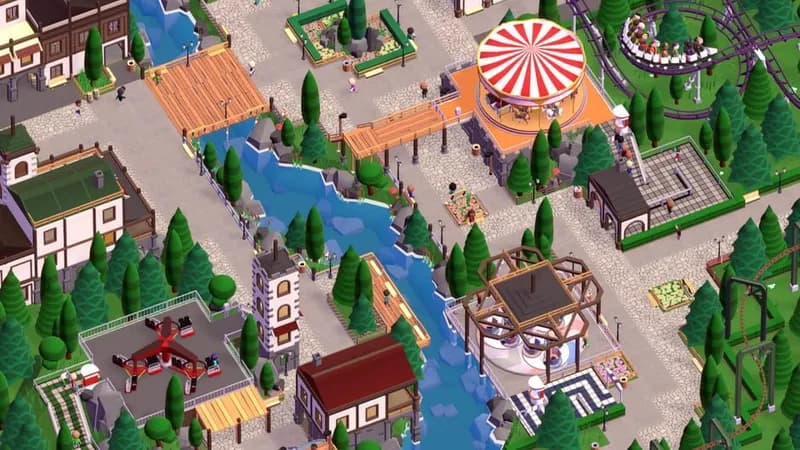
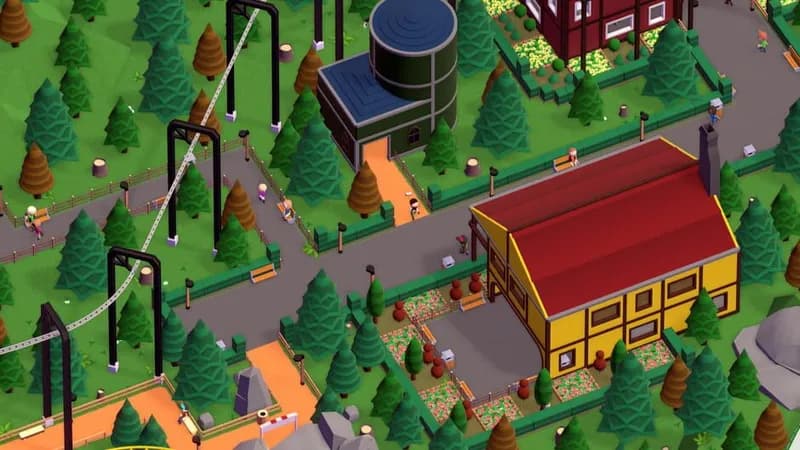
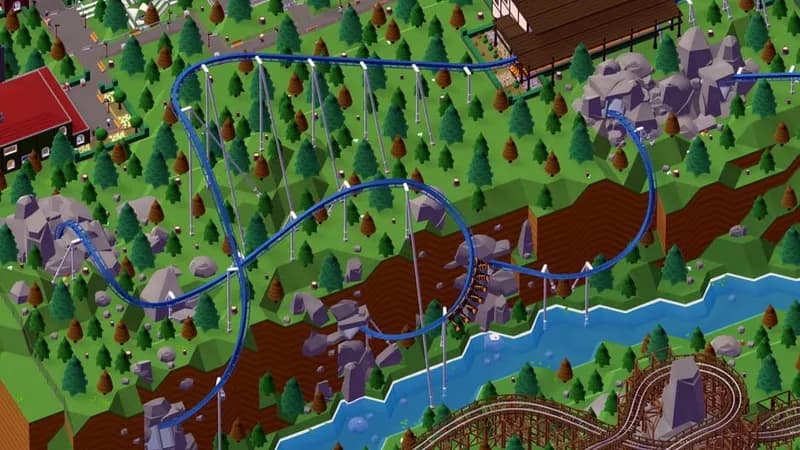
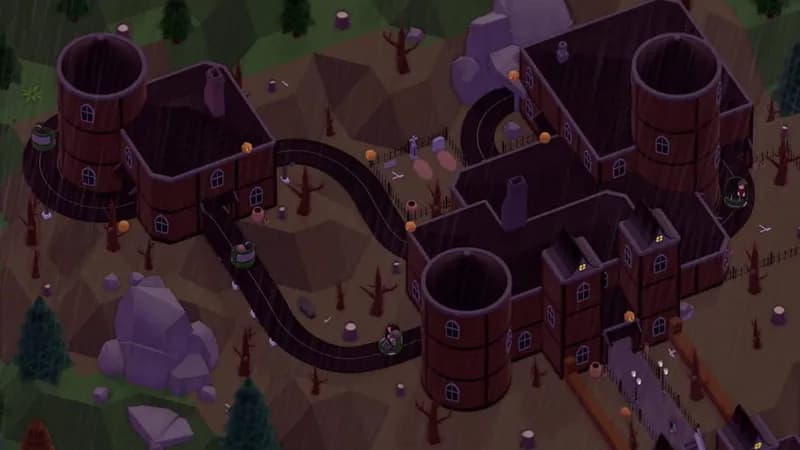
Parkitect tasks players with designing and maintaining profitable theme parks, demanding strategic decisions on park layout, ride placement, and resource management. Success hinges on balancing guest happiness with financial stability in this construction-focused sim.

Parkitect Minimum & Recommended Specs

Minimum: 2 GHz Dual, Intel HD 5000, 4 GB RAM. Recommended: 8 GB RAM RAM.

Minimum System Requirements

OS
Windows 7
Processor
2 GHz Dual CoreCPU Deals
RAM
4 GB RAMRAM Deals
Graphics Card
Intel HD 5000GPU Deals
DirectX
Version 10
Storage
2 GB available spaceSSD Deals

Recommended System Requirements

OS
Windows 10
Processor
3 GHz Quad CoreCPU Deals
RAM
8 GB RAMRAM Deals
Graphics Card
Nvidia GeForce GTX 970GPU Deals
DirectX
Version 11
Storage
2 GB available spaceSSD Deals

Trailer

Quick Performance Tips for Parkitect

#1

Lower the guest count to improve performance.

#2

Reduce shadow quality for a significant FPS boost.

#3

Disable reflections for a smoother experience.

#4

Limit the number of scenery props in your park.

#5

Close unnecessary background applications.

#6

Upgrade your RAM if you experience stuttering.

Parkitect System Requirements FAQ

Can I run Parkitect on a low-end PC?
Parkitect can run on lower-end PCs if they meet the minimum requirements: a 2 GHz Dual Core processor, Intel HD 5000 graphics, and 4 GB of RAM. However, expect lower graphics settings and potentially reduced performance, especially in larger parks.
What GPU do I need for Parkitect?
For minimum performance, an Intel HD 5000 is required. For a smoother experience, especially with larger parks and higher graphics settings, an Nvidia GeForce GTX 970 or equivalent is recommended.
How much RAM does Parkitect need?
Parkitect requires a minimum of 4 GB of RAM. For optimal performance, especially with larger parks and many guests, 8 GB of RAM is recommended.
Will Parkitect run on integrated graphics?
Yes, Parkitect *can* run on integrated graphics like the Intel HD 5000, but performance will be limited. You'll likely need to lower graphics settings and reduce park size to maintain a playable framerate.
What is the best graphics settings for Parkitect?
The best graphics settings depend on your hardware. Start with medium settings and adjust from there. If you experience lag, lower settings like shadows, reflections, and guest count. If you have powerful hardware, try increasing the level of detail and resolution.
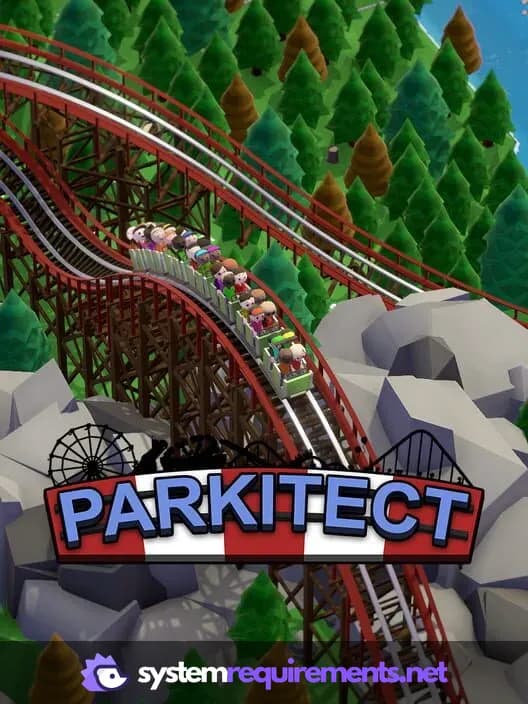
Parkitect PC game cover art

Parkitect Game Info

Developer

Texel Raptor

Publisher

Texel Raptor

Release Date

November 29, 2018

Platforms

Linux, PC (Microsoft Windows), Mac

Genres

SimulatorStrategyIndie

Game Modes

  • Single player
  • Multiplayer
  • Co-operative

Parkitect Screenshots
Parkitect gameplay screenshot 1
Parkitect gameplay screenshot 2
Parkitect gameplay screenshot 3
Parkitect gameplay screenshot 4
Parkitect System Requirements - Can Your PC Run It?