
All Games
Software Inc. System Requirements
May 1, 2015Coredumping
Architect offices for peak efficiency, then populate them with skilled staff to develop and launch software. Outmaneuver rival companies through superior products and talent management to dominate the simulated market.
Software Inc. Minimum & Recommended Specs
Minimum: 2 GHz Dual, 512 MB graphics, 4 GB RAM. Recommended: 8 GB RAM RAM.
Minimum System Requirements
Recommended System Requirements
Upgrade Your Hardware
Trailer
Quick Performance Tips for Software Inc.
#1
Lower the resolution for a significant performance boost.
#2
Disable shadows for improved frame rates.
#3
Close unnecessary background programs.
#4
Reduce the number of employees for better performance.
Software Inc. System Requirements FAQ
Can I run Software Inc. on a low-end PC?
Software Inc. can run on a low-end PC that meets the minimum requirements: a 2 GHz Dual Core processor, a 512 MB graphics card, and 4 GB of RAM. However, you may experience lower frame rates, especially with larger companies and more complex projects. For the best experience, aim for the recommended specs.
What GPU do I need for Software Inc.?
At a minimum, you'll need a graphics card with 512 MB of dedicated memory. For a smoother experience, especially with larger companies and higher settings, a 1 GB graphics card is recommended.
How much RAM does Software Inc. need?
Software Inc. requires a minimum of 4 GB of RAM to run. However, 8 GB of RAM is recommended for optimal performance, particularly when running multiple programs simultaneously or managing large companies within the game.
Will Software Inc. run on integrated graphics?
Software Inc. *may* run on integrated graphics, but performance can vary greatly. If your integrated graphics card has at least 512 MB of dedicated memory (or can allocate that much), you might be able to play at lower settings. Expect lower frame rates and potential performance issues, especially as your company grows.
What is the best graphics settings for Software Inc.?
The best graphics settings depend on your hardware. Start with the 'Medium' preset and adjust from there. If you experience lag, try lowering the resolution, shadow quality, and anti-aliasing. If you have a powerful PC, you can experiment with higher settings for improved visuals.
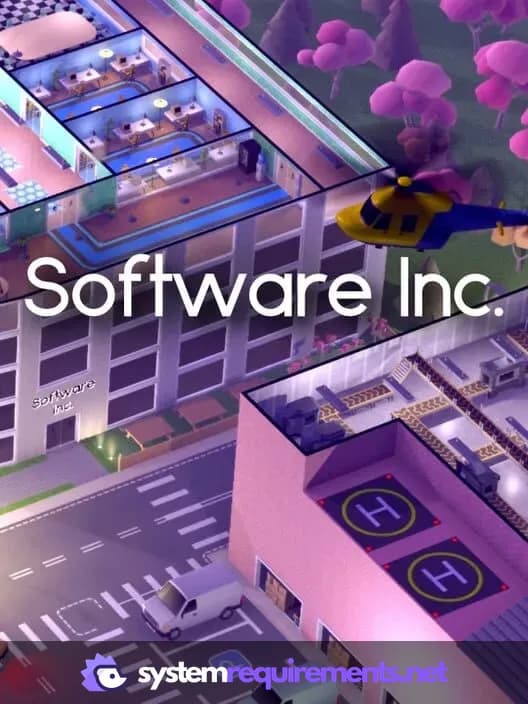
Software Inc. Game Info
Developer
Coredumping
Publisher
Coredumping
Release Date
May 1, 2015
Platforms
Linux, PC (Microsoft Windows), Mac
Genres
SimulatorStrategyIndie
Game Modes
- Single player
- Multiplayer
- Co-operative
Software Inc. Screenshots







Optimize Your PC for Software Inc.
Use our free tools to analyze and improve your gaming performance