
All Games
Party Animals System Requirements
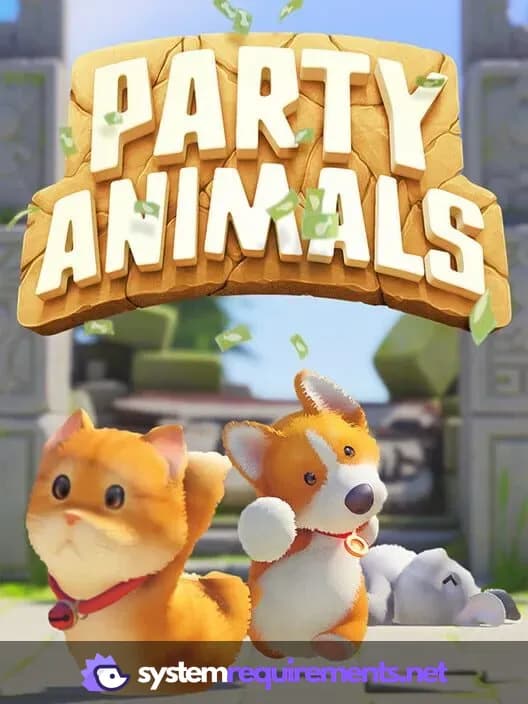
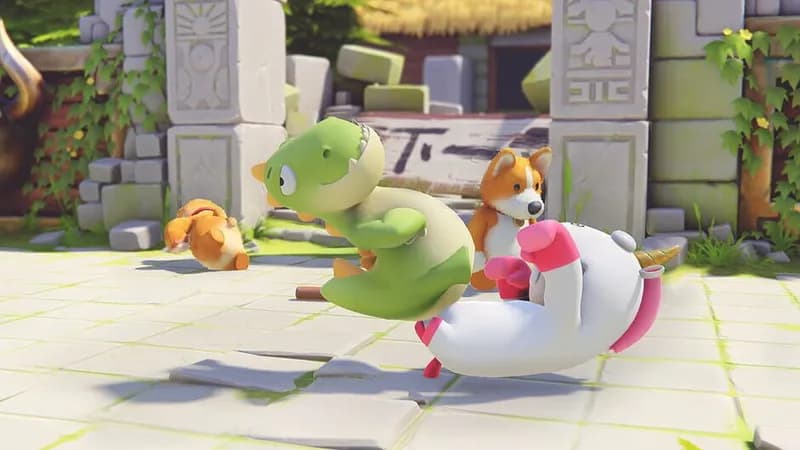
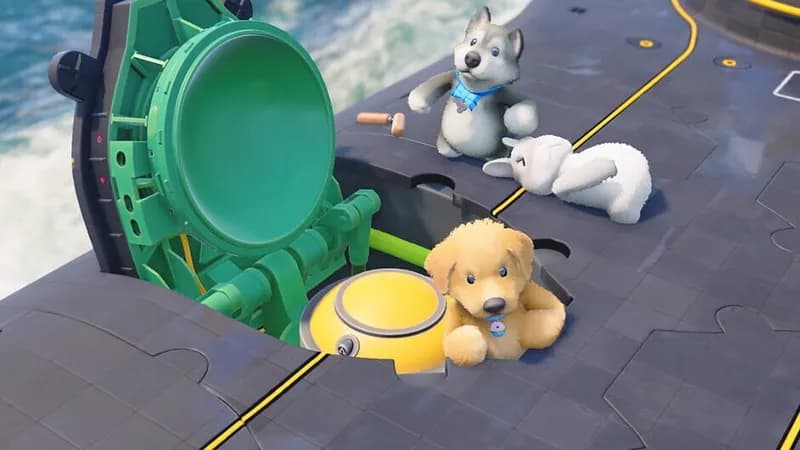
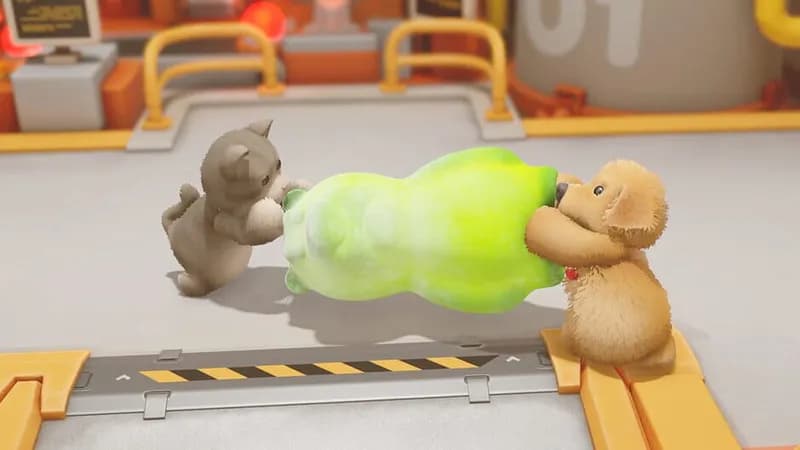
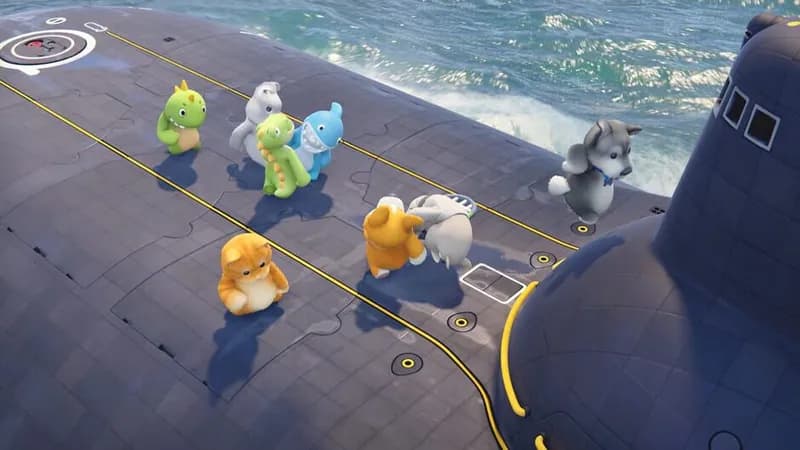
Party Animals is a compact puzzle experience depicting a Saturday night gathering of animals. Solve challenges to keep the party going in this light-hearted, contained adventure.
Party Animals Minimum & Recommended Specs
Minimum: Intel i3 560, Nvidia GTX 660, 4 GB RAM. Recommended: 8 GB RAM RAM.
Minimum System Requirements
Recommended System Requirements
Quick Performance Tips for Party Animals
#1
Lower your graphics settings for better performance.
#2
Close unnecessary background applications.
#3
Update your graphics drivers to the latest version.
#4
Reduce the game's resolution for a performance boost.
Party Animals System Requirements FAQ
Can I run Party Animals on a low-end PC?
To play Party Animals smoothly, your PC needs to meet at least the minimum requirements: an Intel i3 560 / AMD Athlon X4 630 CPU, Nvidia GTX 660 / AMD Radeon HD 5770 GPU, and 4 GB of RAM. If your PC is below these specs, you may experience performance issues.
What GPU do I need for Party Animals?
For minimum settings, you'll need at least an Nvidia GTX 660 or AMD Radeon HD 5770. For recommended settings and a smoother experience, aim for an Nvidia GTX 970 or AMD Radeon R9 290.
How much RAM does Party Animals need?
Party Animals requires a minimum of 4 GB of RAM to run. However, 8 GB of RAM is recommended for optimal performance and to avoid potential stuttering or slowdowns.
Will Party Animals run on integrated graphics?
While it's technically possible, running Party Animals on integrated graphics is not recommended. You'll likely experience significant performance issues, even at the lowest settings. A dedicated graphics card is strongly advised.
What is the best graphics settings for Party Animals?
The best graphics settings depend on your hardware. If you meet the recommended specs, try 'High' settings. If you're closer to the minimum, start with 'Low' or 'Medium' and adjust until you find a balance between visual quality and performance.
Party Animals Screenshots

Optimize Your PC for Party Animals
Use our free tools to analyze and improve your gaming performance