
All Games
RaceRoom Racing Experience System Requirements
February 12, 2013Sector3 Studios
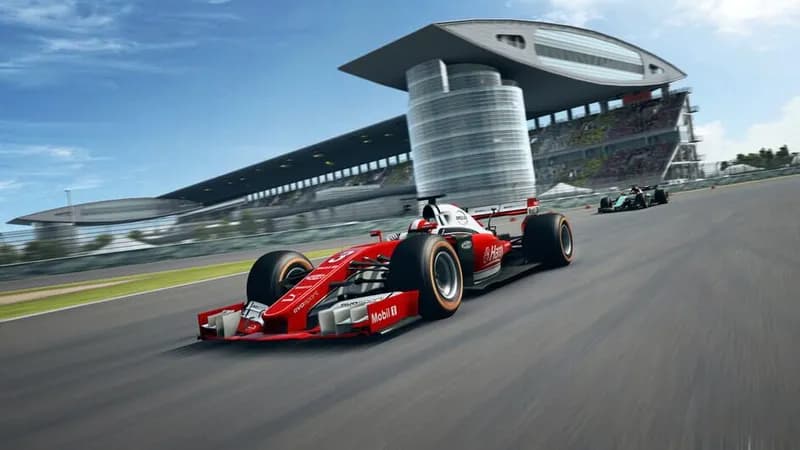
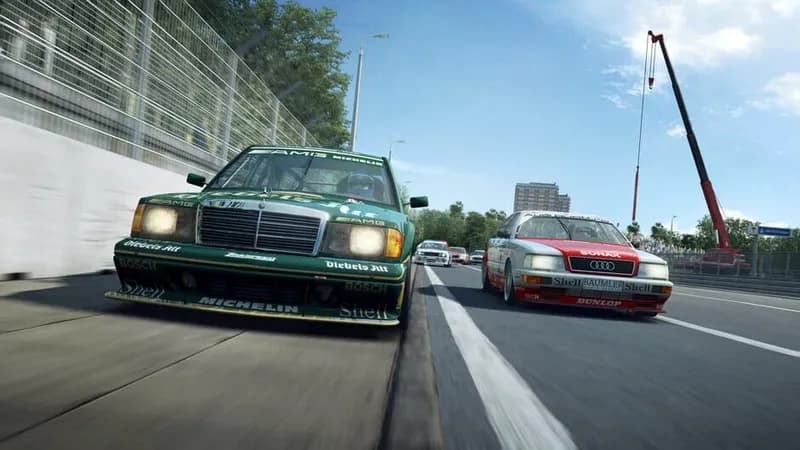
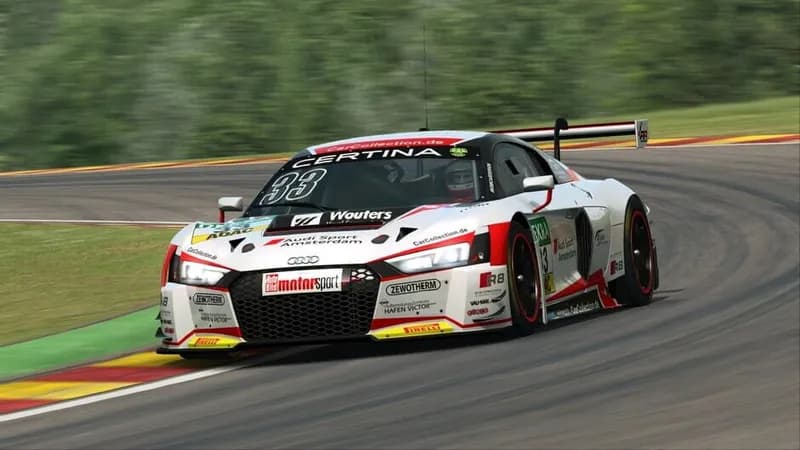
RaceRoom Racing Experience is a PC-based racing simulator offering a variety of vehicles and tracks. The game features licensed motorsport series content, including DTM and WTCR.
RaceRoom Racing Experience Minimum & Recommended Specs
Minimum: Intel Core 2, nVidia GeForce GTS, 4 GB RAM. Recommended: 8 GB RAM RAM.
Minimum System Requirements
Recommended System Requirements
Trailer
Quick Performance Tips for RaceRoom Racing Experience
#1
Lower shadow quality for a big FPS boost.
#2
Reduce reflections for better performance.
#3
Disable or lower anti-aliasing if needed.
#4
Close background apps to free up RAM.
RaceRoom Racing Experience System Requirements FAQ
Can I run RaceRoom Racing Experience on a low-end PC?
RaceRoom can run on relatively modest hardware. Check the minimum requirements: Intel Core 2 Duo E8400 @ 3.0 GHz or AMD Athlon 64 X2 6400+ @ 3.2 GHz, nVidia GeForce GTS 250 or AMD Radeon HD 5750, and 4 GB of RAM. However, expect lower graphics settings and potentially lower frame rates.
What GPU do I need for RaceRoom Racing Experience?
For minimum settings, an nVidia GeForce GTS 250 or AMD Radeon HD 5750 is required. For a better experience, an nVidia GeForce GTX 950 or AMD Radeon RX 480 is recommended.
How much RAM does RaceRoom Racing Experience need?
At least 4 GB of RAM is required to run RaceRoom. For smoother gameplay and higher settings, 8 GB of RAM is recommended.
Will RaceRoom Racing Experience run on integrated graphics?
While technically possible, running RaceRoom on integrated graphics is not recommended. You'll likely experience very low frame rates and graphical glitches. A dedicated graphics card is highly advised for a playable experience.
What is the best graphics settings for RaceRoom Racing Experience?
The 'best' settings depend on your hardware. Start with the 'Medium' preset and adjust from there. Lowering settings like shadows, reflections, and track detail can significantly improve performance. Experiment to find a balance between visual quality and frame rate.
RaceRoom Racing Experience Game Info
Developer
Sector3 Studios
Release Date
February 12, 2013
Platforms
PC (Microsoft Windows)
Genres
RacingSimulatorSport
Game Modes
- Single player
- Multiplayer
RaceRoom Racing Experience Screenshots



Optimize Your PC for RaceRoom Racing Experience
Use our free tools to analyze and improve your gaming performance