
All Games
RLLL: Tower of Choices System Requirements
January 30, 2026
Navigate a treacherous tower in RLLL: Tower of Choices, where dice rolls dictate your path. Forge a synergistic party by mastering classes, recruiting companions, and exploiting powerful artifact combinations as you ascend through ever-changing challenges.
RLLL: Tower of Choices Minimum & Recommended Specs
Minimum: Intel Core i3-2100, Nvidia GeForce GTX, 4 GB RAM. Recommended: 8 GB RAM RAM.
Minimum System Requirements
Recommended System Requirements
Trailer
Quick Performance Tips for RLLL: Tower of Choices
#1
Lower the shadow quality for a significant FPS boost.
#2
Disable anti-aliasing or use FXAA for better performance.
#3
Reduce the resolution for increased frame rates.
#4
Close background applications to free up RAM and CPU.
RLLL: Tower of Choices System Requirements FAQ
Can I run RLLL: Tower of Choices on a low-end PC?
If your PC meets the minimum requirements (Intel Core i3-2100/AMD Phenom II X4 965, Nvidia GeForce GTX 650/AMD Radeon HD 7770, 4GB RAM), you should be able to run the game, but likely at lower settings and possibly with lower frame rates. For a smoother experience, aim for the recommended specs.
What GPU do I need for RLLL: Tower of Choices?
The minimum GPU is an Nvidia GeForce GTX 650 or an AMD Radeon HD 7770. For a better experience, the recommended GPU is an Nvidia GeForce GTX 960 or an AMD Radeon R9 290X.
How much RAM does RLLL: Tower of Choices need?
The game requires a minimum of 4GB of RAM. However, 8GB of RAM is recommended for smoother gameplay and better performance, especially at higher settings.
Will RLLL: Tower of Choices run on integrated graphics?
While it's *possible* the game might launch on some higher-end integrated graphics solutions, it's unlikely to provide a playable experience. Integrated graphics generally don't meet the minimum GPU requirements (GTX 650/HD 7770) for acceptable performance.
What is the best graphics settings for RLLL: Tower of Choices?
The "best" settings depend on your hardware. If you meet the recommended specs, try starting with 'High' settings. If you're closer to the minimum specs, start with 'Low' or 'Medium' and adjust upwards until you find a balance between visual quality and performance.

RLLL: Tower of Choices Game Info
Release Date
January 30, 2026
Platforms
PC (Microsoft Windows)
Genres
Role-playing (RPG)StrategyTurn-based strategy (TBS)Indie
Game Modes
- Single player
RLLL: Tower of Choices Screenshots
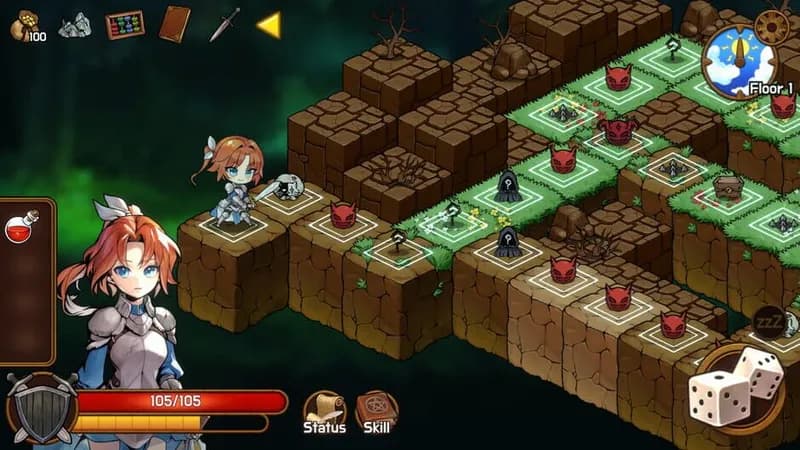
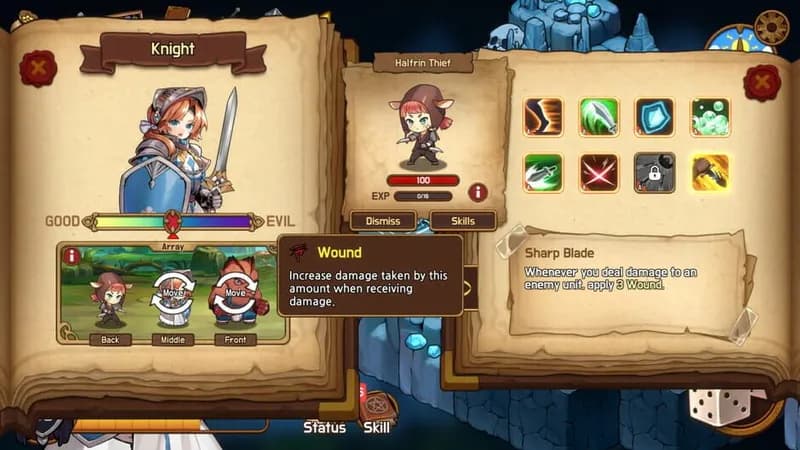

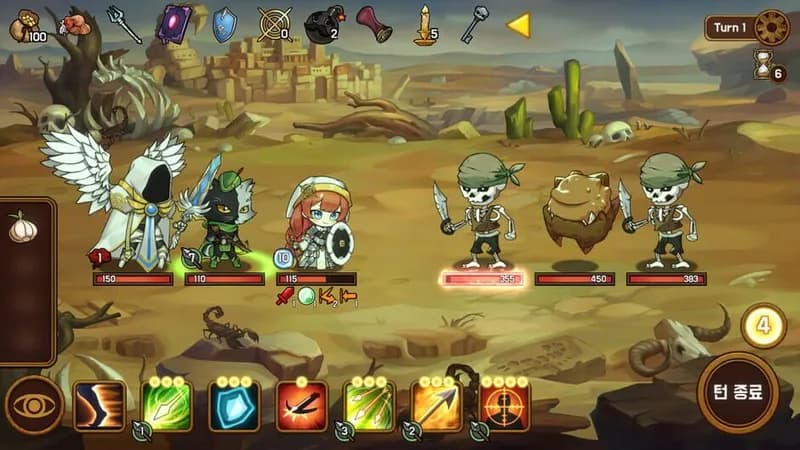





Optimize Your PC for RLLL: Tower of Choices
Use our free tools to analyze and improve your gaming performance