
All Games
ROUNDS System Requirements
philRaco
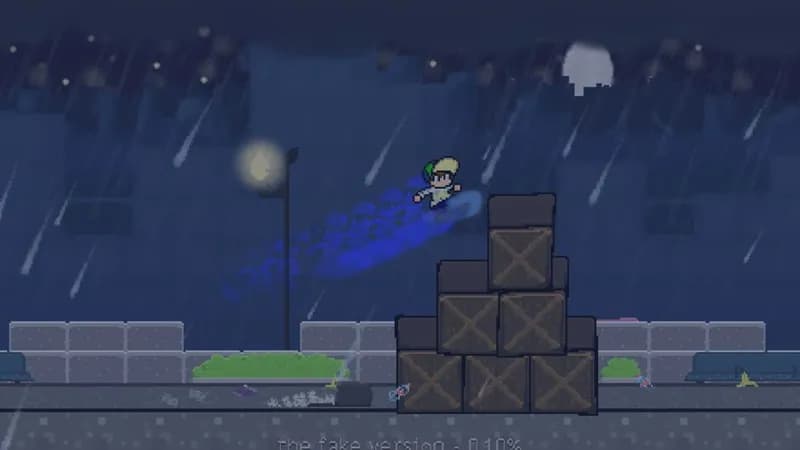
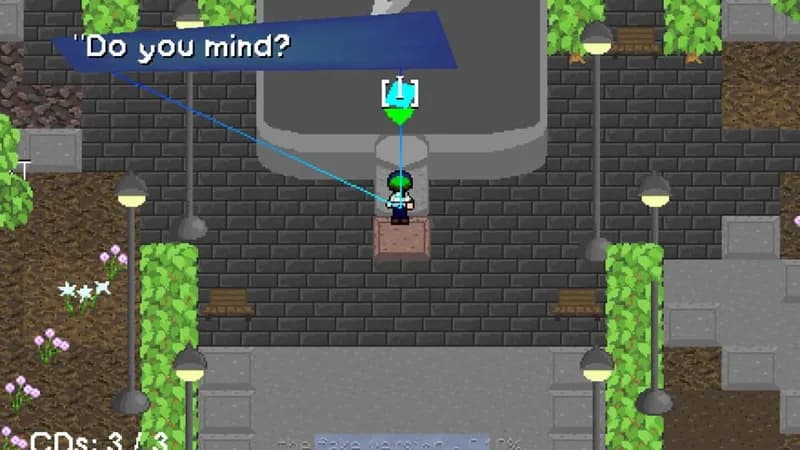
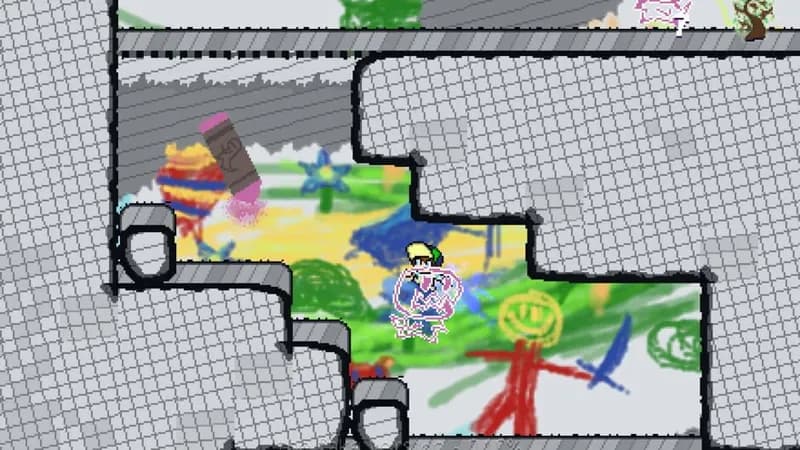
Navigate a surreal landscape as a fledgling therapist, accompanied by a sentient TV, to mend fractured minds within the Round The Mind organization. This fast-paced platformer blends genres as you confront mental obstacles in a unique therapeutic setting.
ROUNDS Minimum & Recommended Specs
Minimum: 2 GHz Dual, Intel HD Graphics, 2 GB RAM. Recommended: 4 GB RAM RAM.
Minimum System Requirements
Recommended System Requirements
Upgrade Your Hardware
Trailer
Quick Performance Tips for ROUNDS
#1
Lower the resolution for a significant performance boost.
#2
Disable shadows to improve framerate on low-end systems.
#3
Close unnecessary background applications to free up RAM.
#4
Update your graphics drivers for optimal performance.
ROUNDS System Requirements FAQ
Can I run ROUNDS on a low-end PC?
ROUNDS can run on lower-end PCs. The minimum requirements are a 2 GHz Dual Core processor, Intel HD Graphics 520, and 2 GB of RAM. However, for the best experience, we recommend meeting the recommended specs.
What GPU do I need for ROUNDS?
At a minimum, you'll need a GPU equivalent to Intel HD Graphics 520. For smoother gameplay and higher settings, a GeForce GTX 970 or better is recommended.
How much RAM does ROUNDS need?
ROUNDS requires a minimum of 2 GB of RAM. We recommend 4 GB of RAM for optimal performance, especially when playing with multiple players or using higher graphics settings.
Will ROUNDS run on integrated graphics?
Yes, ROUNDS is designed to run on integrated graphics like Intel HD Graphics 520, but you may need to lower the graphics settings for optimal performance.
What is the best graphics settings for ROUNDS?
The best graphics settings depend on your hardware. If you meet the recommended specs, you can likely run the game at high settings. If you're using lower-end hardware, try lowering the resolution, shadow quality, and other graphical options until you achieve a smooth framerate.
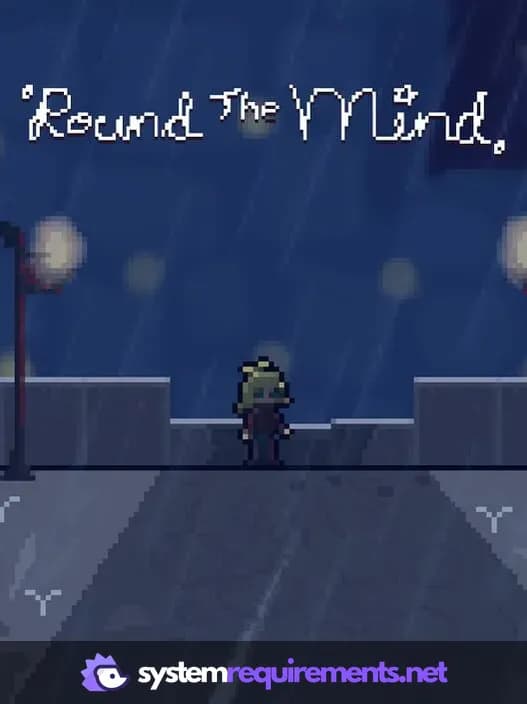
ROUNDS Game Info
Developer
philRaco
Publisher
philRaco
Platforms
PC (Microsoft Windows)
Genres
PlatformRole-playing (RPG)Adventure
Game Modes
- Single player
ROUNDS Screenshots
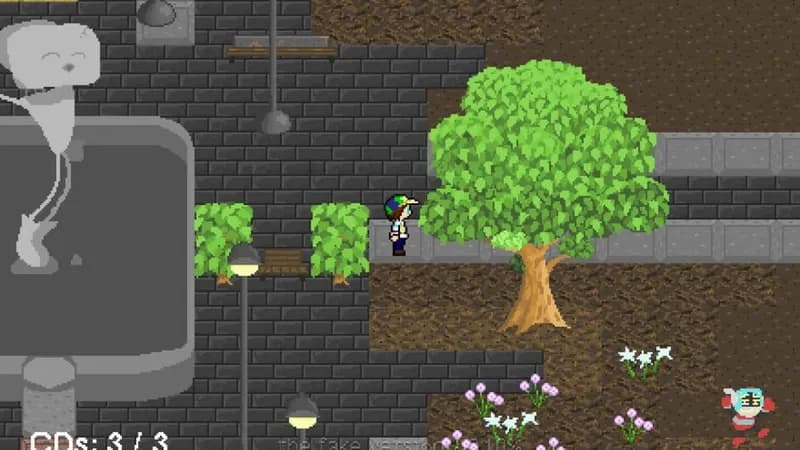


Optimize Your PC for ROUNDS
Use our free tools to analyze and improve your gaming performance