
All Games
Sid Meier’s Civilization VI System Requirements
Sid Meier’s Civilization VI Minimum & Recommended Specs
Minimum: Intel Core i3, 1 GB DirectX, 4 GB RAM. Recommended: 8 GB RAM RAM.
Minimum System Requirements
Recommended System Requirements
Quick Performance Tips for Sid Meier’s Civilization VI
#1
Lower the 'Leader Lighting Quality' setting for a quick FPS boost.
#2
Reduce 'Texture Quality' if you're running out of VRAM.
#3
Disable anti-aliasing or use a lower setting like FXAA.
#4
Close unnecessary background programs while playing.
Sid Meier’s Civilization VI System Requirements FAQ
Can I run Sid Meier’s Civilization VI on a low-end PC?
You might be able to play on the lowest settings if your PC meets the *minimum* requirements: Intel Core i3 2.5 Ghz or AMD Phenom II 2.6 Ghz, 1 GB DirectX 11 Graphics Card (AMD 5570 or nVidia 450), and 4 GB RAM. Expect lower frame rates and longer loading times.
What GPU do I need for Sid Meier’s Civilization VI?
For minimum settings, you'll need at least a 1 GB DirectX 11 Graphics Card like an AMD 5570 or nVidia 450. For recommended settings and smoother gameplay, aim for a 2GB DirectX 11 Graphics Card like an AMD 7970 or nVidia 770 or greater.
How much RAM does Sid Meier’s Civilization VI need?
At least 4 GB of RAM is required to run the game. However, 8 GB of RAM is recommended for smoother performance, especially in later game stages with larger empires and more units.
Will Sid Meier’s Civilization VI run on integrated graphics?
It's unlikely to run well on most integrated graphics solutions. While some newer, more powerful integrated GPUs *might* launch the game at the absolute lowest settings, expect very poor performance and potentially unplayable frame rates. A dedicated graphics card is strongly recommended.
What is the best graphics settings for Sid Meier’s Civilization VI?
The 'best' settings depend on your hardware. Start with the 'Medium' preset. If performance is good, gradually increase settings like texture quality and anti-aliasing until you find a balance between visual fidelity and frame rate. If performance is poor, lower the settings one by one, starting with shadows and anti-aliasing.
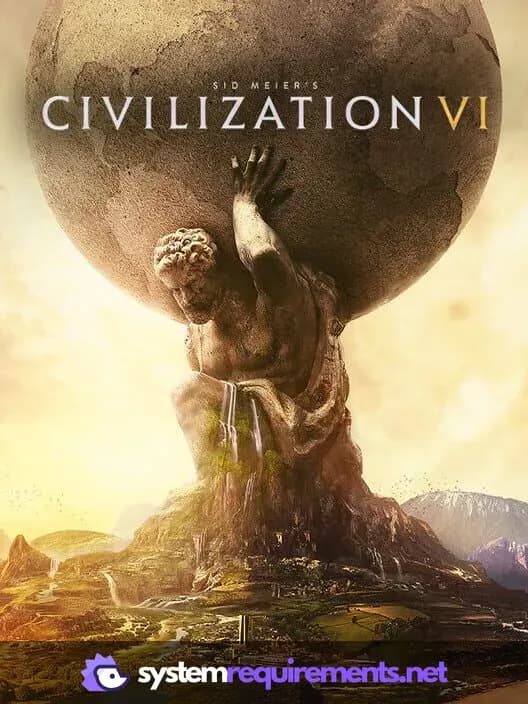
Sid Meier’s Civilization VI Game Info
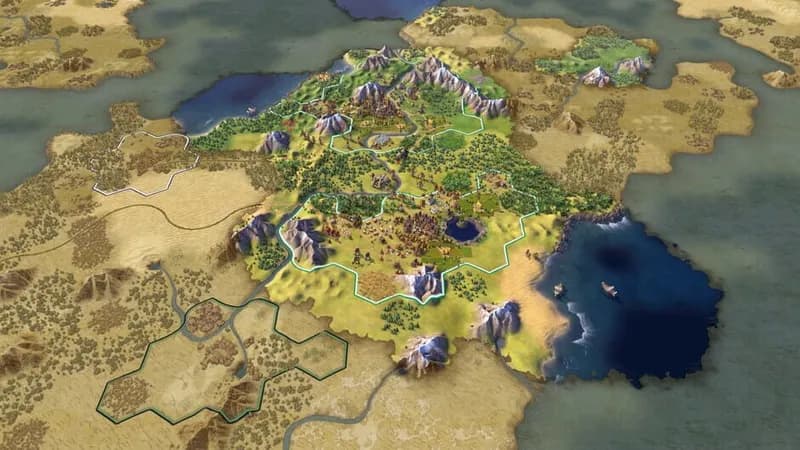
Sid Meier’s Civilization VI Screenshots








Optimize Your PC for Sid Meier’s Civilization VI
Use our free tools to analyze and improve your gaming performance