All Games

SpaceEngine System Requirements

June 11, 2019Vladimir Romanyuk

SpaceEngine renders a complete, explorable universe using procedural generation and astronomical data. Travel freely across space and time in this unique planetarium program, brought to you by Vladimir Romanyuk.

SpaceEngine Minimum & Recommended Specs

Minimum: Intel Core i3-3220, NVIDIA GeForce GTX, 8 GB RAM. Recommended: 16 GB RAM RAM.

Minimum System Requirements

OS
Windows 10 64-bit
Processor
Intel Core i3-3220 or AMD FX-6300CPU Deals
RAM
8 GB RAMRAM Deals
Graphics Card
NVIDIA GeForce GTX 950 or AMD Radeon R7 370GPU Deals
DirectX
Version 11
Storage
6 GB available spaceSSD Deals

Recommended System Requirements

OS
Windows 10 64-bit
Processor
Intel Core i5-6600K or AMD Ryzen 5 1600XCPU Deals
RAM
16 GB RAMRAM Deals
Graphics Card
NVIDIA GeForce GTX 1060 or AMD Radeon RX 480GPU Deals
DirectX
Version 11
Storage
6 GB available spaceSSD Deals

Trailer

Quick Performance Tips for SpaceEngine

#1

Lower the rendering resolution for a big FPS boost.

#2

Reduce texture quality if you're running out of VRAM.

#3

Disable or reduce antialiasing for better performance.

#4

Limit the number of visible objects in settings.

#5

Close other applications while playing SpaceEngine.

#6

Update your graphics drivers for optimal performance.

SpaceEngine System Requirements FAQ

Can I run SpaceEngine on a low-end PC?
SpaceEngine can run on lower-end systems, but performance will be limited. Check the *Minimum* requirements (Intel Core i3-3220 or AMD FX-6300, NVIDIA GeForce GTX 950 or AMD Radeon R7 370, and 8 GB of RAM). Lowering graphics settings is crucial for playable framerates.
What GPU do I need for SpaceEngine?
The *Minimum* GPU is an NVIDIA GeForce GTX 950 or AMD Radeon R7 370. For a smoother experience, especially at higher resolutions and settings, an NVIDIA GeForce GTX 1060 or AMD Radeon RX 480 (*Recommended*) is advised.
How much RAM does SpaceEngine need?
SpaceEngine requires at least 8 GB of RAM to run. However, 16 GB of RAM (*Recommended*) will significantly improve performance, especially when exploring detailed planetary systems or using high-resolution textures.
Will SpaceEngine run on integrated graphics?
While it *might* launch, SpaceEngine is unlikely to run well on integrated graphics. The *Minimum* GPU requirements are dedicated graphics cards. Expect very low framerates and visual artifacts, even at the lowest settings.
What is the best graphics settings for SpaceEngine?
The best settings depend on your hardware. Start with the *Low* preset and gradually increase settings like texture quality, rendering resolution, and antialiasing until you find a balance between visual fidelity and performance. Pay close attention to the framerate counter.
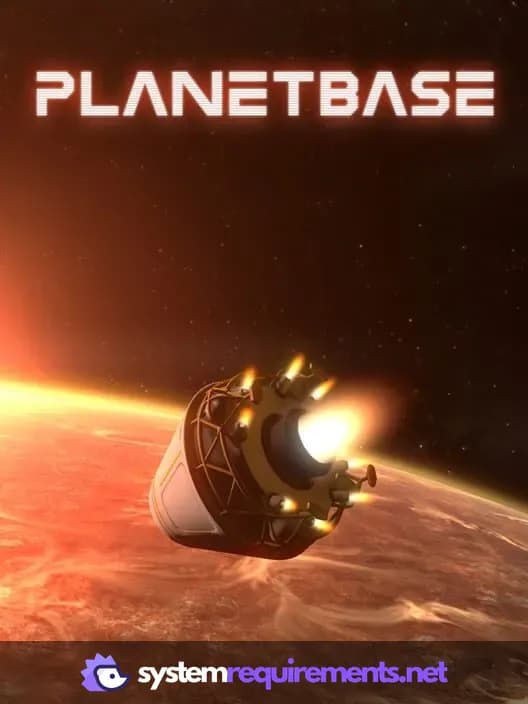
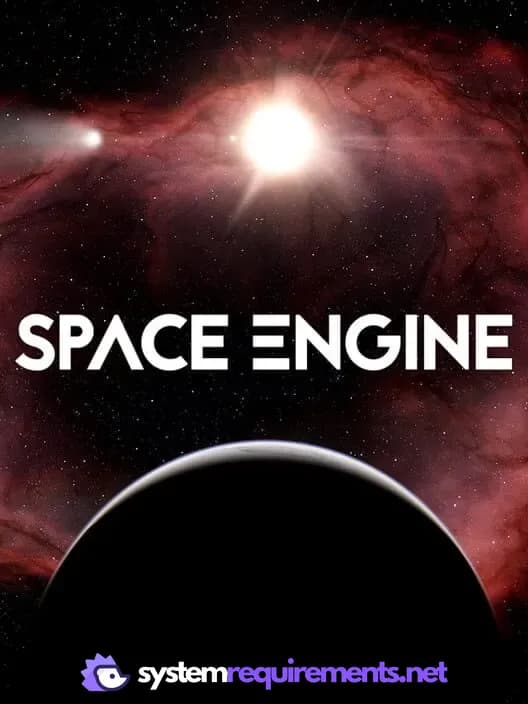
SpaceEngine PC game cover art

SpaceEngine Game Info

Developer

Vladimir Romanyuk

Publisher

Vladimir Romanyuk

Release Date

June 11, 2019

Platforms

PC (Microsoft Windows), SteamVR

Genres

SimulatorIndie

Game Modes

  • Single player

SpaceEngine Screenshots
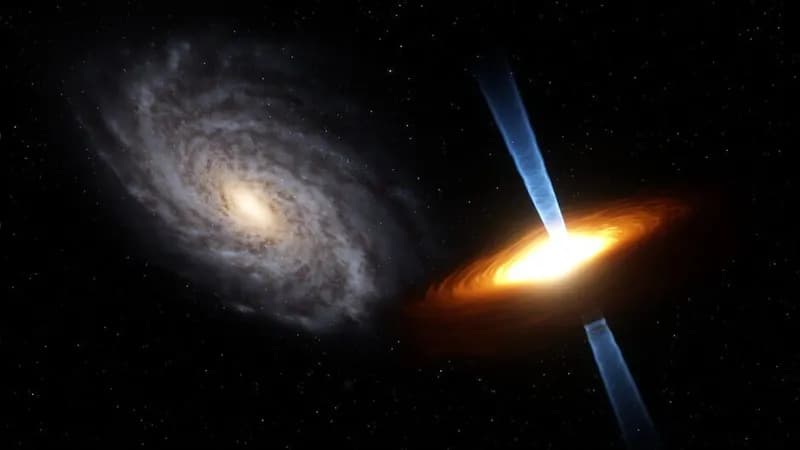
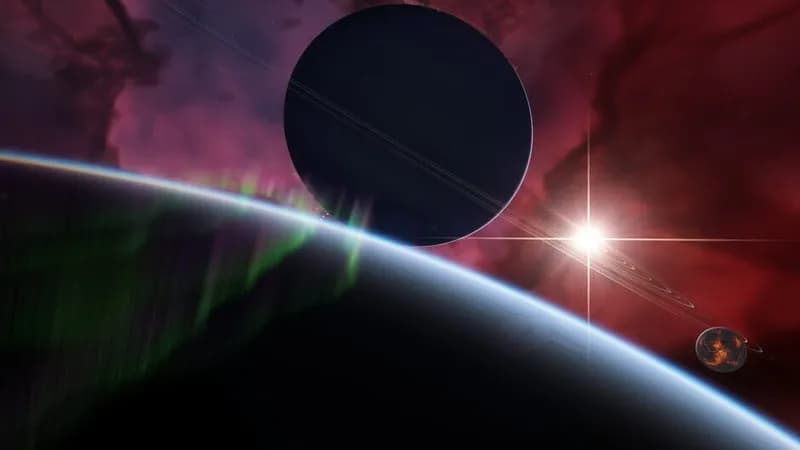
SpaceEngine gameplay screenshot 1
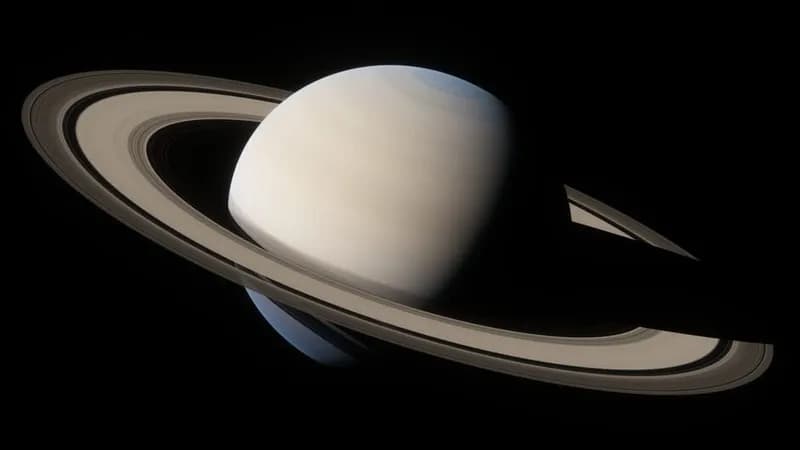
SpaceEngine gameplay screenshot 2
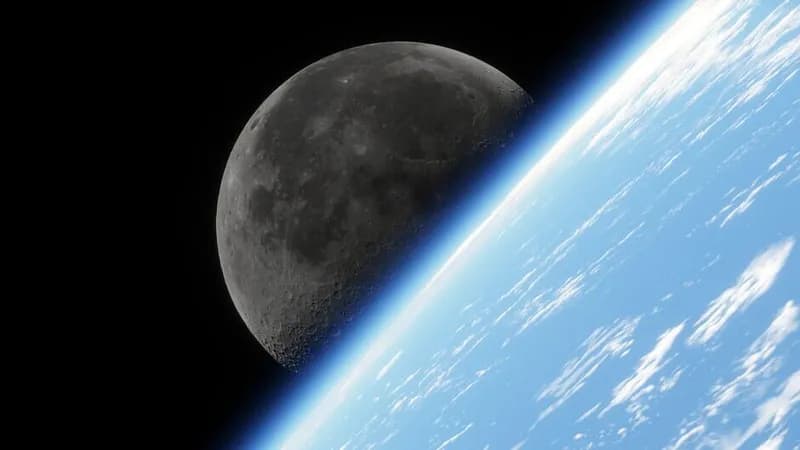
SpaceEngine gameplay screenshot 3
SpaceEngine gameplay screenshot 4
SpaceEngine System Requirements - Can Your PC Run It?