
All Games
Spirit City: Lofi Sessions System Requirements
November 28, 2024Mooncube Games
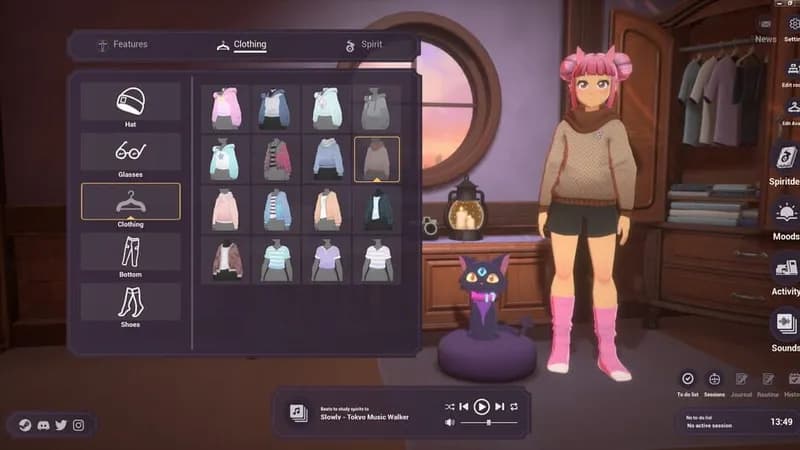
Add winter-themed looks to your Spirits with this DLC. Customize Lenny with reindeer attire and other holiday-inspired outfits.
Spirit City: Lofi Sessions Minimum & Recommended Specs
Minimum: Intel Core i3-2100, Nvidia GeForce GTX, 6 GB RAM. Recommended: 8 GB RAM RAM.
Minimum System Requirements
Recommended System Requirements
Quick Performance Tips for Spirit City: Lofi Sessions
#1
Close unnecessary background apps for more RAM.
#2
Lower graphics settings if you experience lag.
#3
Update your graphics drivers for best performance.
#4
Restart the game periodically to clear memory.
Spirit City: Lofi Sessions System Requirements FAQ
Can I run Spirit City: Lofi Sessions on a low-end PC?
If your PC meets the minimum requirements (Intel Core i3-2100 or AMD equivalent, Nvidia GeForce GTX 650 2GB or AMD Radeon HD 7770 2GB, and 6 GB of RAM), you should be able to run the game, but you may need to lower the graphics settings for optimal performance.
What GPU do I need for Spirit City: Lofi Sessions?
At a minimum, you'll need an Nvidia GeForce GTX 650 2GB or an AMD Radeon HD 7770 2GB. For a smoother experience at higher settings, an Nvidia GeForce GTX 970 4GB or AMD Radeon RX 480 4GB is recommended.
How much RAM does Spirit City: Lofi Sessions need?
Spirit City: Lofi Sessions requires a minimum of 6 GB of RAM. However, 8 GB of RAM is recommended for a smoother experience, especially if you have other applications running in the background.
Will Spirit City: Lofi Sessions run on integrated graphics?
While it's *possible* the game might launch on some integrated graphics solutions, performance will likely be very poor and is not officially supported. A dedicated graphics card is highly recommended for a playable experience.
What is the best graphics settings for Spirit City: Lofi Sessions?
If you're unsure, start with the 'Medium' preset. If you're experiencing lag, try lowering settings like shadow quality, anti-aliasing, and texture resolution. Experiment to find the best balance between visual quality and performance for your system.
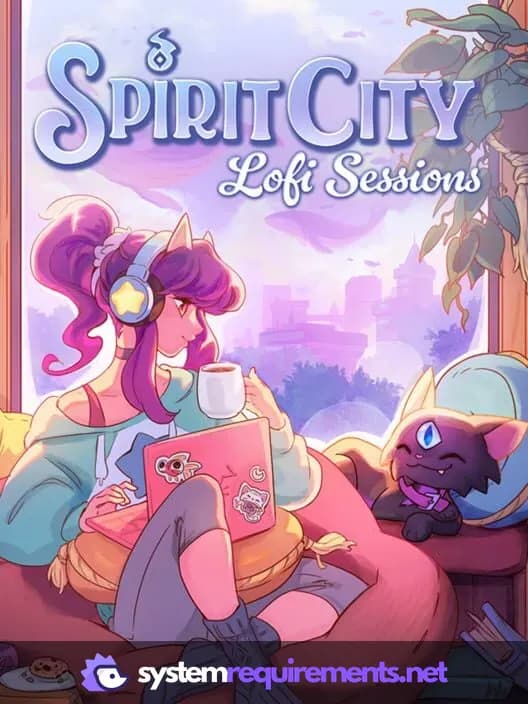
Spirit City: Lofi Sessions Game Info
Developer
Mooncube Games
Publisher
Mooncube Games
Release Date
November 28, 2024
Platforms
PC (Microsoft Windows), Mac
Genres
Point-and-clickSimulatorIndie
Game Modes
- Single player
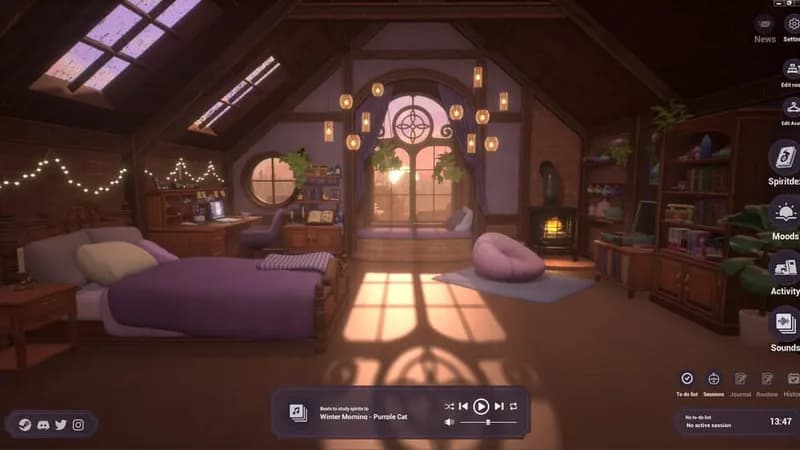
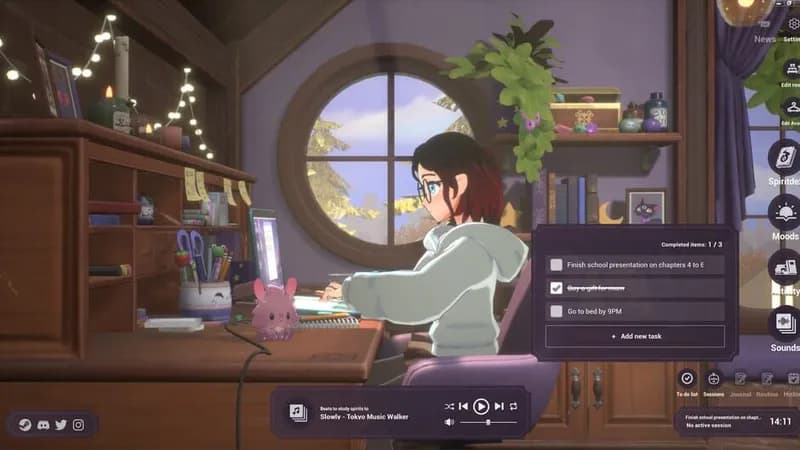
Spirit City: Lofi Sessions Screenshots
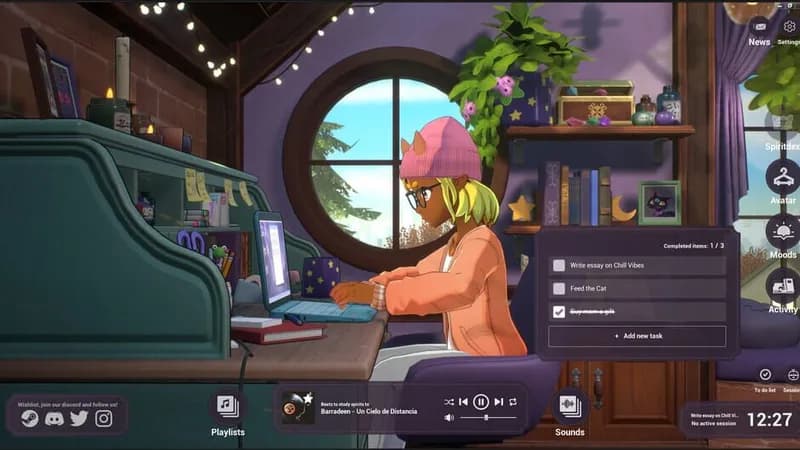


Optimize Your PC for Spirit City: Lofi Sessions
Use our free tools to analyze and improve your gaming performance