
All Games
Strange Antiquities System Requirements
September 17, 2025Bad Viking80/100
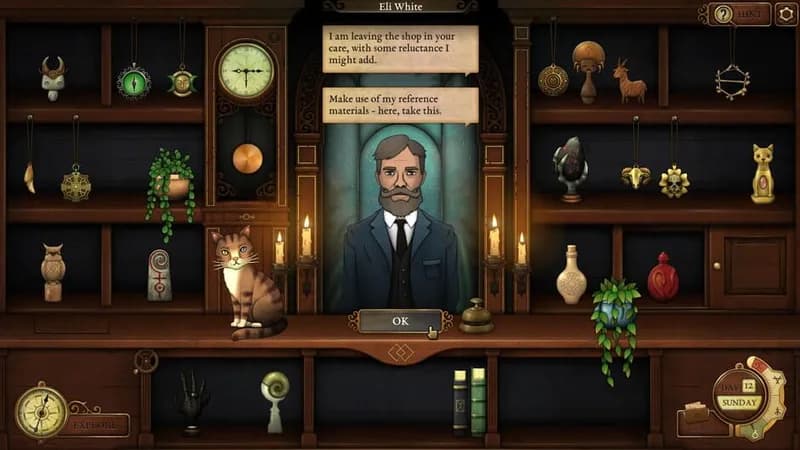
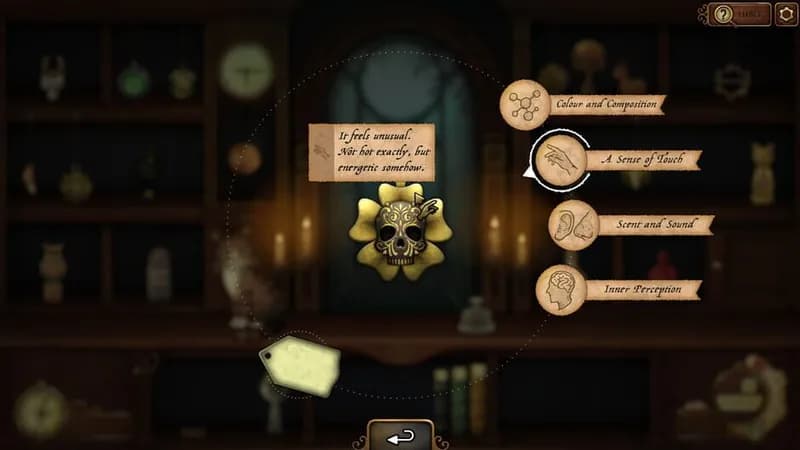
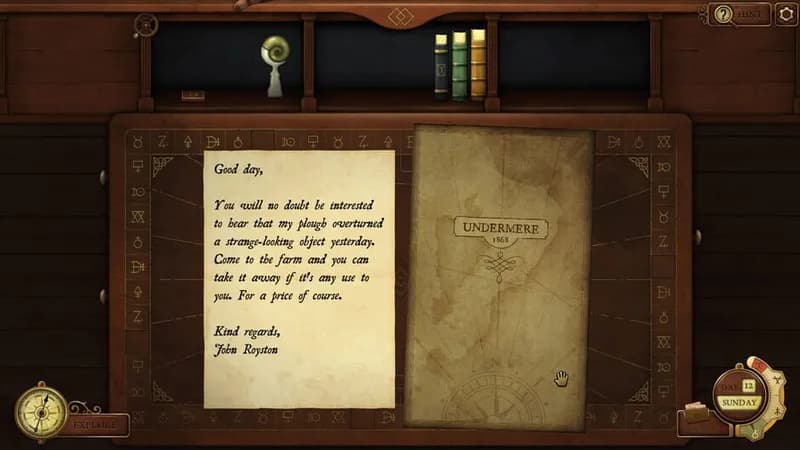
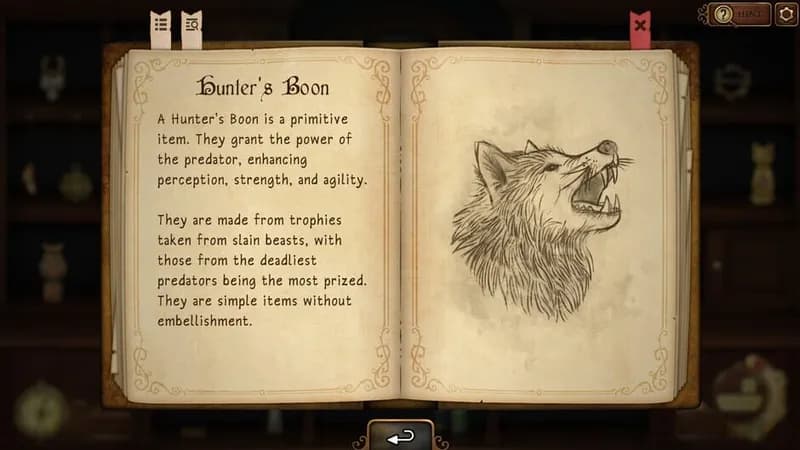
Manage a shop filled with cursed objects in the shadowy town of Undermere. Investigate local oddities using your growing collection of arcane artifacts and a little help from your feline companion.
Strange Antiquities Minimum & Recommended Specs
Minimum: Intel Core i3-2100, Nvidia GeForce GTX, 4 GB RAM. Recommended: 8 GB RAM RAM.
Minimum System Requirements
Recommended System Requirements
Announcement Trailer
Quick Performance Tips for Strange Antiquities
#1
Lower shadow quality for a quick FPS boost.
#2
Disable anti-aliasing for improved performance.
#3
Close background apps to free up RAM.
#4
Update your graphics drivers for optimal performance.
Strange Antiquities System Requirements FAQ
Can I run Strange Antiquities on a low-end PC?
If your PC meets the minimum requirements (Intel Core i3-2100 / AMD Phenom II X4 965, Nvidia GeForce GTX 650 / AMD Radeon HD 7770, and 4 GB RAM), you should be able to run Strange Antiquities, but expect lower graphics settings and potentially lower frame rates. For a smoother experience, aim for the recommended specs.
What GPU do I need for Strange Antiquities?
At a minimum, you'll need an Nvidia GeForce GTX 650 or an AMD Radeon HD 7770. For the best experience, an Nvidia GeForce GTX 970 or an AMD Radeon RX 570 is recommended.
How much RAM does Strange Antiquities need?
Strange Antiquities requires at least 4 GB of RAM to run. However, 8 GB of RAM is recommended for smoother gameplay and to avoid potential performance issues.
Will Strange Antiquities run on integrated graphics?
While it's *possible* Strange Antiquities might run on some integrated graphics solutions, it's highly unlikely to provide a playable experience. Dedicated graphics cards like the GTX 650 or HD 7770 (minimum requirements) are strongly recommended.
What is the best graphics settings for Strange Antiquities?
If you meet the recommended specs, you should be able to run the game on high settings. If you're closer to the minimum specs, try lowering settings like shadows, anti-aliasing, and texture quality to improve performance. Experiment to find the best balance between visual fidelity and framerate.

Strange Antiquities Game Info
Developer
Bad Viking
Publisher
Iceberg Interactive
Release Date
September 17, 2025
Platforms
PC (Microsoft Windows), Nintendo Switch
Genres
Point-and-clickPuzzleRole-playing (RPG)SimulatorAdventureIndie
Game Modes
- Single player
Strange Antiquities Screenshots




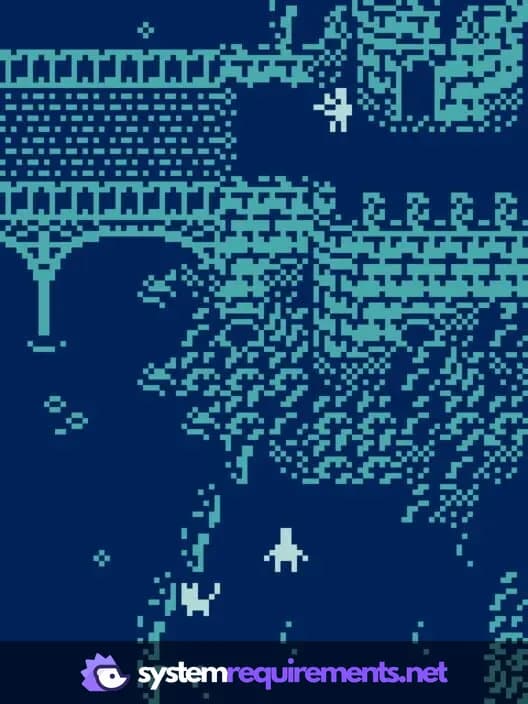
Optimize Your PC for Strange Antiquities
Use our free tools to analyze and improve your gaming performance