
All Games
STAR WARS - X-Wing Special Edition System Requirements
October 28, 2014LucasArts
Pilot iconic Rebel starfighters against the Empire's forces in this classic space combat simulator. Your skills could turn the tide in the fight for freedom across the galaxy.
STAR WARS - X-Wing Special Edition Minimum & Recommended Specs
Minimum: 386SX-25 MHz, VGA, 4MB RAM. Recommended: 8MB RAM RAM.
Minimum System Requirements
Recommended System Requirements
Upgrade Your Hardware
Game intro
Quick Performance Tips for STAR WARS - X-Wing Special Edition
#1
Close all other programs to free up RAM.
#2
Run the game in VGA mode for better performance on slower systems.
#3
Ensure your sound card drivers are properly installed.
#4
Defragment your hard drive for faster loading times.
STAR WARS - X-Wing Special Edition System Requirements FAQ
Can I run STAR WARS - X-Wing Special Edition on a low-end PC?
Yes, X-Wing Special Edition was designed for older PCs. A 386SX-25 MHz processor with 4MB of RAM and a VGA graphics card is the minimum requirement. However, performance may be sluggish.
What GPU do I need for STAR WARS - X-Wing Special Edition?
The minimum requirement is a VGA graphics card. SVGA is recommended for better visuals. Specific VRAM is not specified, but it's safe to assume any VGA/SVGA card from that era will suffice.
How much RAM does STAR WARS - X-Wing Special Edition need?
The game requires a minimum of 4MB of RAM, but 8MB is recommended for smoother gameplay and fewer slowdowns.
Will STAR WARS - X-Wing Special Edition run on integrated graphics?
If your integrated graphics solution meets the VGA or SVGA requirements of the time, it should run. Performance will depend on the specific integrated graphics chip.
What is the best graphics settings for STAR WARS - X-Wing Special Edition?
The game doesn't offer extensive graphics settings. Using SVGA mode (if your system supports it) will provide the best visual experience. If experiencing slowdown, try switching to VGA mode.
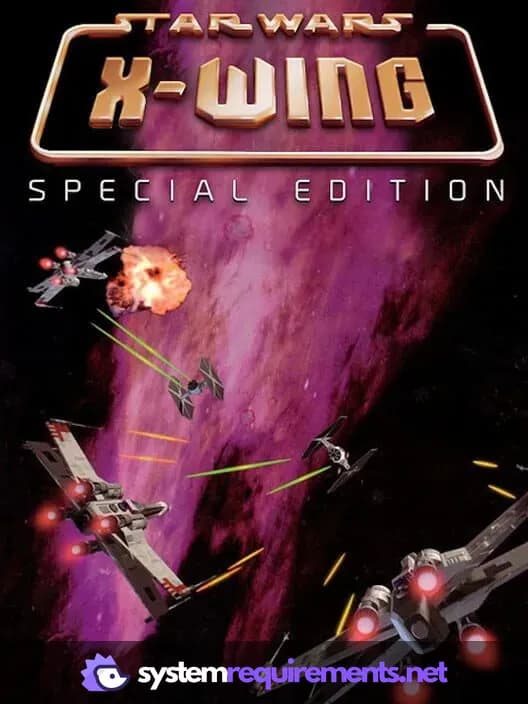
STAR WARS - X-Wing Special Edition Game Info
Developer
LucasArts
Publisher
Disney
Release Date
October 28, 2014
Platforms
Linux, PC (Microsoft Windows), Mac
Genres
Simulator
Game Modes
- Single player
STAR WARS - X-Wing Special Edition Screenshots
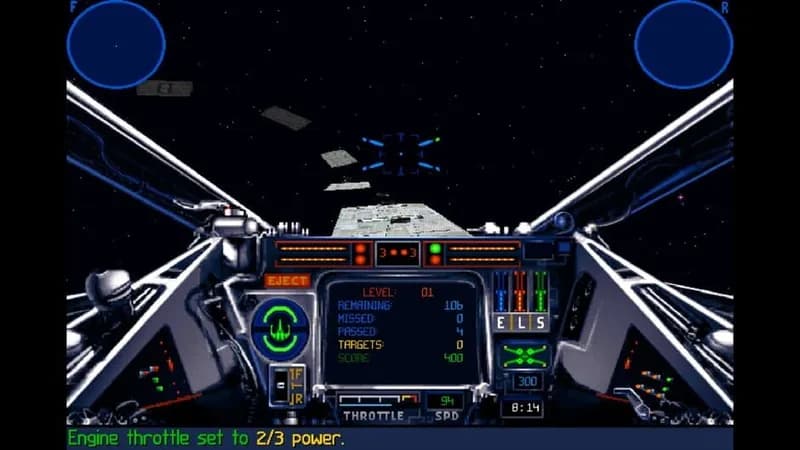

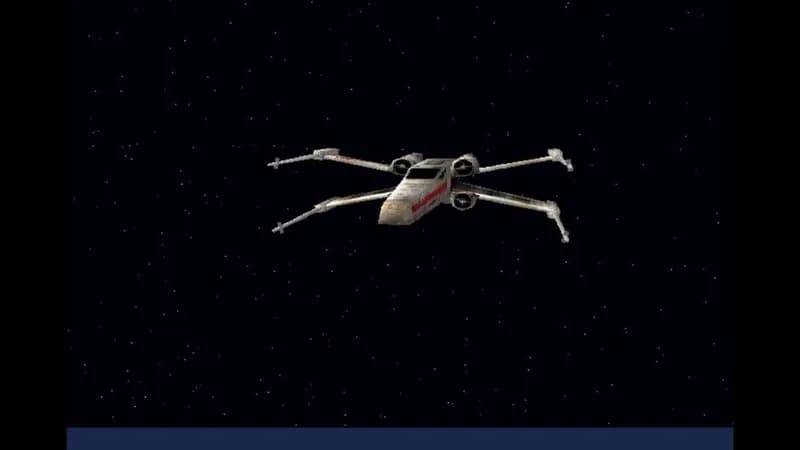
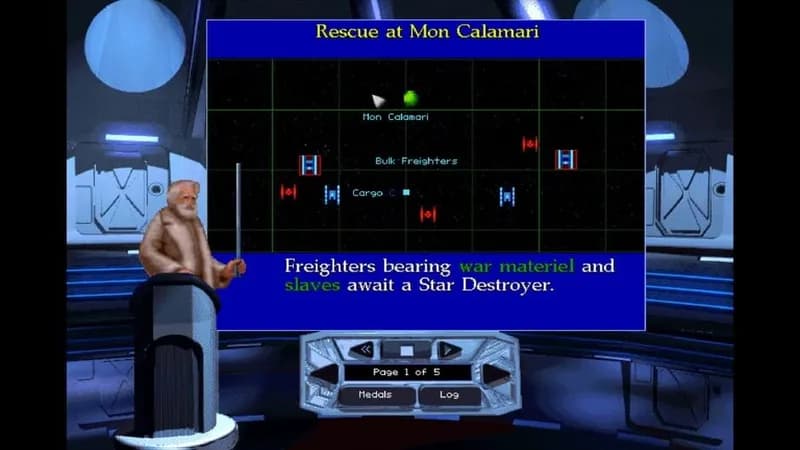
Games Similar to STAR WARS - X-Wing Special Edition
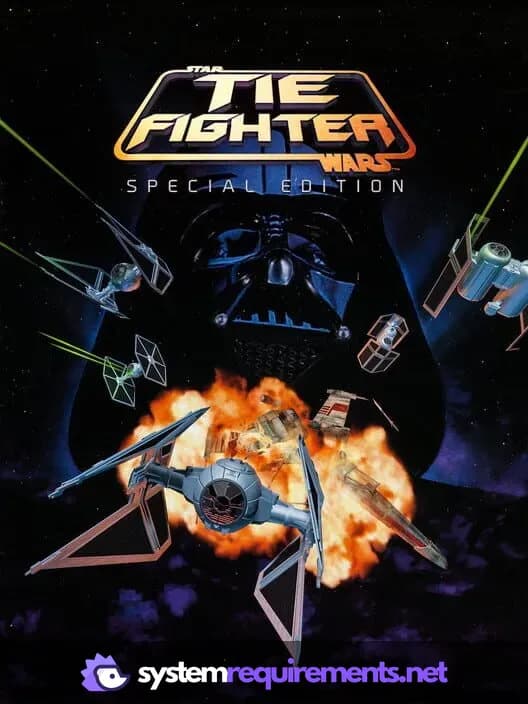
STAR WARS: TIE Fighter Special Edition
View requirements →

Euro Truck Simulator 2
View requirements →
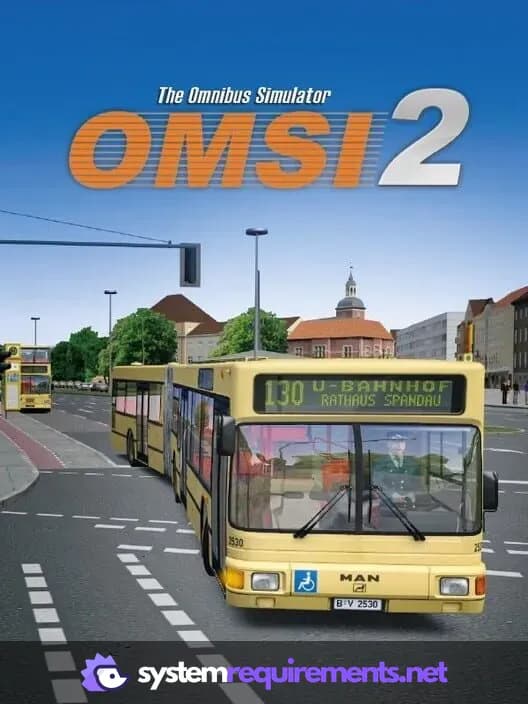
OMSI 2: Steam Edition
View requirements →

My Wife Threw Out My Card Collection (So I Bought a Dump to Find Them All) ⭐
View requirements →

MechWarrior 5: Clans - Wolves of Tukayyid
View requirements →
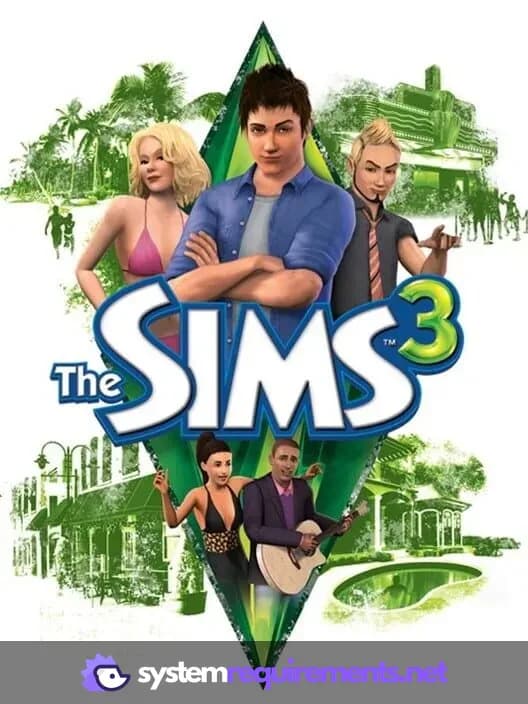
The Sims 3
View requirements →
Optimize Your PC for STAR WARS - X-Wing Special Edition
Use our free tools to analyze and improve your gaming performance