
All Games
Steel Division 2 System Requirements
June 20, 2019Eugen Systems61/100
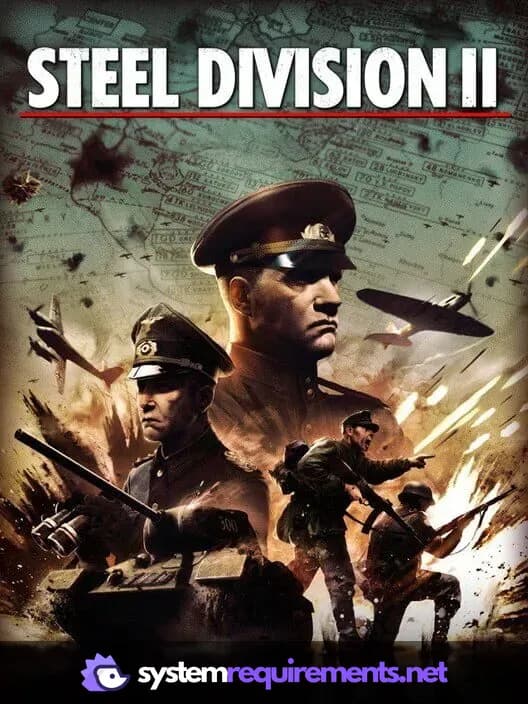
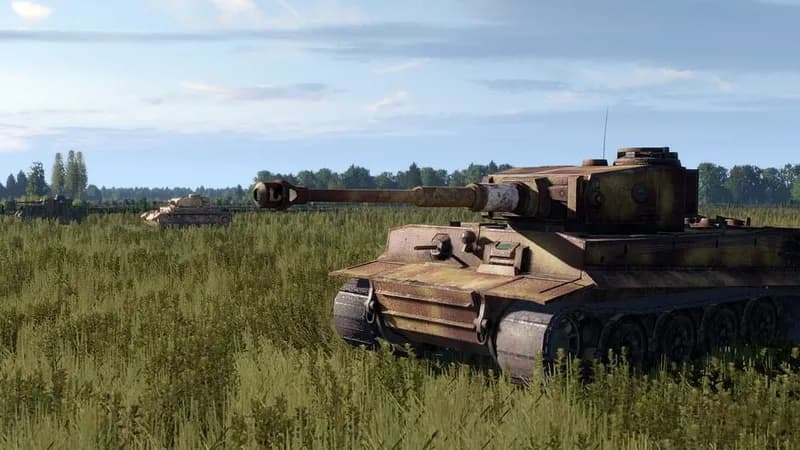
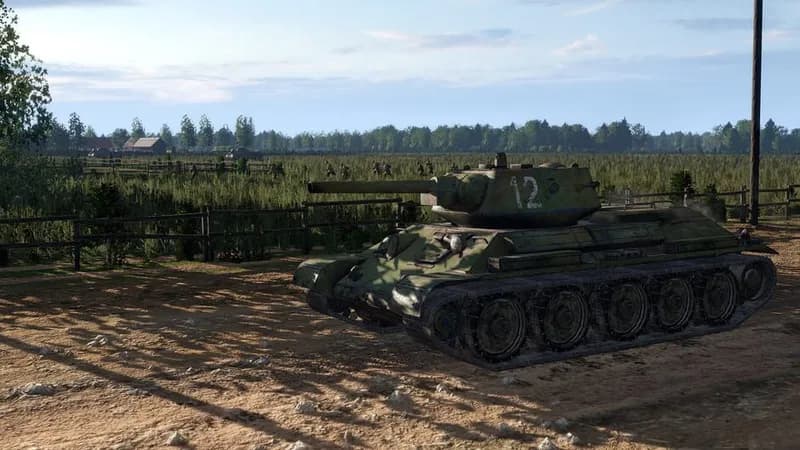
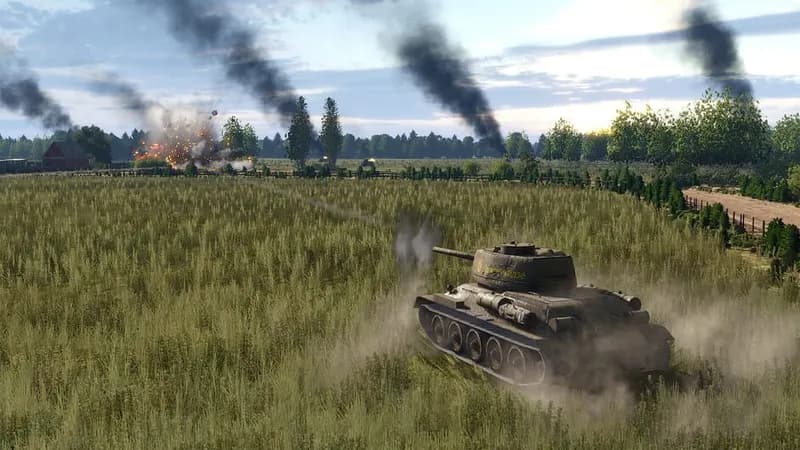
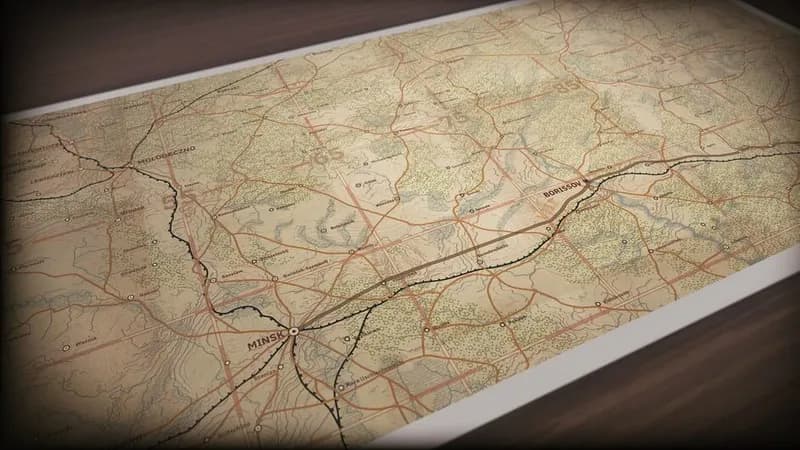
Steel Division 2 recreates massive Eastern Front battles with historically authentic units and terrain. Command divisions in a strategic campaign, then lead thousands of troops in demanding real-time engagements.
Steel Division 2 Minimum & Recommended Specs
Minimum: Intel Core i3-2100, Nvidia GeForce GTS, 4 GB RAM. Recommended: 8 GB RAM RAM.
Minimum System Requirements
Recommended System Requirements
Trailer
Quick Performance Tips for Steel Division 2
#1
Lower unit detail for a significant FPS boost.
#2
Reduce shadow quality or disable them entirely.
#3
Play on smaller maps to improve performance.
#4
Close unnecessary background applications.
#5
Lower the game resolution for more FPS.
#6
Update your graphics drivers for optimal performance.
Steel Division 2 System Requirements FAQ
Can I run Steel Division 2 on a low-end PC?
Yes, you can *try* to run Steel Division 2 on a low-end PC if it meets the minimum requirements: Intel Core i3-2100 or AMD Athlon II X4 640, Nvidia GeForce GTS 450 or AMD Radeon HD 5570 or Intel HD 620, and 4 GB of RAM. However, expect lower frame rates and graphical settings. Performance may be significantly impacted in large battles.
What GPU do I need for Steel Division 2?
For minimum settings, an Nvidia GeForce GTS 450 or AMD Radeon HD 5570 or Intel HD 620 is required. For recommended settings and smoother gameplay, an Nvidia GeForce GTX 970 or AMD Radeon RX 480 is recommended.
How much RAM does Steel Division 2 need?
A minimum of 4 GB of RAM is required to run Steel Division 2. However, 8 GB of RAM is recommended for smoother gameplay, especially during larger battles and with higher graphics settings.
Will Steel Division 2 run on integrated graphics?
Steel Division 2 *may* run on Intel HD 620 integrated graphics, which is listed as the minimum. However, expect very low frame rates and you will likely need to play at the lowest settings with a very small map size. Dedicated graphics are highly recommended for a playable experience.
What is the best graphics settings for Steel Division 2?
The 'best' settings depend on your hardware. If you meet the recommended specs, start with 'High' and adjust down if needed. If you meet only the minimum, start with 'Low' and consider lowering the resolution. Pay attention to unit detail and shadow settings as they heavily impact performance.
Steel Division 2 Game Info
Developer
Eugen Systems
Publisher
Eugen Systems
Release Date
June 20, 2019
Platforms
PC (Microsoft Windows)
Genres
Real Time Strategy (RTS)SimulatorStrategyIndie
Game Modes
- Single player
- Multiplayer
- Co-operative
Steel Division 2 Screenshots





Optimize Your PC for Steel Division 2
Use our free tools to analyze and improve your gaming performance