
All Games
Totally Accurate Battle Simulator System Requirements
April 1, 2021Landfall Games
Command bizarre, floppy armies in physics-driven clashes. Witness chaotic, unpredictable battles unfold as wobbly warriors collide in a ragdoll frenzy.
Totally Accurate Battle Simulator Minimum & Recommended Specs
Minimum: Intel Core i5-2400, NVIDIA GeForce GTX, 8 GB RAM. Recommended: 8 GB RAM RAM.
Minimum System Requirements
Recommended System Requirements
Trailer
Quick Performance Tips for Totally Accurate Battle Simulator
#1
Reduce unit count for smoother gameplay.
#2
Lower shadow quality for a big performance boost.
#3
Disable or reduce anti-aliasing for more FPS.
#4
Close background apps to free up RAM.
Totally Accurate Battle Simulator System Requirements FAQ
Can I run Totally Accurate Battle Simulator on a low-end PC?
While TABS has relatively modest requirements, running it on a very low-end PC might result in poor performance, especially with large battles. Aim for at least the minimum specs (Intel Core i5-2400 / AMD FX-6300, GeForce GTX 570 / Radeon HD 6970, 8GB RAM) for a playable experience. Lowering graphics settings will help.
What GPU do I need for Totally Accurate Battle Simulator?
For minimum settings and smaller battles, an NVIDIA GeForce GTX 570 or AMD Radeon HD 6970 should suffice. For higher settings and larger battles, an NVIDIA GeForce GTX 980 or AMD Radeon R9 Fury is recommended.
How much RAM does Totally Accurate Battle Simulator need?
Totally Accurate Battle Simulator requires at least 8GB of RAM. While the game might technically launch with less, you'll likely experience performance issues and crashes, especially during large battles.
Will Totally Accurate Battle Simulator run on integrated graphics?
Running TABS on integrated graphics is not officially supported and is unlikely to provide a good experience. The game relies on a dedicated GPU for physics calculations and rendering. You may be able to run it at very low settings and small battles, but expect significant performance issues.
What is the best graphics settings for Totally Accurate Battle Simulator?
The 'best' settings depend on your hardware. Start with the 'Medium' preset. If performance is good, gradually increase settings like unit detail, shadows, and lighting. If you experience lag, reduce shadow quality, unit detail, and turn off anti-aliasing.
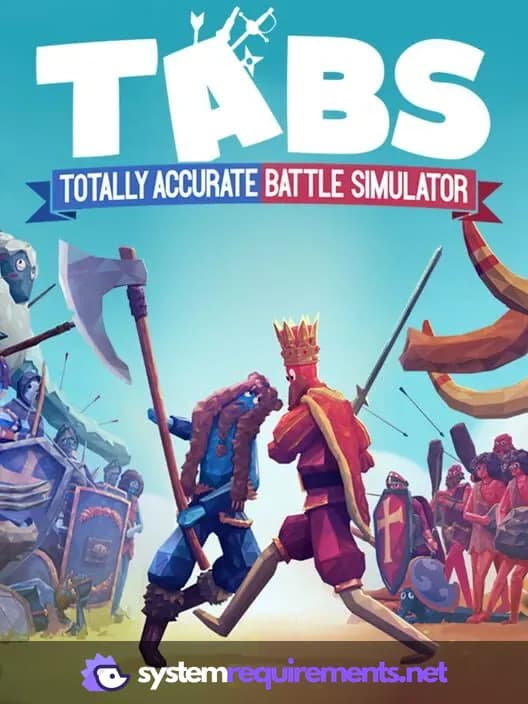
Totally Accurate Battle Simulator Game Info
Developer
Landfall Games
Publisher
XD Inc.
Release Date
April 1, 2021
Platforms
Xbox Series X|S, PlayStation 4, Android, PC (Microsoft Windows), iOS
Genres
FightingSimulatorStrategyIndie
Game Modes
- Single player
- Multiplayer
Totally Accurate Battle Simulator Screenshots
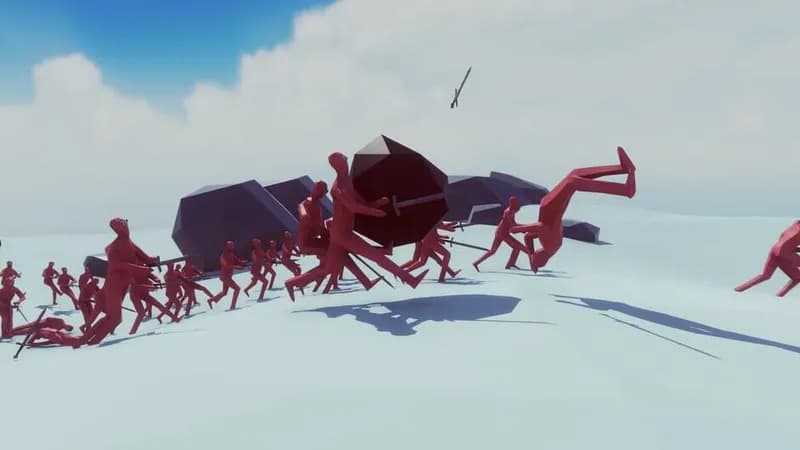
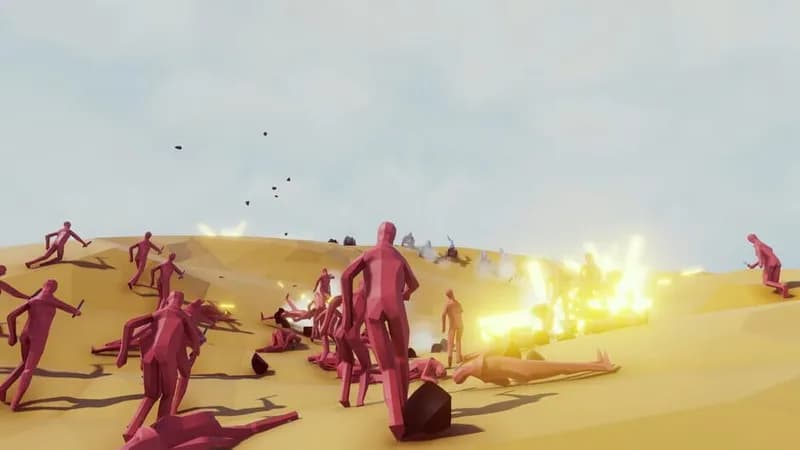
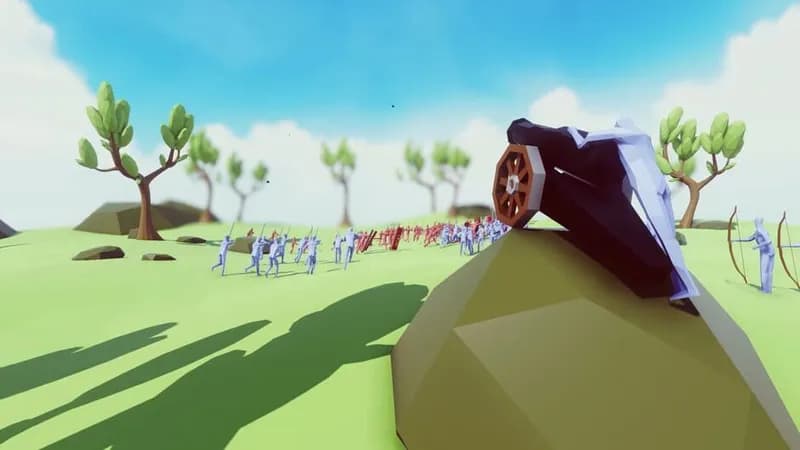
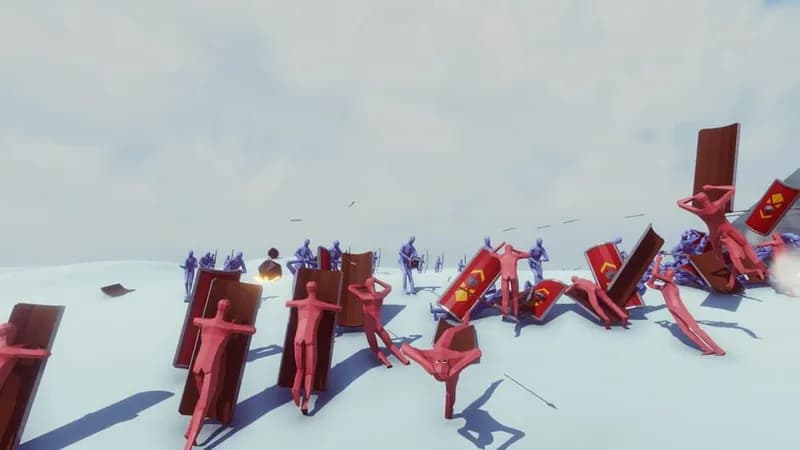




Optimize Your PC for Totally Accurate Battle Simulator
Use our free tools to analyze and improve your gaming performance