
All Games
WindStop Strategy System Requirements
January 15, 2026Xia Start
SITU's life shatters after a brutal attack on Hu Yan Men. As the new leader, players must strategically navigate and conquer Windstop Valley in this region-based RPG to restore their clan's honor.
WindStop Strategy Minimum & Recommended Specs
Minimum: Intel Core i3-2100, Nvidia GeForce GTX, 4 GB RAM. Recommended: 8 GB RAM RAM.
Minimum System Requirements
Recommended System Requirements
Quick Performance Tips for WindStop Strategy
#1
Lower shadow quality for a performance boost.
#2
Reduce texture detail if you have limited VRAM.
#3
Disable anti-aliasing for increased FPS.
#4
Close unnecessary background applications.
WindStop Strategy System Requirements FAQ
Can I run WindStop Strategy on a low-end PC?
Potentially, if your PC meets the minimum requirements: Intel Core i3-2100 or AMD Phenom II X4 965, Nvidia GeForce GTX 650 or AMD Radeon HD 7770, and 4 GB of RAM. However, expect lower settings and performance.
What GPU do I need for WindStop Strategy?
For minimum settings, an Nvidia GeForce GTX 650 or AMD Radeon HD 7770 is required. For recommended settings, aim for an Nvidia GeForce GTX 960 or AMD Radeon R9 290X.
How much RAM does WindStop Strategy need?
At least 4 GB of RAM is required to run WindStop Strategy. For a smoother experience, 8 GB of RAM is recommended.
Will WindStop Strategy run on integrated graphics?
Running WindStop Strategy on integrated graphics is not officially supported. Performance will likely be poor, even at the lowest settings. A dedicated graphics card is highly recommended.
What is the best graphics settings for WindStop Strategy?
If you meet the recommended specs, you can likely run on high or ultra settings. If you meet minimum specs, start with low or medium and adjust until you find a balance between visual quality and performance.

WindStop Strategy Game Info
Developer
Xia Start
Release Date
January 15, 2026
Platforms
PC (Microsoft Windows)
Genres
Role-playing (RPG)StrategyIndie
Game Modes
- Single player
WindStop Strategy Screenshots
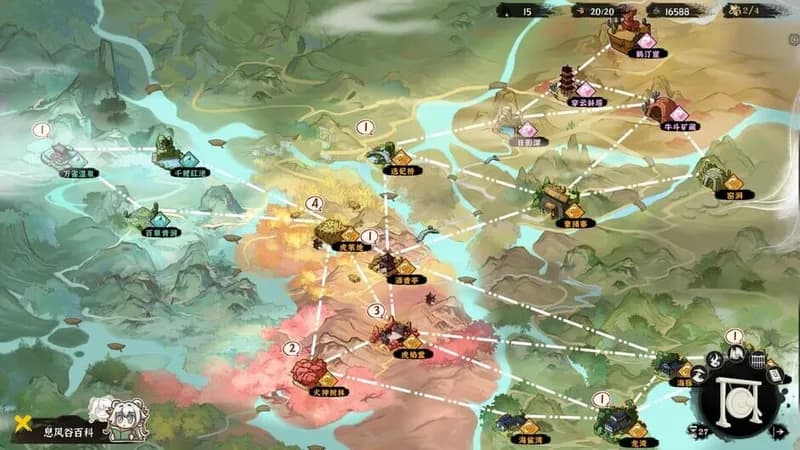
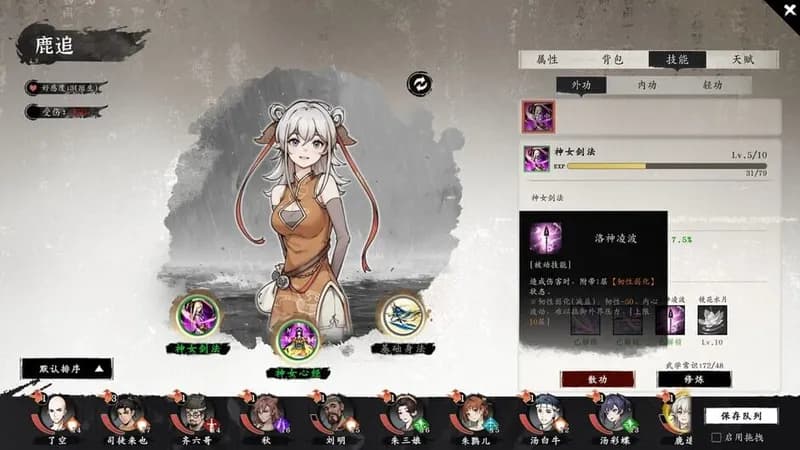
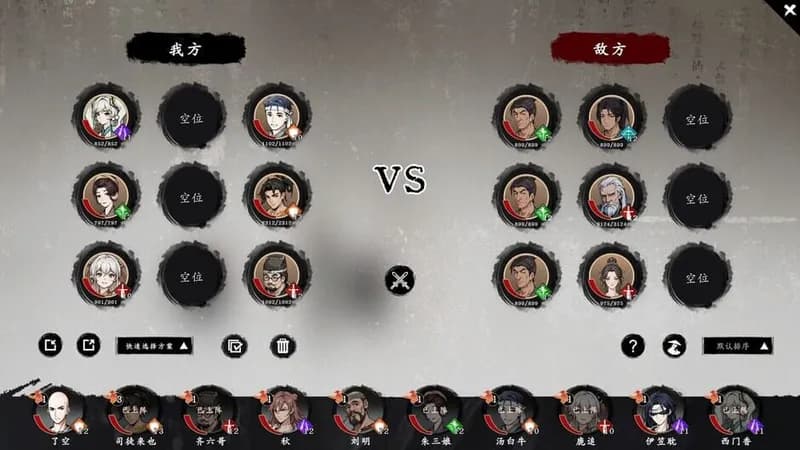
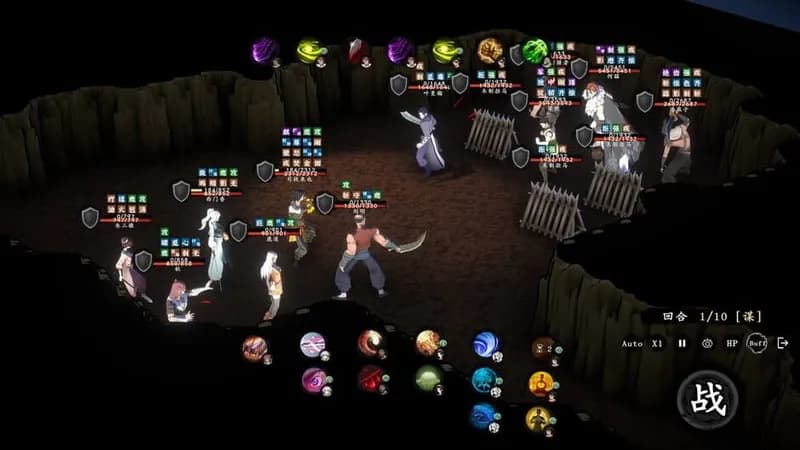






Optimize Your PC for WindStop Strategy
Use our free tools to analyze and improve your gaming performance