
All Games
WolfQuest: Anniversary Edition System Requirements
July 22, 2025eduweb
Experience Yellowstone's wilderness through the eyes of a wolf, navigating a complex ecosystem. This simulation offers a detailed look at wolf behavior and survival in a realistic environment.
WolfQuest: Anniversary Edition Minimum & Recommended Specs
Minimum: Intel Core i5-4460, NVIDIA GeForce GTX, 4 GB RAM. Recommended: 8 GB RAM RAM.
Minimum System Requirements
Recommended System Requirements
Upgrade Your Hardware
Launch Trailer
Quick Performance Tips for WolfQuest: Anniversary Edition
#1
Lower the shadow quality for a significant performance boost.
#2
Reduce the draw distance to improve frame rates.
#3
Close unnecessary background applications while playing.
#4
Update your graphics drivers for optimal performance.
WolfQuest: Anniversary Edition System Requirements FAQ
Can I run WolfQuest: Anniversary Edition on a low-end PC?
If your PC meets the minimum requirements (Intel Core i5-4460, NVIDIA GeForce GTX 750, 4 GB RAM), you should be able to run the game at lower settings. However, performance may be limited, especially in areas with dense foliage or many wolves.
What GPU do I need for WolfQuest: Anniversary Edition?
The minimum required GPU is an NVIDIA GeForce GTX 750. For a smoother experience with higher settings, an NVIDIA GeForce GTX 970 or better is recommended.
How much RAM does WolfQuest: Anniversary Edition need?
A minimum of 4 GB of RAM is required to run WolfQuest: Anniversary Edition. However, 8 GB of RAM is recommended for optimal performance, especially with higher graphics settings and larger wolf packs.
Will WolfQuest: Anniversary Edition run on integrated graphics?
While it *might* run on some higher-end integrated graphics solutions, it's not officially supported. You'll likely experience significant performance issues and graphical glitches. A dedicated graphics card is strongly recommended.
What is the best graphics settings for WolfQuest: Anniversary Edition?
This depends on your hardware. Start with the 'Medium' preset and adjust from there. If you're above the recommended specs, try 'High' or 'Ultra'. If you're below the minimum, try 'Low' and reduce resolution. Pay attention to the impact of shadow quality and draw distance on performance.
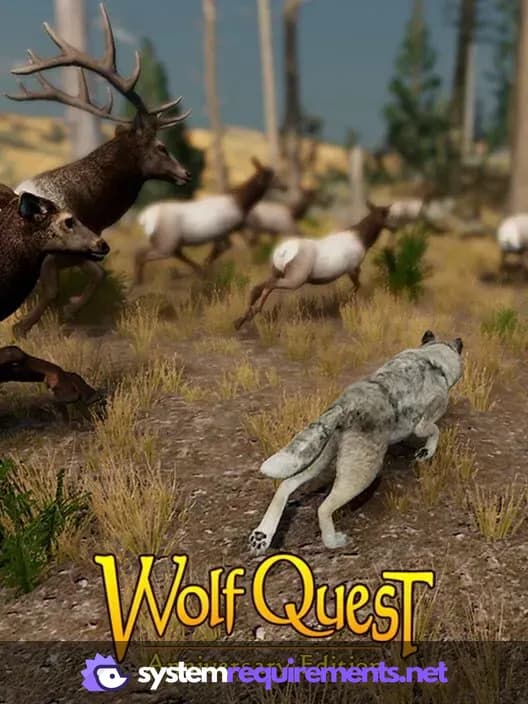
WolfQuest: Anniversary Edition Game Info
Developer
eduweb
Publisher
eduweb
Release Date
July 22, 2025
Platforms
PC (Microsoft Windows), Mac
Genres
Role-playing (RPG)Simulator
Game Modes
- Single player
- Multiplayer
- Co-operative
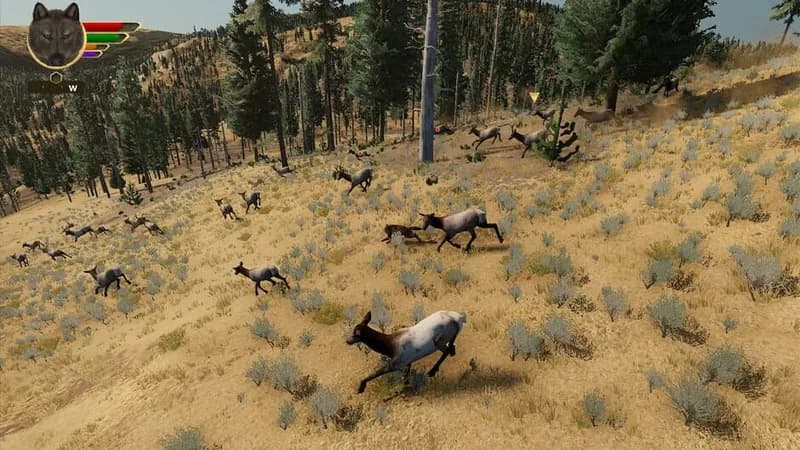
WolfQuest: Anniversary Edition Screenshots
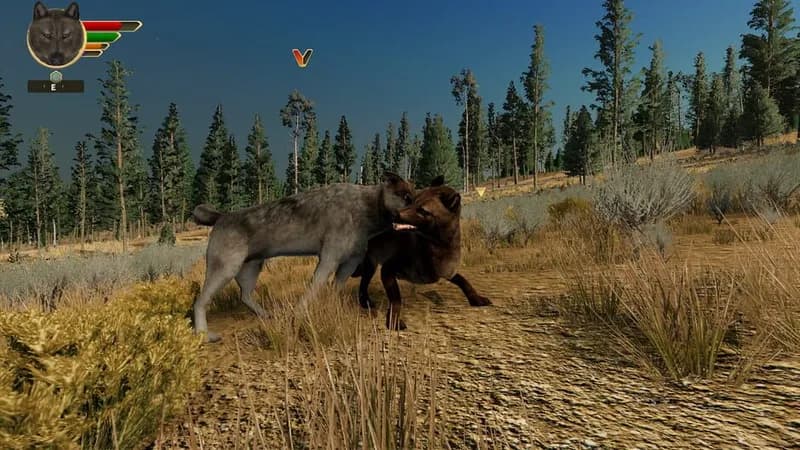
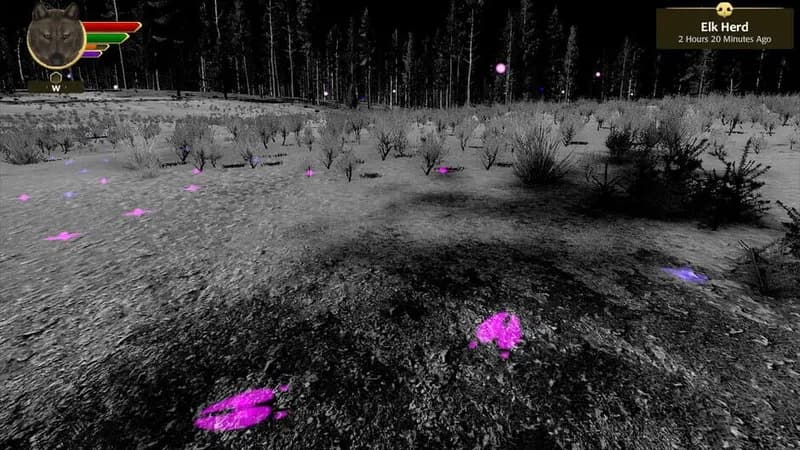
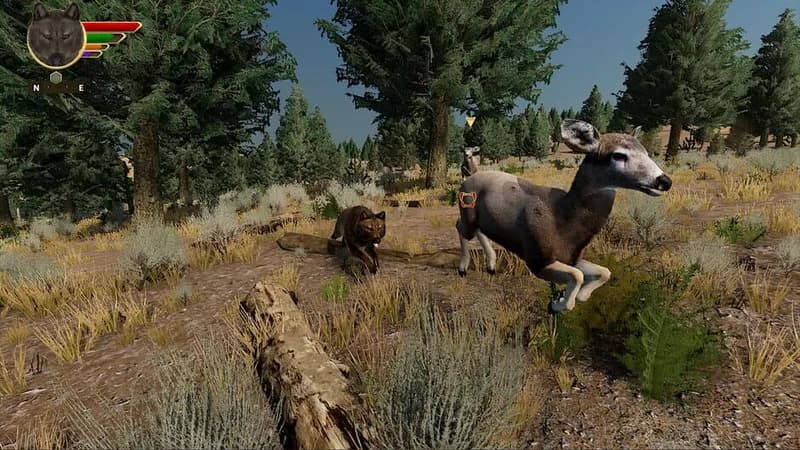
Games Similar to WolfQuest: Anniversary Edition



Optimize Your PC for WolfQuest: Anniversary Edition
Use our free tools to analyze and improve your gaming performance