
All Games
World War Z System Requirements
May 5, 2020Saber Interactive
World War Z pits up to four players against massive zombie swarms in a co-op third-person shooter based on the film. This GOTY edition includes the base game, the Marseille episode, numerous PvP/PvE modes, character skins, weapon skins, and an additional upcoming weapon pack.
World War Z Minimum & Recommended Specs
Minimum: Intel Core i5-2500, NVIDIA GeForce GTX, 8 GB RAM. Recommended: 16 GB RAM RAM.
Minimum System Requirements
Recommended System Requirements
Launch Trailer
Quick Performance Tips for World War Z
#1
Lower shadow quality for a FPS boost.
#2
Reduce texture quality if you have low VRAM.
#3
Disable motion blur for better clarity.
#4
Cap your framerate to reduce stuttering.
World War Z System Requirements FAQ
Can I run World War Z on a low-end PC?
To run World War Z, you'll need at least an Intel Core i5-2500 @ 3.3 GHz or AMD FX-8320 @ 3.5 GHz processor, a NVIDIA GeForce GTX 660 or AMD Radeon HD 7870 graphics card, and 8 GB of RAM. If your PC meets these minimum requirements, you should be able to play the game at lower settings. If your system falls below these specs, you may experience performance issues.
What GPU do I need for World War Z?
For minimum settings, you'll need at least an NVIDIA GeForce GTX 660 or AMD Radeon HD 7870. For recommended settings and a smoother experience, an NVIDIA GeForce GTX 1060 or AMD Radeon RX 580 is recommended.
How much RAM does World War Z need?
World War Z requires a minimum of 8 GB of RAM. However, for the best experience and to avoid potential stuttering, 16 GB of RAM is recommended.
Will World War Z run on integrated graphics?
While it's *possible* World War Z *might* launch on some higher-end integrated graphics solutions, it's highly unlikely to provide a playable experience. The game is graphically demanding due to the large number of zombies on screen, and a dedicated graphics card is strongly recommended.
What is the best graphics settings for World War Z?
The 'best' settings depend on your hardware. Start with the 'Medium' preset and adjust from there. Pay close attention to settings like 'Shadow Quality' and 'Texture Quality' as they can heavily impact performance. Lowering these can significantly improve your framerate.
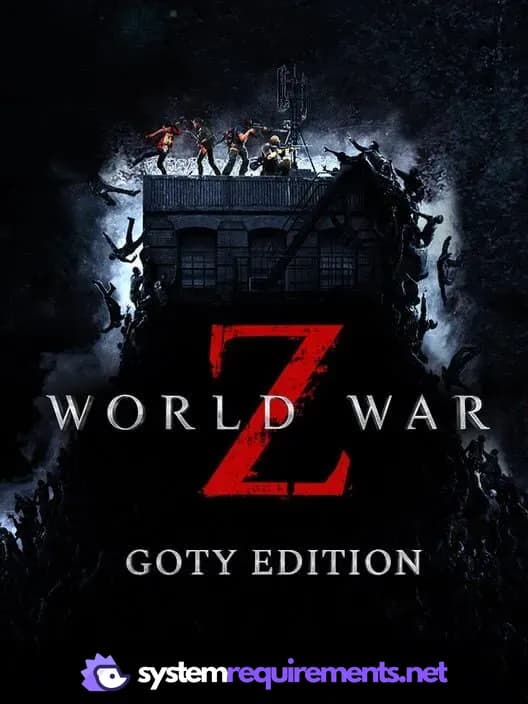
World War Z Game Info
Developer
Saber Interactive
Publisher
Focus Entertainment
Release Date
May 5, 2020
Platforms
PlayStation 4, PC (Microsoft Windows), Xbox One
Genres
Shooter
Game Modes
- Single player
- Multiplayer
- Co-operative
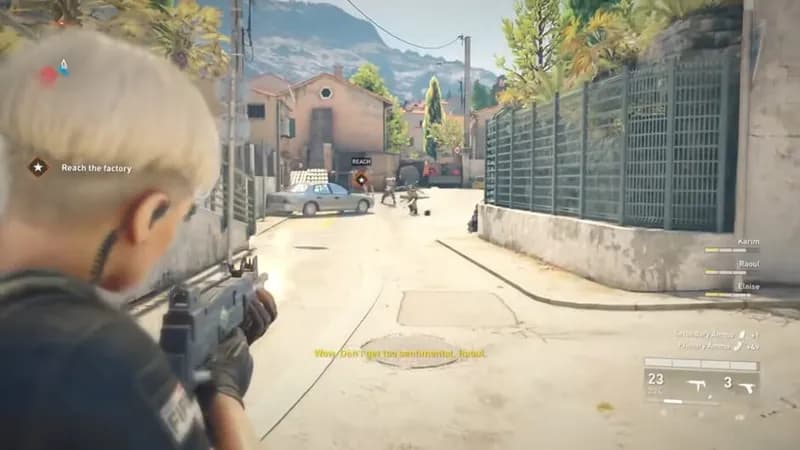
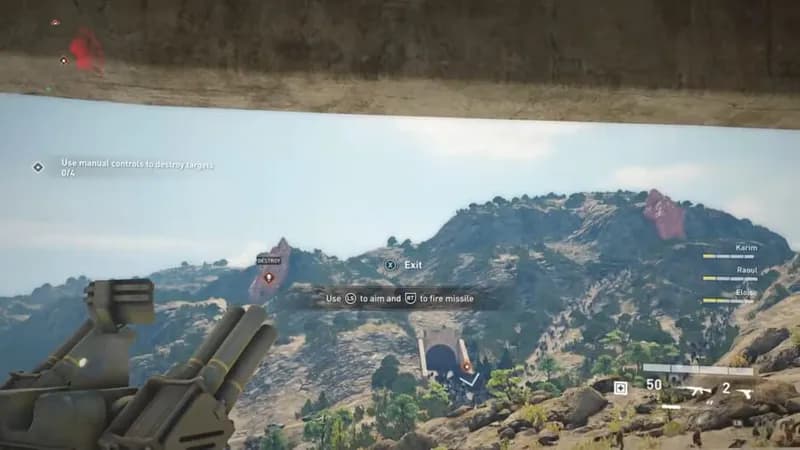
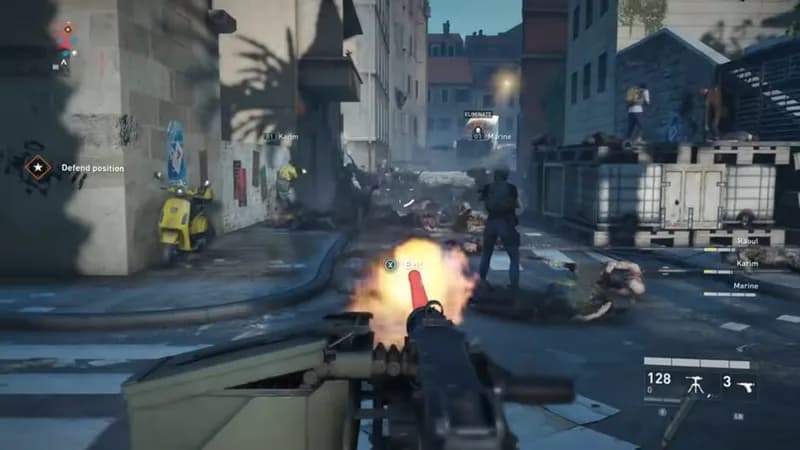
World War Z Screenshots
Games Similar to World War Z
Optimize Your PC for World War Z
Use our free tools to analyze and improve your gaming performance