
All Games
WorldBox - God Simulator System Requirements
WorldBox - God Simulator Minimum & Recommended Specs
Minimum: Intel Core i5-750, Intel HD 4000, 4 GB RAM. Recommended: 8 GB RAM RAM.
Minimum System Requirements
Recommended System Requirements
Upgrade Your Hardware
Quick Performance Tips for WorldBox - God Simulator
#1
Limit the number of creatures in your world.
#2
Keep your world size relatively small.
#3
Close unnecessary background applications.
#4
Restart the game periodically to clear memory.
WorldBox - God Simulator System Requirements FAQ
Can I run WorldBox - God Simulator on a low-end PC?
Yes, WorldBox can run on lower-end PCs. The minimum requirements are an Intel Core i5-750, Intel HD 4000, and 4 GB of RAM. However, you may experience performance issues with larger worlds or many creatures.
What GPU do I need for WorldBox - God Simulator?
The minimum GPU is an Intel HD 4000. For a smoother experience, especially with larger worlds, an Nvidia GeForce GTX 950 or equivalent is recommended.
How much RAM does WorldBox - God Simulator need?
At least 4 GB of RAM is required to run WorldBox. For optimal performance and to handle larger worlds, 8 GB of RAM is recommended.
Will WorldBox - God Simulator run on integrated graphics?
Yes, WorldBox can run on integrated graphics like the Intel HD 4000, but performance might be limited, especially with larger populations and detailed worlds. Consider lowering graphics settings.
What is the best graphics settings for WorldBox - God Simulator?
There are no graphics settings. The game is CPU intensive. Focus on reducing the number of entities in your world to improve performance.

WorldBox - God Simulator Game Info
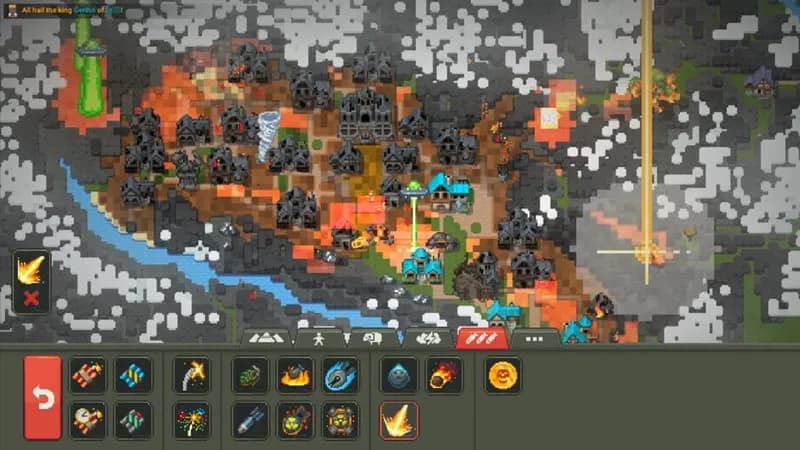
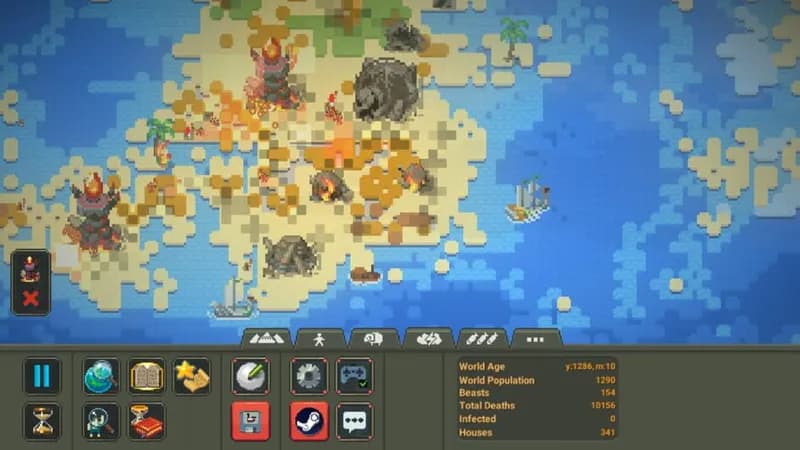
WorldBox - God Simulator Screenshots








Optimize Your PC for WorldBox - God Simulator
Use our free tools to analyze and improve your gaming performance