
Guide
Troubleshooting Guide
This troubleshooting guide helps you identify and fix common problems with the PC Electricity Cost Calculator so you can accurately estimate your PC's power expenses.
Updated 2026-07-05
Understanding the PC Electricity Cost Calculator
The PC Electricity Cost Calculator is an invaluable tool for anyone looking to estimate how much it costs to power their gaming PC or workstation. By inputting your system’s wattage, usage hours, and local electricity rate, you can determine your daily, monthly, and yearly power expenses with ease. However, like any online tool, you may encounter issues that prevent accurate results or smooth operation.
This troubleshooting guide will walk you through the most common problems users face and provide actionable solutions. Whether your results seem off, the calculator is not loading, or you are unsure how to input your data, you will find clear steps to get back on track.
Accurately tracking your PC’s electricity costs is not just about saving money. It is also about understanding your system’s energy demands and optimizing your setup for efficiency. The PC Electricity Cost Calculator simplifies this process, but only if it is used correctly. Read on for a comprehensive breakdown of potential issues and how to resolve them.
Diagnosing Issues and Optimizing Calculator Usage
Before troubleshooting, ensure you are using the latest version of your web browser and that your device’s operating system is up to date. Many issues with online tools stem from outdated software or browser incompatibilities. If you notice discrepancies in your electricity cost estimates or experience technical glitches, there are several diagnostic steps you can take.
Start by double-checking all input fields in the PC Electricity Cost Calculator. Mistyped wattage values or incorrect electricity rates are the leading causes of inaccurate results. It is also important to understand that the calculator assumes consistent power draw, so fluctuating system loads can affect real-world costs.
If the calculator fails to load or buttons do not respond, try refreshing the page, clearing your browser cache, or switching to a different browser. For persistent issues, disabling browser extensions or ad blockers that may interfere with scripts can help. Finally, consult your local electricity bill to verify that the rate you enter matches what your provider actually charges. This ensures the most accurate calculations possible.
Step-by-step
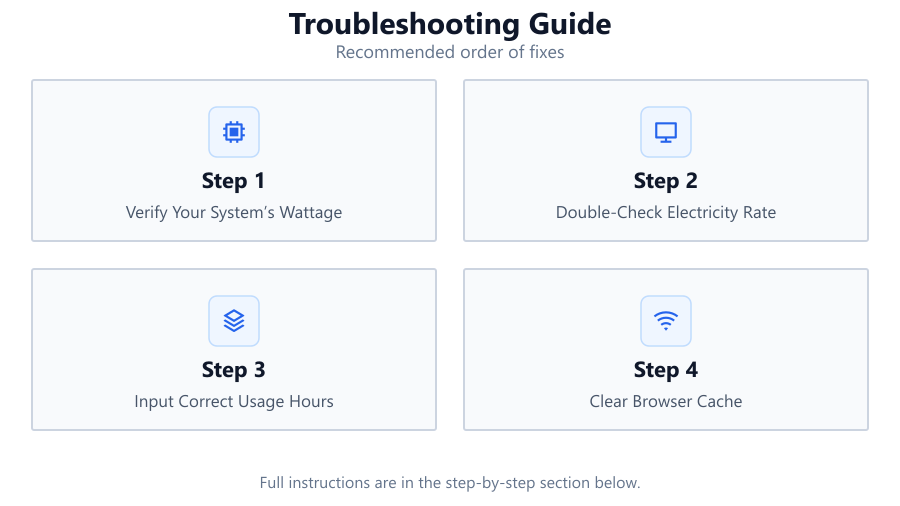
Verify Your System’s Wattage
Check your power supply specifications and use hardware monitoring tools to determine your PC’s average power consumption. Enter this value accurately in the calculator.
Double-Check Electricity Rate
Locate your most recent electricity bill and find the cost per kilowatt-hour (kWh). Enter this value without rounding, as small differences can affect your cost estimates.
Input Correct Usage Hours
Estimate how many hours per day your PC is actively used. Overestimating or underestimating can skew your results. Use daily habits or monitoring tools for accuracy.
Clear Browser Cache
If the calculator is not displaying correctly, clear your browser cache and cookies. This can resolve issues caused by outdated files or scripts.
Try a Different Device or Browser
If problems persist, open the PC Electricity Cost Calculator on another device or use a different browser. This helps identify if the issue is device-specific.
Comparison
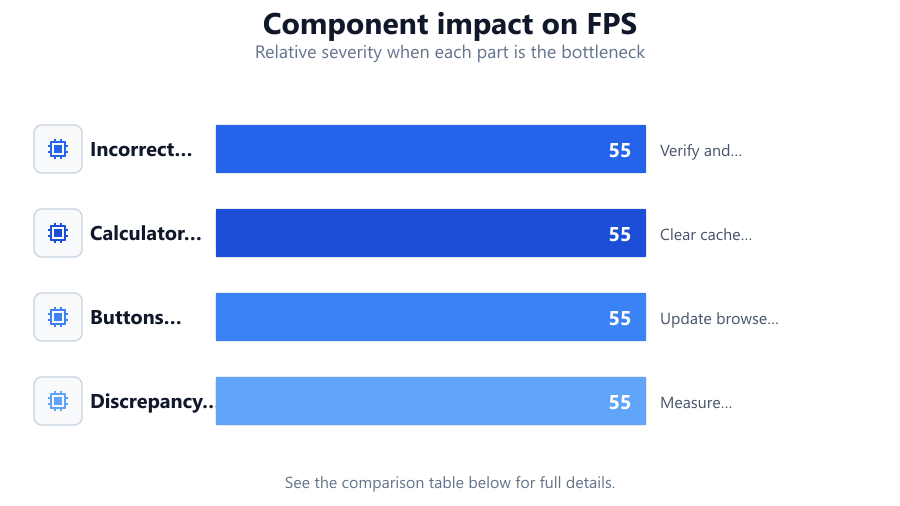
| Problem | Possible Cause | Solution |
|---|---|---|
| Incorrect cost estimates | Wrong wattage or kWh rate entered | Verify and correct all input values |
| Calculator not loading | Browser issues or extensions | Clear cache or disable extensions |
| Buttons unresponsive | Script conflicts or outdated browser | Update browser or try a different one |
| Discrepancy with real bills | Fluctuating power usage | Measure actual consumption with a wattmeter |
Common mistakes
Mistake
Entering peak wattage instead of average consumption
Fix: Use average or typical wattage rather than the maximum value from your power supply’s rating.
Mistake
Using estimated electricity rates from online sources
Fix: Always use the rate from your most recent electricity bill for accuracy.
Mistake
Forgetting to account for all devices in the setup
Fix: Include monitors, speakers, and other peripherals in your total wattage calculation.
Troubleshooting
Calculator shows blank or error message
Likely cause: Browser compatibility issue or disabled JavaScript
What to do: Enable JavaScript and update your browser to the latest version.
Results seem too high or too low
Likely cause: Incorrect wattage, hours, or rate entered
What to do: Double-check each input and verify values against reliable sources.
Unable to change input values
Likely cause: Browser extensions interfering with page scripts
What to do: Temporarily disable browser extensions and reload the calculator page.
Recommendations
- Measure your PC’s actual power consumption with a hardware wattmeter for the most accurate input.
- Update your recorded electricity rate regularly as utility costs can change over time.
- Bookmark the PC Electricity Cost Calculator for quick access whenever you upgrade hardware.
- Review your local power usage trends to identify energy-saving opportunities for your PC setup.
Frequently asked questions
Why does my calculated electricity cost differ from my utility bill?
Differences can result from fluctuating power draw, incorrect input values, or additional household devices not accounted for in the PC Electricity Cost Calculator.
What if the calculator will not load on my computer?
Try updating your browser, clearing your cache, or using another device. Disabling ad blockers or script-blocking extensions may also resolve the issue.
How do I find my PC’s real power usage?
Use a hardware wattmeter or reliable monitoring software to measure the actual power draw of your system during normal use.
Can I use the calculator for other devices?
Yes, the PC Electricity Cost Calculator can estimate costs for any device if you know its wattage, usage hours, and your local electricity rate.