
Guide
Common Buying Mistakes
Falling for common buying mistakes is easy when choosing tech products or services. This guide helps you spot and avoid the most frequent pitfalls so you get the right gear, the first time.
Updated 2026-07-05
Understanding Common Buying Mistakes
Technology purchases can be daunting, whether you are building a new PC, upgrading your internet, or choosing accessories. Many buyers end up dissatisfied due to poor research, misunderstandings about specifications, or being swayed by marketing hype instead of real-world needs.
For example, some users buy the fastest available internet without considering upload speeds, which are critical for video creators and remote workers. Others pick hardware based solely on brand reputation, missing out on better value or compatibility. These mistakes can lead to wasted money, performance bottlenecks, or a frustrating user experience.
By understanding the most common buying mistakes, you can make better decisions that suit your actual requirements. Using tools like the Upload Time Calculator can help you plan more efficiently, especially when dealing with large files and varying internet speeds.
How to Avoid the Most Frequent Mistakes
The first step to avoiding common buying mistakes is to clearly define your needs. Are you primarily gaming, streaming, working from home, or handling large uploads? Each scenario has specific hardware and internet requirements.
Research is essential. Compare specifications, read user reviews, and use calculators like the Upload Time Calculator to estimate how your new setup will perform in real scenarios. Overlooking the importance of upload speed, for example, is a frequent misstep for content creators who are focused on download numbers alone.
Another trap is buying based on price alone. The cheapest or most expensive option is rarely the best fit. Factor in reliability, compatibility, and long-term needs. Remember, tools and calculators designed for buyers can help clarify what matters most for your situation. Take advantage of these resources to ensure you are not making decisions based on guesswork.
Step-by-step
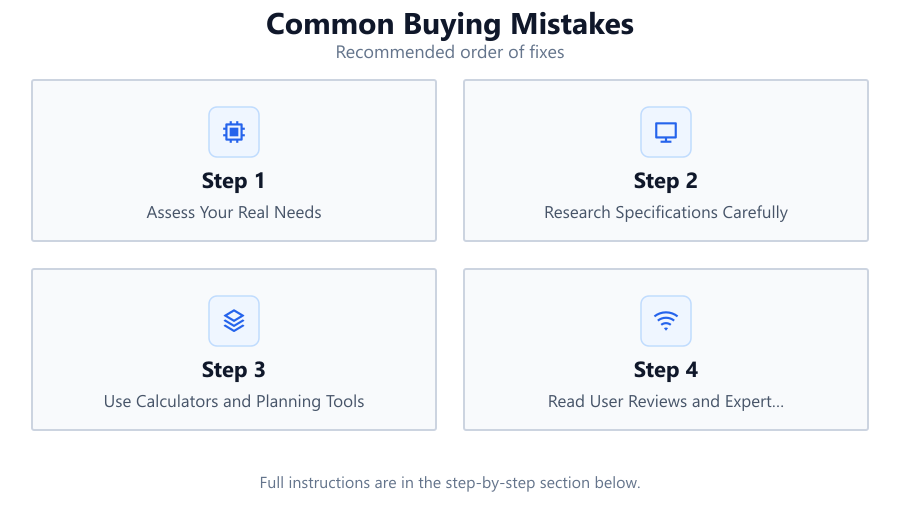
Assess Your Real Needs
List the tasks you need your purchase to handle. For example, if you regularly upload large files, prioritize high upload speeds. This will help you avoid paying for unnecessary features or missing essential ones.
Research Specifications Carefully
Check the technical details, not just marketing claims. Compare specs across brands and models, and verify compatibility with your existing setup.
Use Calculators and Planning Tools
Take advantage of tools like the Upload Time Calculator to estimate performance. This ensures your chosen product meets your actual workflow requirements.
Read User Reviews and Expert Opinions
Supplement manufacturer information with real-world feedback. Look for repeated complaints or praise to identify strengths and weaknesses.
Consider Future Needs
Think beyond immediate requirements. Will your workload increase? Are you planning to upgrade other components soon? Planning ahead can save money and frustration.
Comparison
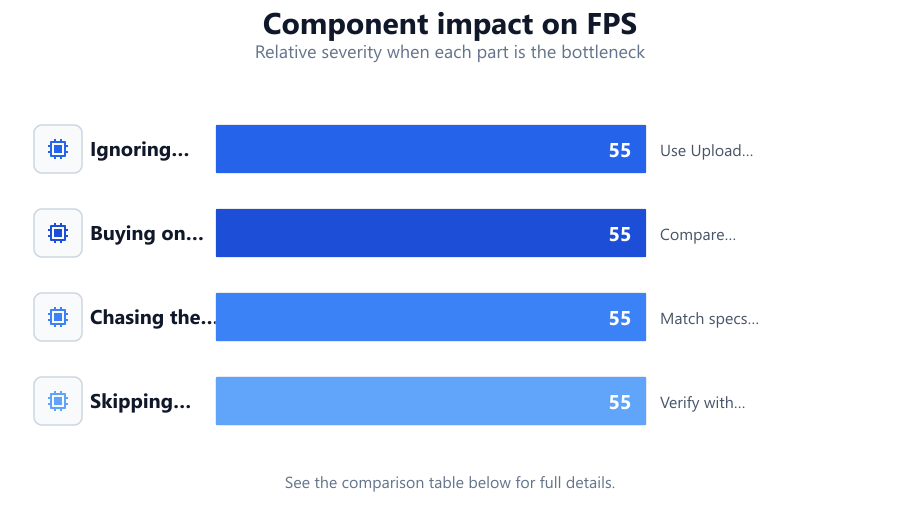
| Mistake | Impact | How to Avoid |
|---|---|---|
| Ignoring upload speeds | Slow file transfers | Use Upload Time Calculator to check speeds |
| Buying on brand alone | Overpay or miss features | Compare specs and reviews |
| Chasing the highest specs | Wasted budget, unnecessary features | Match specs to real tasks |
| Skipping compatibility checks | System conflicts or failures | Verify with compatibility lists |
Common mistakes
Mistake
Ignoring Upload Speed Requirements
Fix: Always check both upload and download speeds before purchasing internet service. Use the Upload Time Calculator to estimate if the plan meets your needs.
Mistake
Prioritizing Brand Over Performance
Fix: Do not assume brand equals quality. Compare specifications and user reviews to find the best value for your needs.
Mistake
Overbuying or Underbuying Hardware
Fix: Assess your actual usage patterns and avoid extremes. Select components that fit your current and near-future requirements.
Troubleshooting
Slow file uploads despite high-speed internet
Likely cause: Upload speed is much lower than download speed
What to do: Confirm your plan's upload speed and use the Upload Time Calculator to estimate transfer times. Upgrade if needed.
New hardware not working with existing setup
Likely cause: Compatibility issues
What to do: Double-check compatibility before buying. Consult manufacturer specs and user forums.
Unexpected performance bottlenecks
Likely cause: Mismatched or unbalanced components
What to do: Balance your system. Do not pair high-end parts with entry-level ones. Use planning tools to check for bottlenecks.
Recommendations
- Define your primary tasks and buy for those needs.
- Always research both upload and download speeds for internet service.
- Use the Upload Time Calculator for accurate file transfer estimates.
- Check hardware compatibility before purchasing new components.
- Read multiple user reviews to spot recurring issues.
Frequently asked questions
Why is upload speed important when buying internet service?
Upload speed determines how quickly you can send files, stream, or use cloud services. For tasks like video uploads or backups, it is as vital as download speed.
How can the Upload Time Calculator help avoid buying mistakes?
By estimating how long your files will take to upload, the Upload Time Calculator reveals if your current or planned internet service is sufficient for your needs.
What is the risk of buying hardware based only on brand?
You may overpay or miss out on better-performing options. Always compare specifications and reviews across brands.
How do I check if new hardware is compatible with my PC?
Review the manufacturer's specifications and use compatibility checkers or community forums to ensure all parts will work together.