
All Games
Fast Food Simulator System Requirements
November 11, 2020
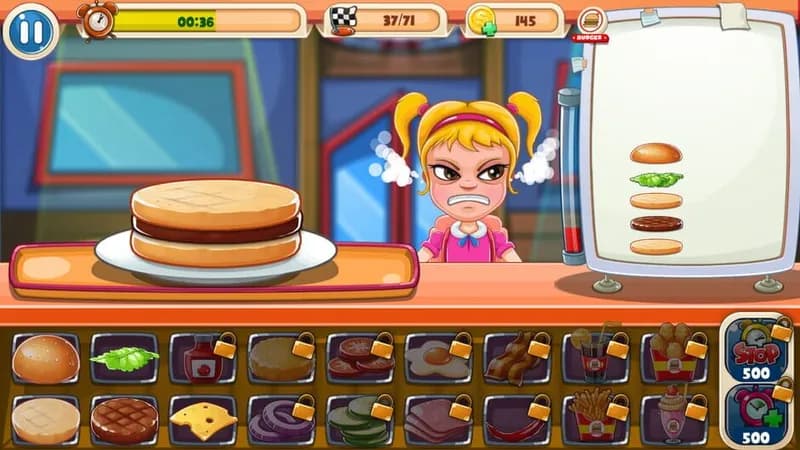
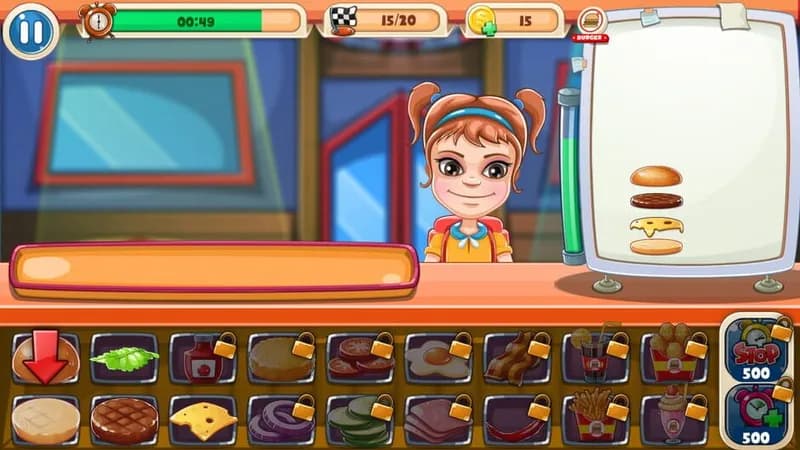
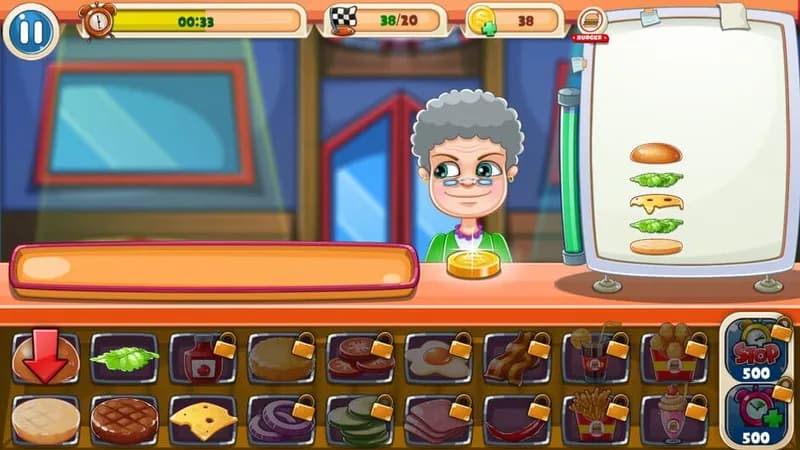
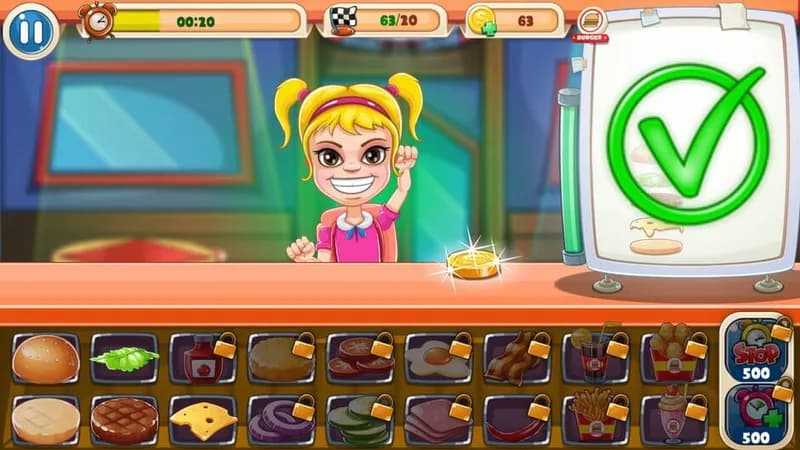
Take control of a bustling eatery in Fast Food Simulator, a PC game demanding culinary skill and efficient service. Prepare and plate an assortment of familiar fast food staples to satisfy the hungry digital masses.
Fast Food Simulator Minimum & Recommended Specs
Minimum: Intel Core i3-4160, NVIDIA GeForce GTX, 4 GB RAM. Recommended: 8 GB RAM RAM.
Minimum System Requirements
Recommended System Requirements
Upgrade Your Hardware
Quick Performance Tips for Fast Food Simulator
#1
Lower shadow quality for a big FPS boost.
#2
Reduce texture resolution for smoother gameplay.
#3
Disable anti-aliasing on low-end systems.
#4
Close background apps to free up RAM.
Fast Food Simulator System Requirements FAQ
Can I run Fast Food Simulator on a low-end PC?
If your PC meets the minimum requirements (Intel Core i3-4160, NVIDIA GeForce GTX 560, 4 GB RAM), you can run Fast Food Simulator, but you may need to lower the graphics settings for optimal performance. Performance may be poor if your hardware is below the minimum.
What GPU do I need for Fast Food Simulator?
At a minimum, you'll need an NVIDIA GeForce GTX 560 or equivalent. For a smoother experience with higher settings, an NVIDIA GeForce GTX 970 is recommended.
How much RAM does Fast Food Simulator need?
Fast Food Simulator requires at least 4 GB of RAM to run. For a better experience and to avoid potential performance issues, 8 GB of RAM is recommended.
Will Fast Food Simulator run on integrated graphics?
While it's *possible* Fast Food Simulator might run on some integrated graphics solutions, it's not recommended. The game is designed for dedicated graphics cards, and you'll likely experience significant performance issues with integrated graphics. Aim for at least the minimum GPU requirement.
What is the best graphics settings for Fast Food Simulator?
If you meet the recommended specs, you should be able to run the game on high or ultra settings. If you are closer to the minimum, try lowering settings like shadows, textures, and anti-aliasing to improve performance. Experiment to find the best balance of visual quality and framerate.

Fast Food Simulator Game Info
Release Date
November 11, 2020
Platforms
PC (Microsoft Windows)
Genres
SimulatorIndie
Fast Food Simulator Screenshots
Games Similar to Fast Food Simulator





Optimize Your PC for Fast Food Simulator
Use our free tools to analyze and improve your gaming performance